Start With Wattage, Not Wattage Envy
The single biggest mistake people make when buying charging gear is grabbing the highest number they can find. Wattage only helps if your device can accept it. A phone that tops out at 20W will not charge faster on a 140W brick, and a laptop that needs 100W will crawl along on a 20W phone charger.
Here is the rough map most people need:
- 20W–35W: Phones, earbuds, smartwatches, and small tablets.
- 45W–70W: Tablets, most ultrabooks, and fast phone charging with headroom for a second device.
- 100W and up: Laptops, docking stations, and multi-device desk setups.
Everyday phone and tablet charging
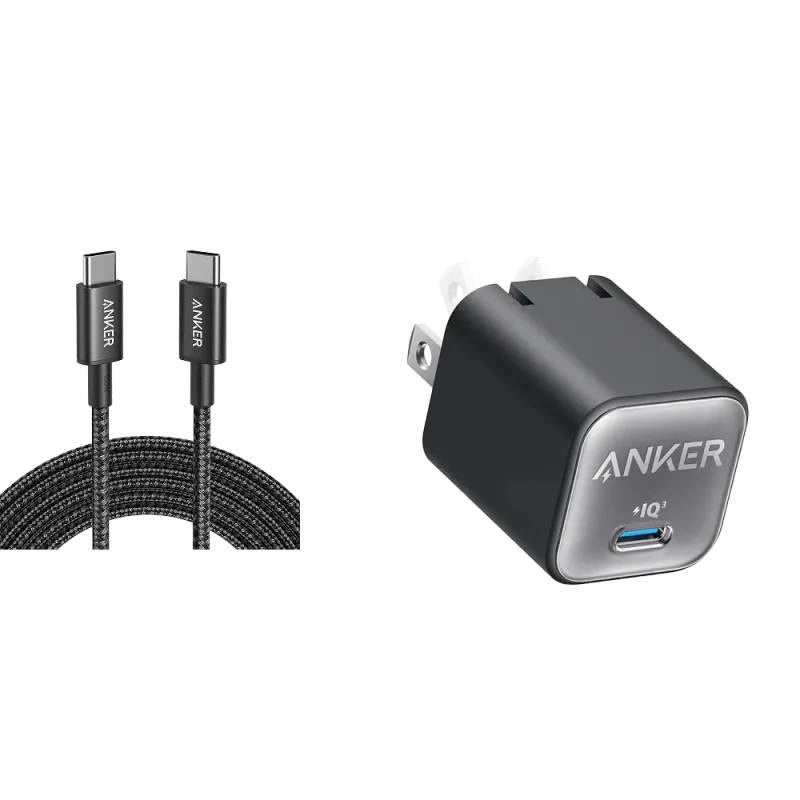
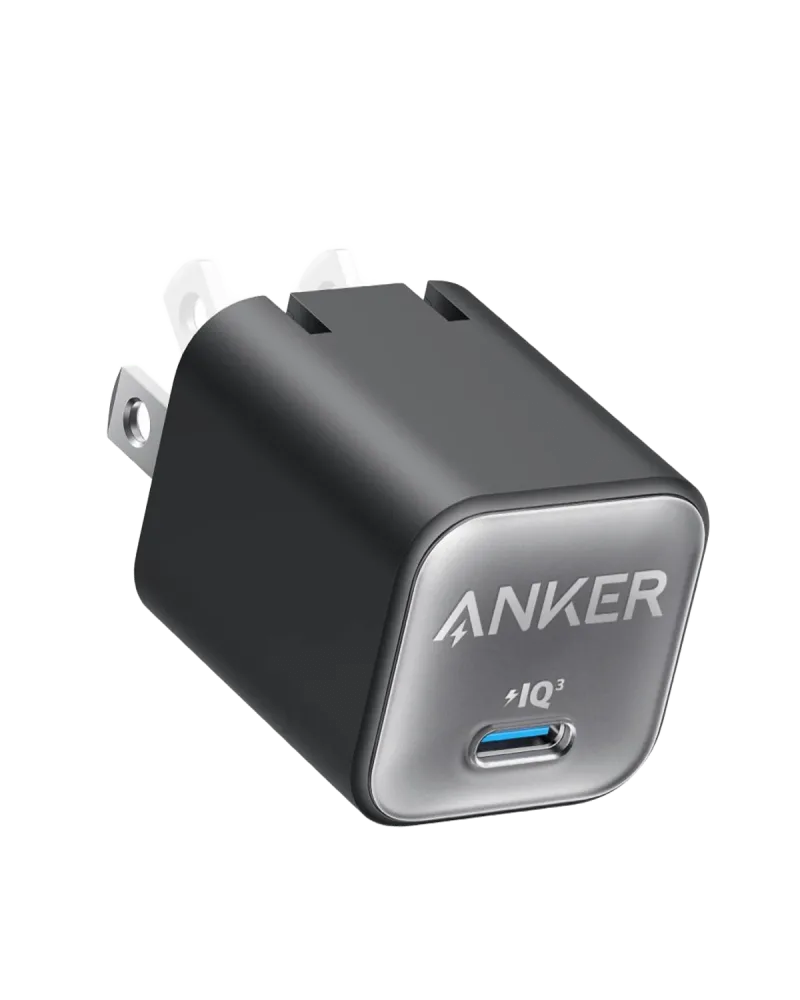
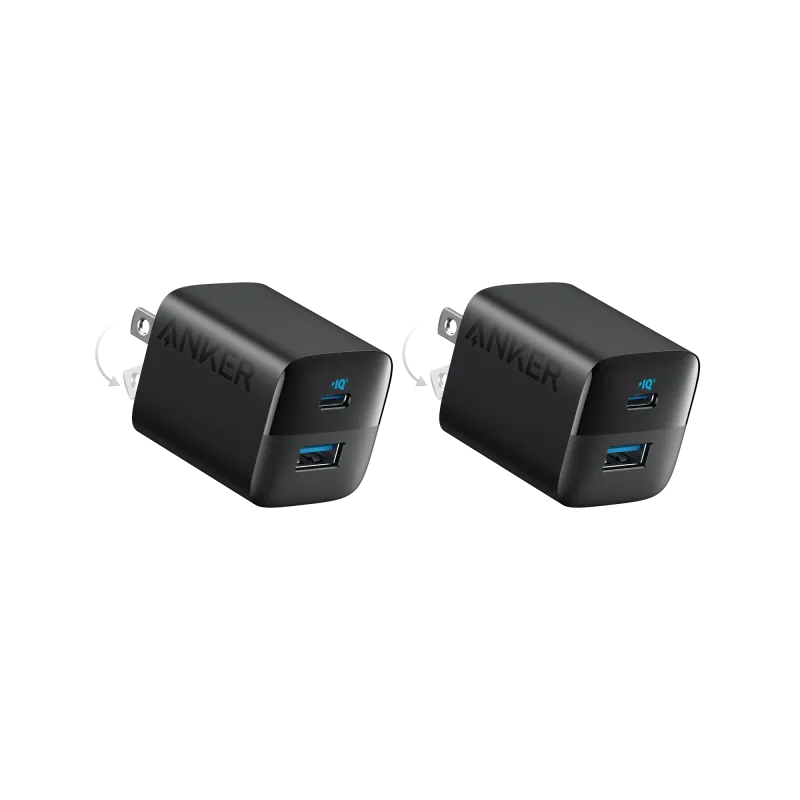
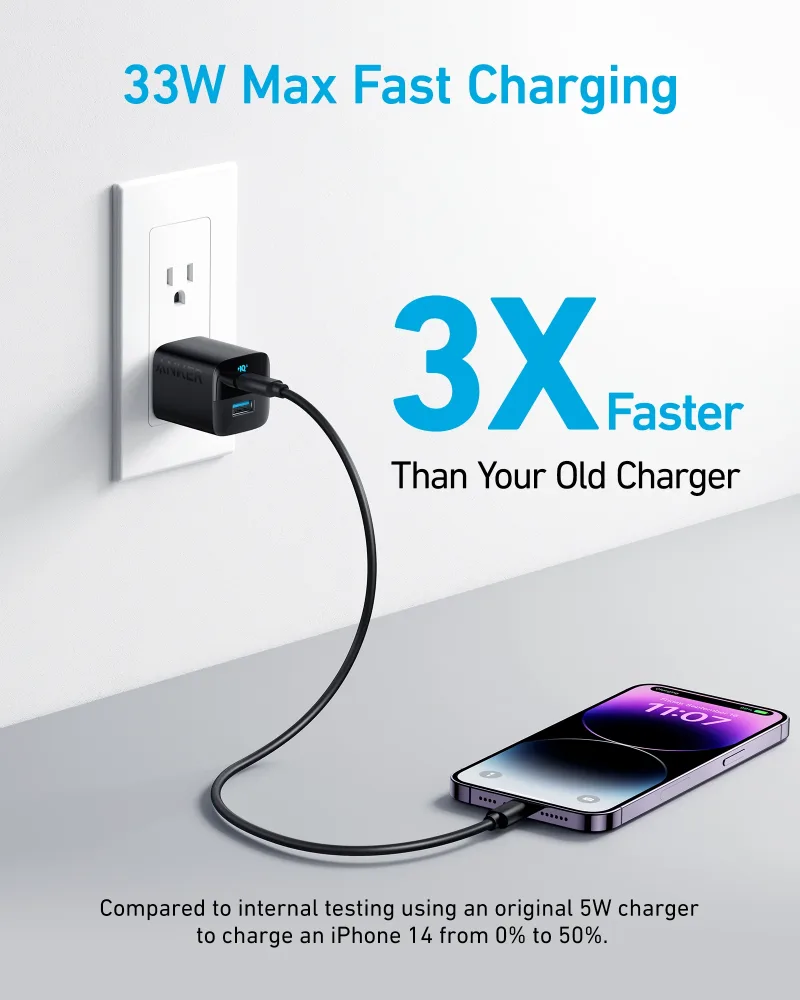
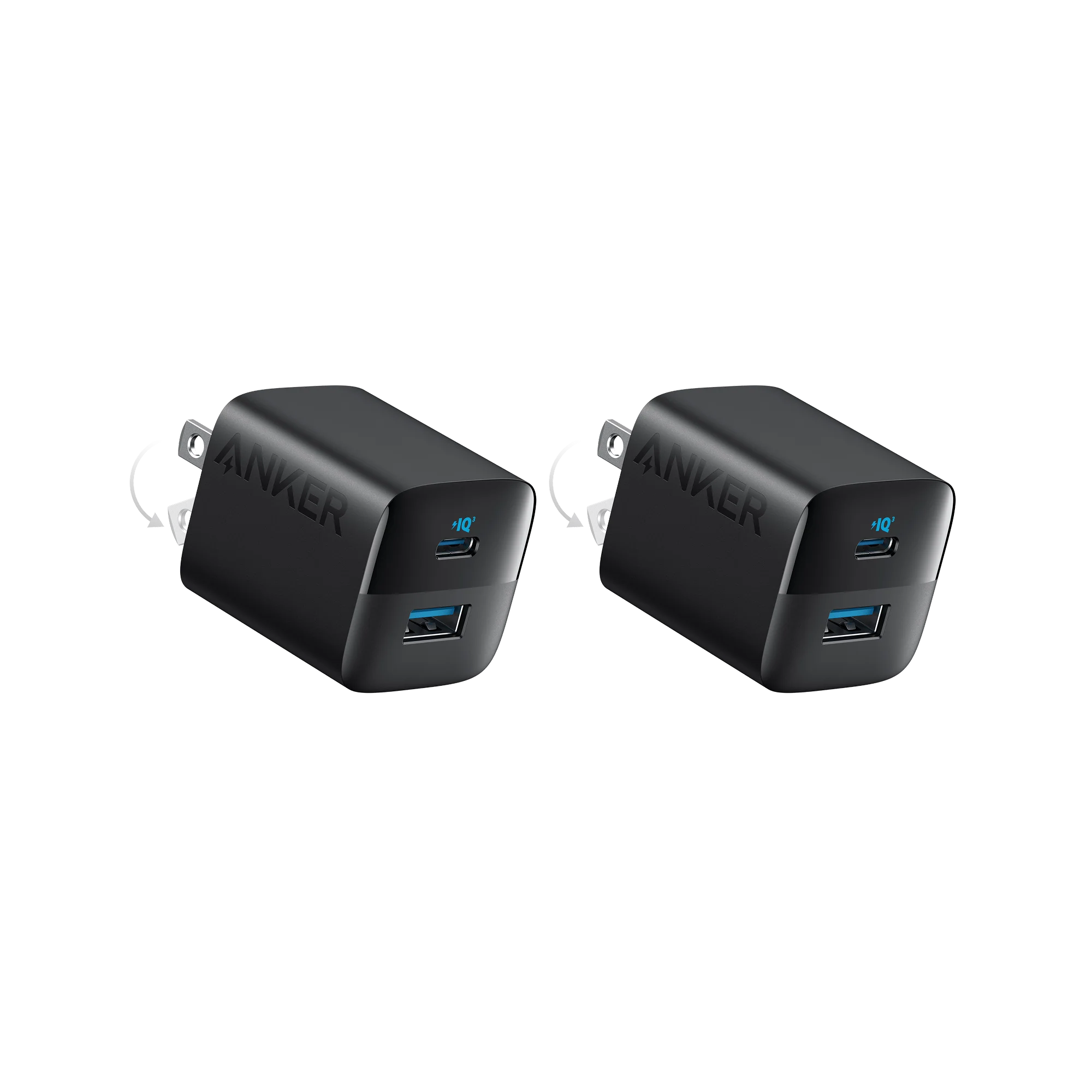
A compact single-port brick is the easiest place to start. The Anker Nano Charger (30W) and New Nylon USB-C to USB-C 100W Cable (10 ft) covers a phone plus a long cable that actually reaches the couch. If you want to charge two phones at once, the Anker 323 Charger (33W)-2 Pack gives you two compact adapters for the price of one trip to the store.
Laptop-class power
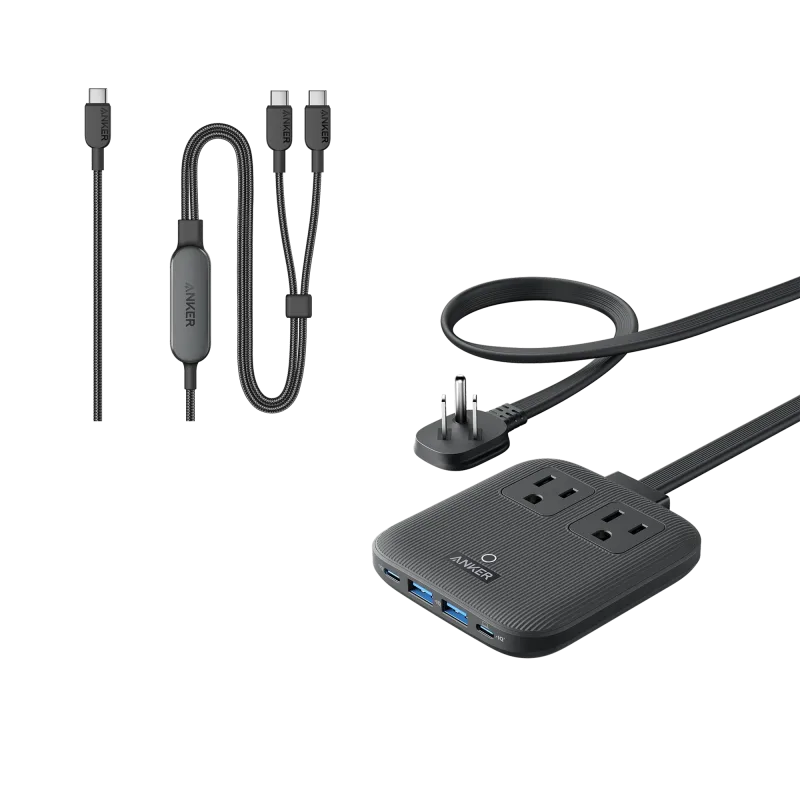
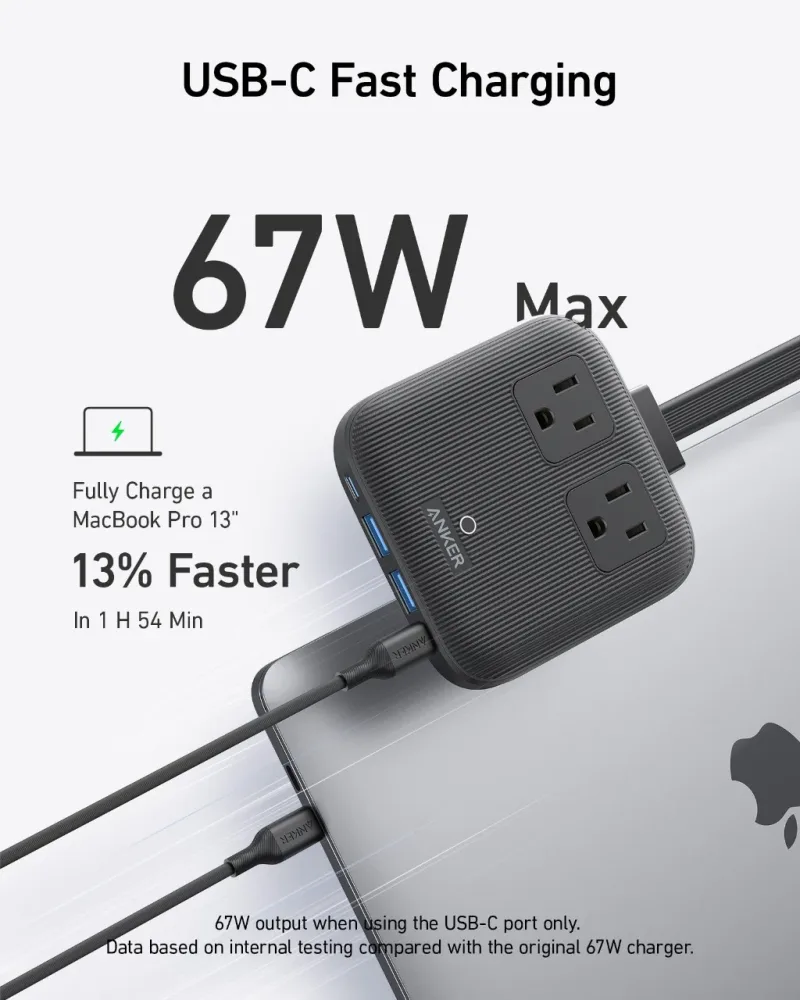
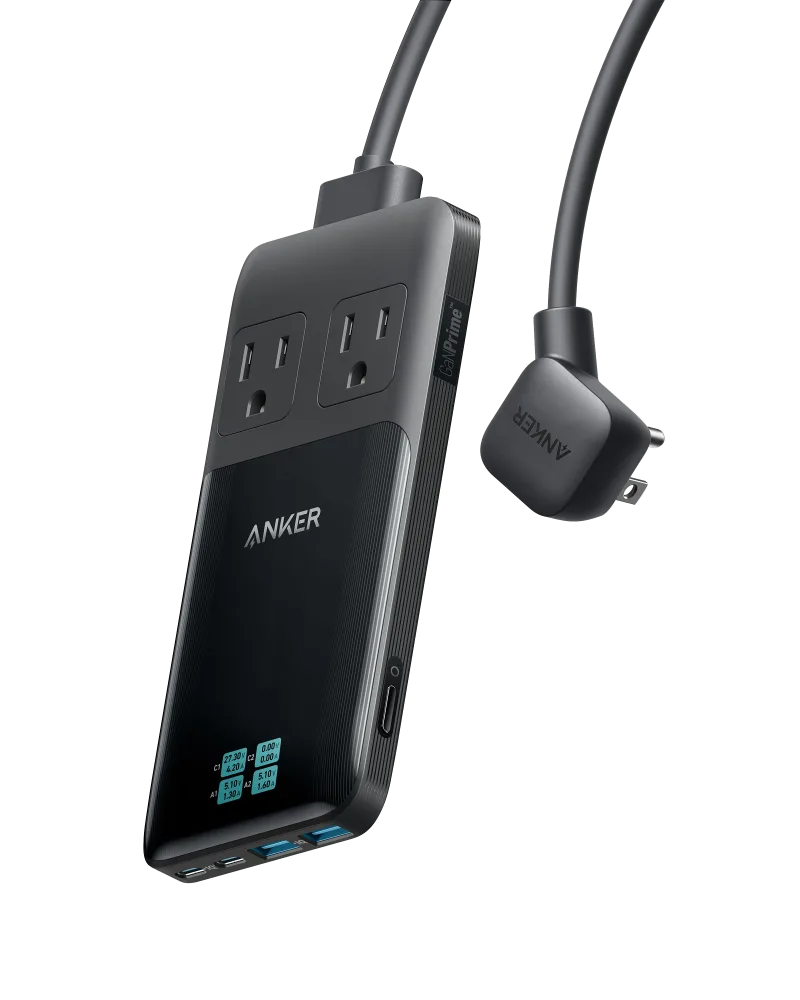
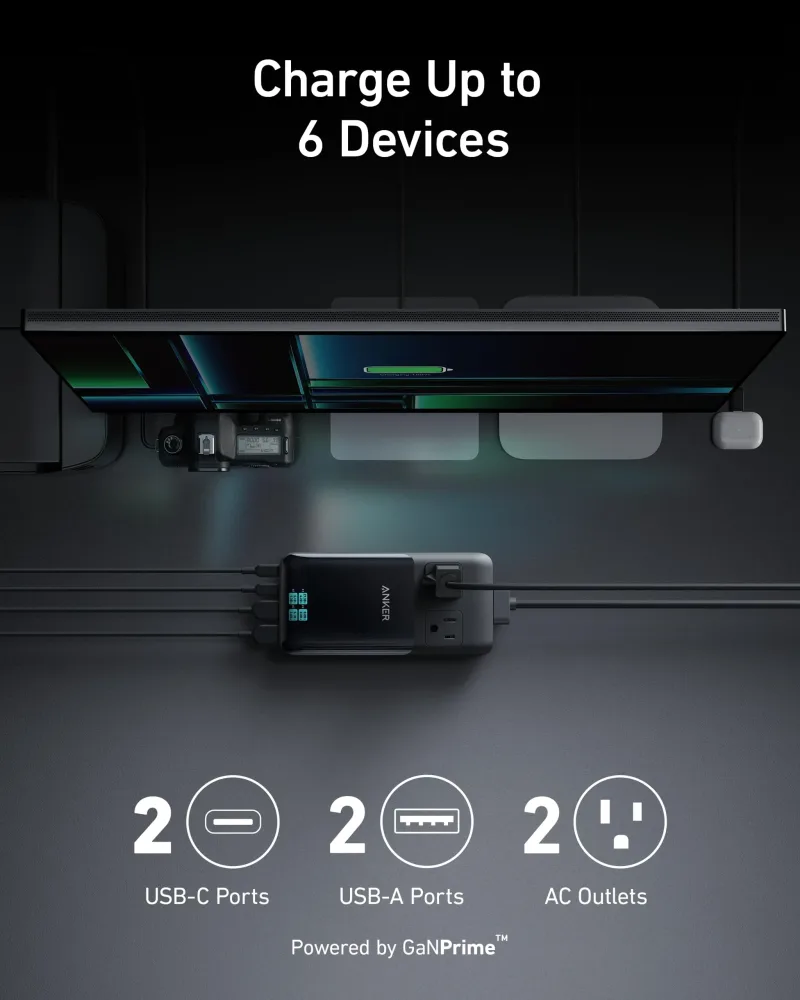
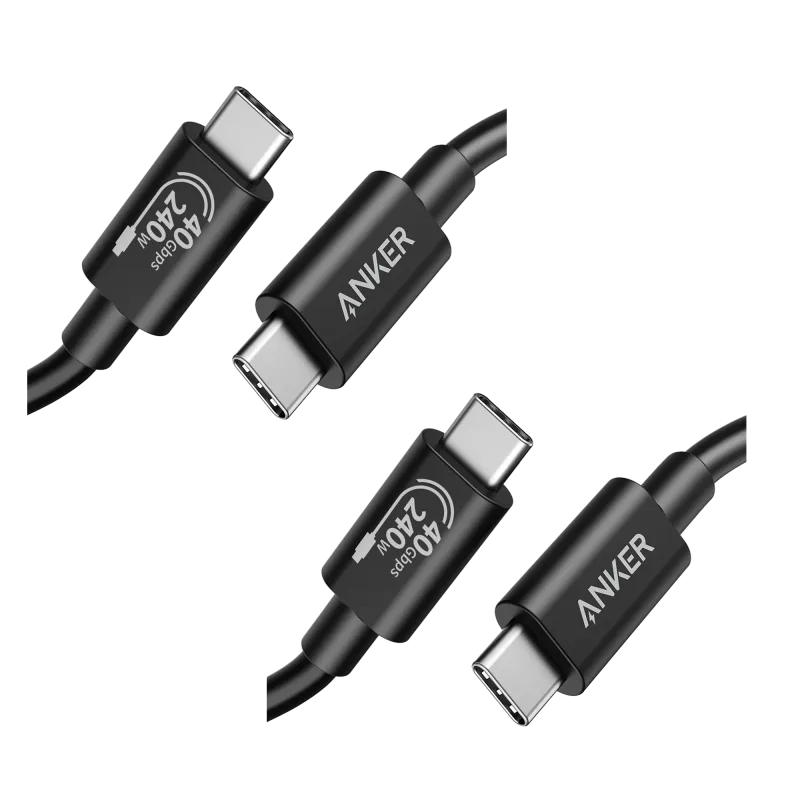
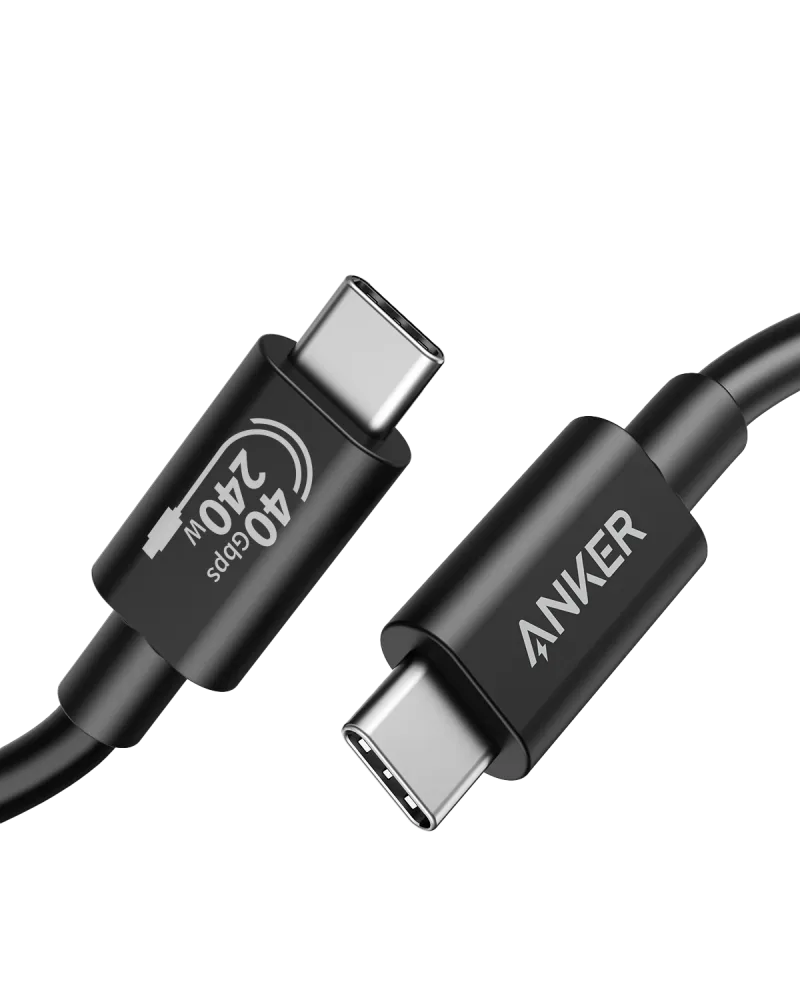
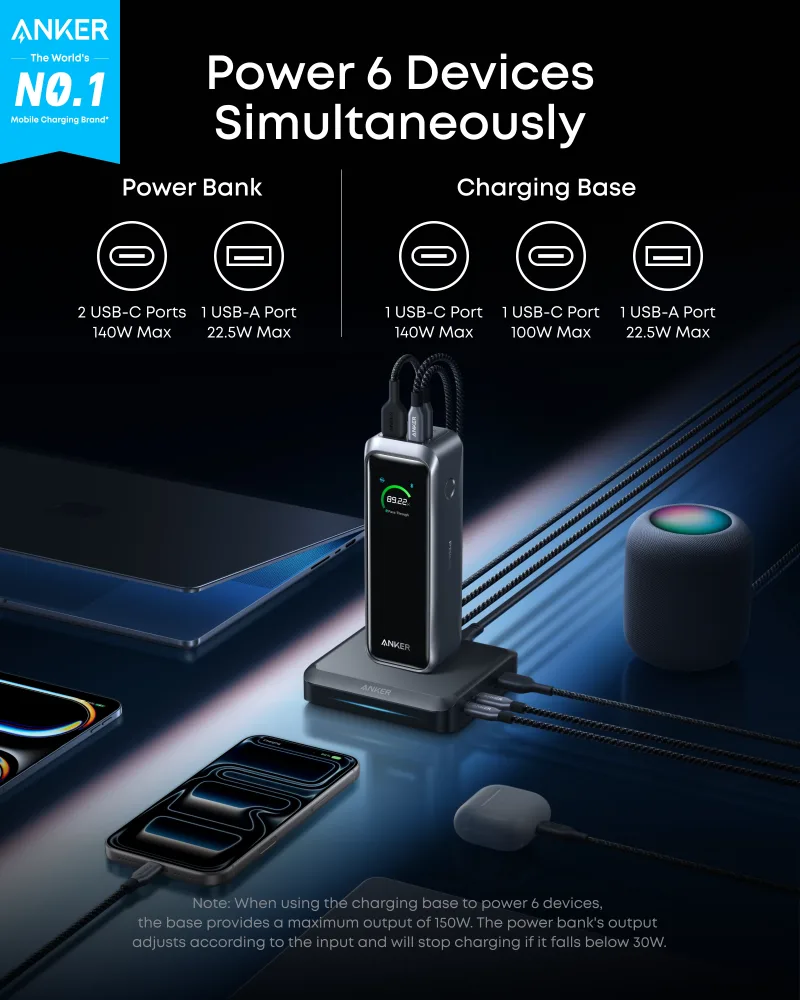
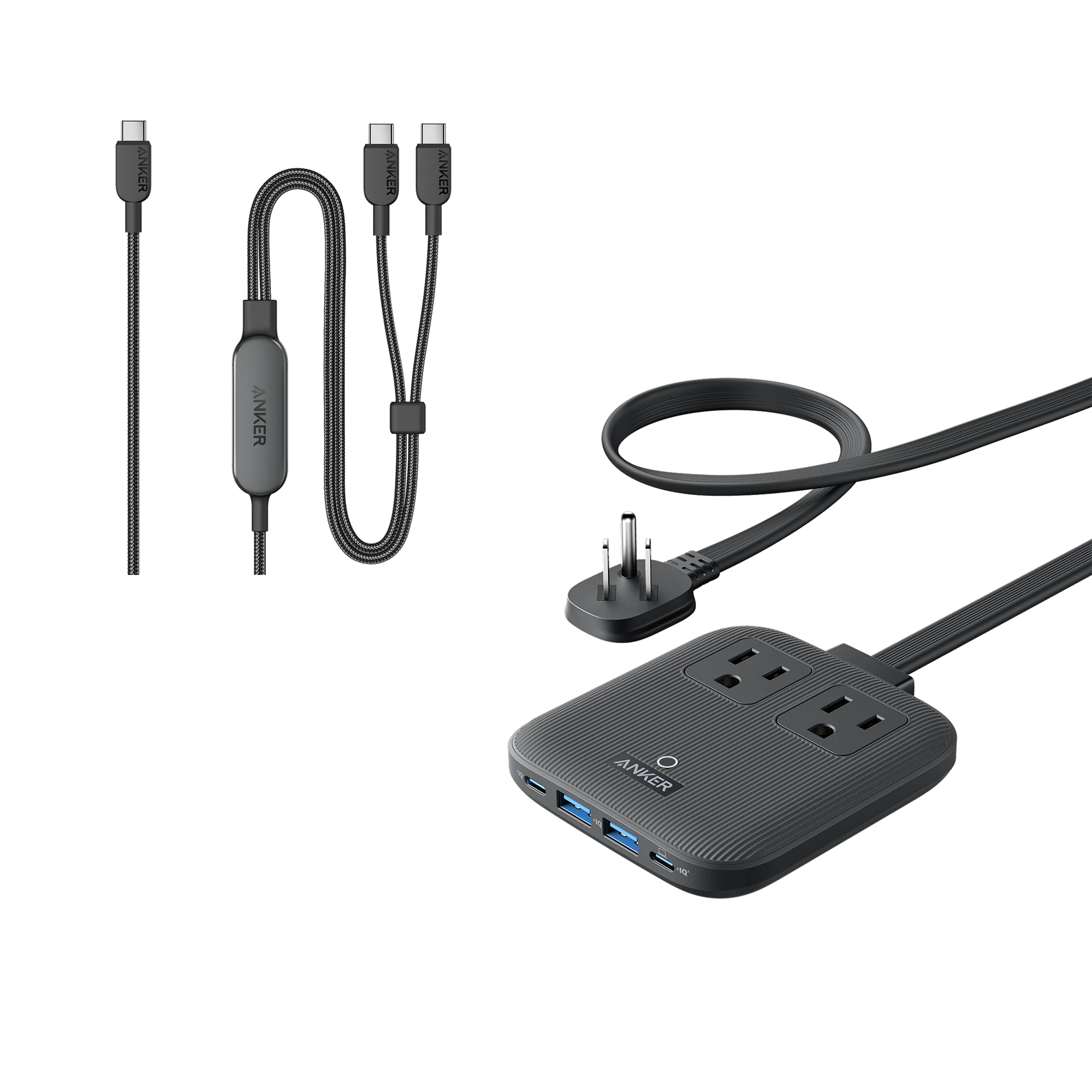
Once a laptop enters the picture, look at 65W or higher. The Anker Nano Charging Station (6-in-1, 67W) and Anker 140W 2-in-1 USB-C to USB-C Cable is a smart pairing: enough output for a thin-and-light laptop, plus extra ports so your phone and earbuds share the same outlet. For a full desk setup, the Anker Prime 6-in-1 Charging Station (140W) handles a laptop and several accessories without a tangle of adapters.
The Cable Matters More Than You Think
A 100W charger paired with a 60W cable will only ever deliver 60W. Cables are not all equal, and the connector type tells you what you need.
- USB-C to USB-C: The modern default for phones, tablets, laptops, and power banks.
- USB-C to Lightning: For older iPhones and some accessories.
- USB-A to Lightning: Still useful for cars and older wall adapters.
For high-wattage laptops, look for a cable rated for the job, such as the Anker 515 USB-C to USB-C Cable (Thunderbolt 4 Compatible), which is built for data and display duties as well as power. If you want a cable that survives being coiled into a bag every day, a silicone or braided option holds up better than the thin cable in the box.
Power Banks: Match Capacity to Your Day
Capacity is measured in milliamp-hours (mAh), and bigger means heavier. Think about how long you are actually away from an outlet.
- 5,000mAh: A top-up for a phone on a night out.
- 10,000mAh: One to two full phone charges, still pocketable.
- 20,000mAh and up: Laptop charging, weekend trips, and travel days.
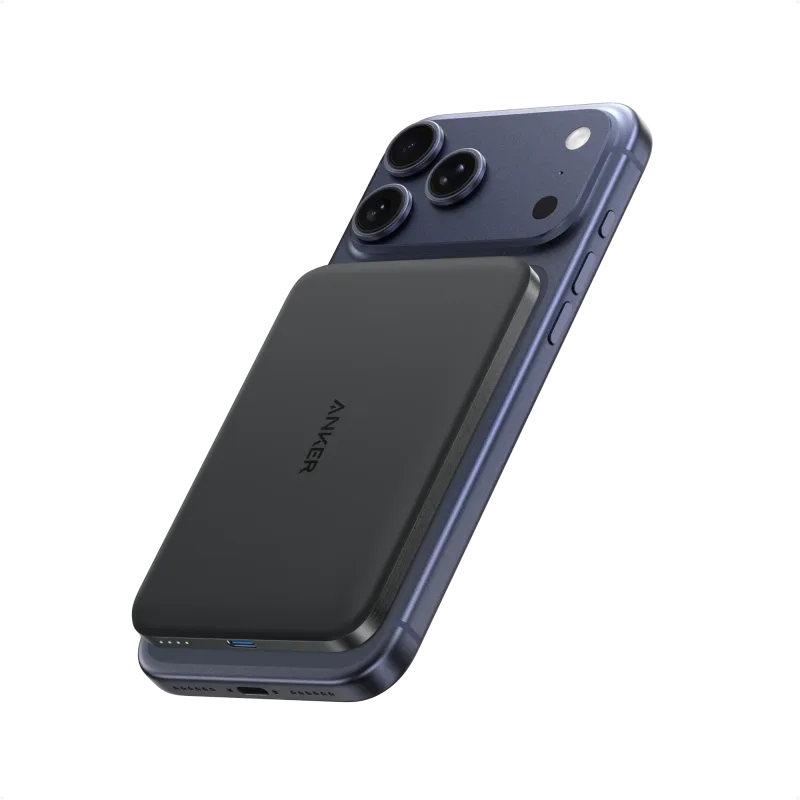
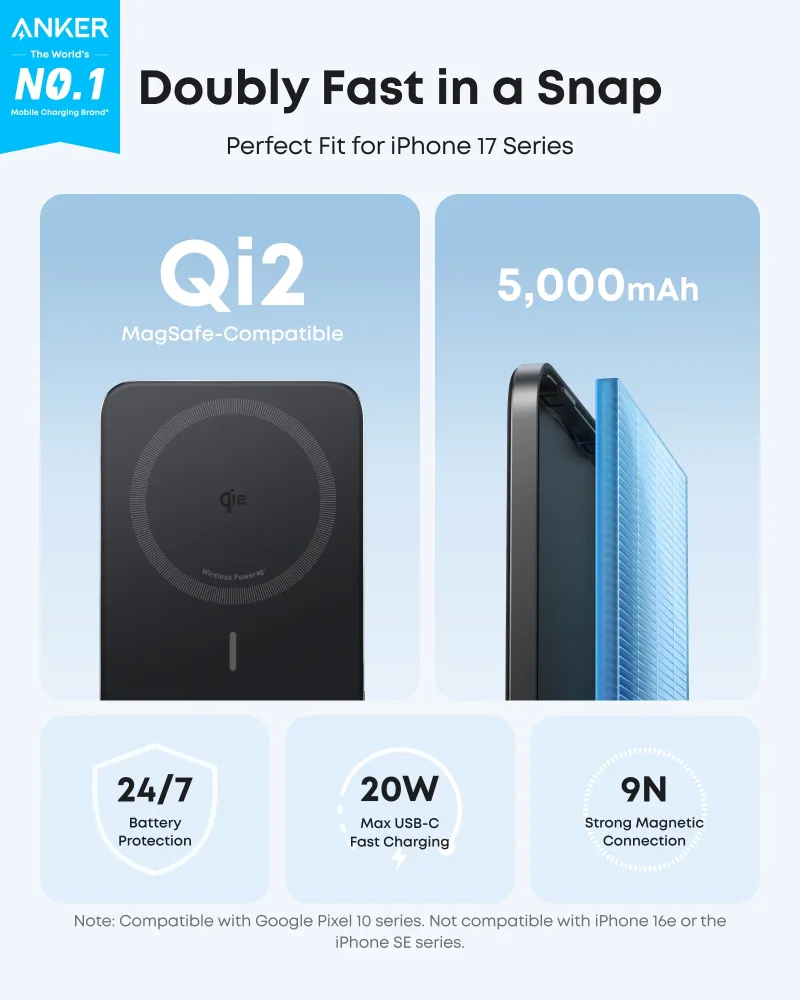
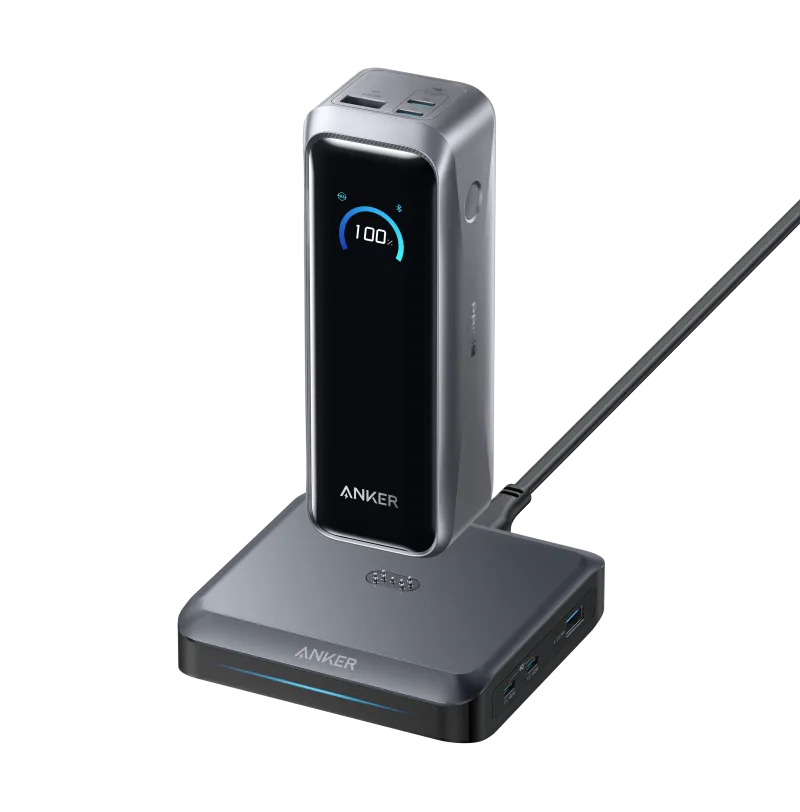
For a light, magnetic option that snaps onto a compatible phone, the Anker Nano Power Bank (5K, MagGo, Slim) is the one you will actually carry. If you need to keep a laptop alive on a long travel day, the Anker Prime Power Bank (20K, 220W) with Charging Base delivers serious output and recharges quickly on its own base.
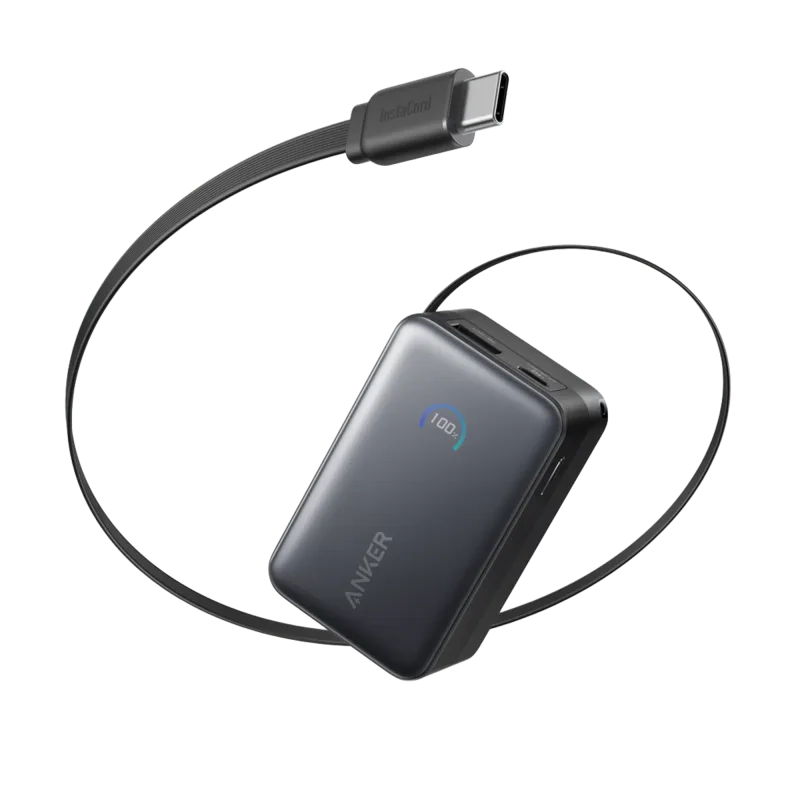
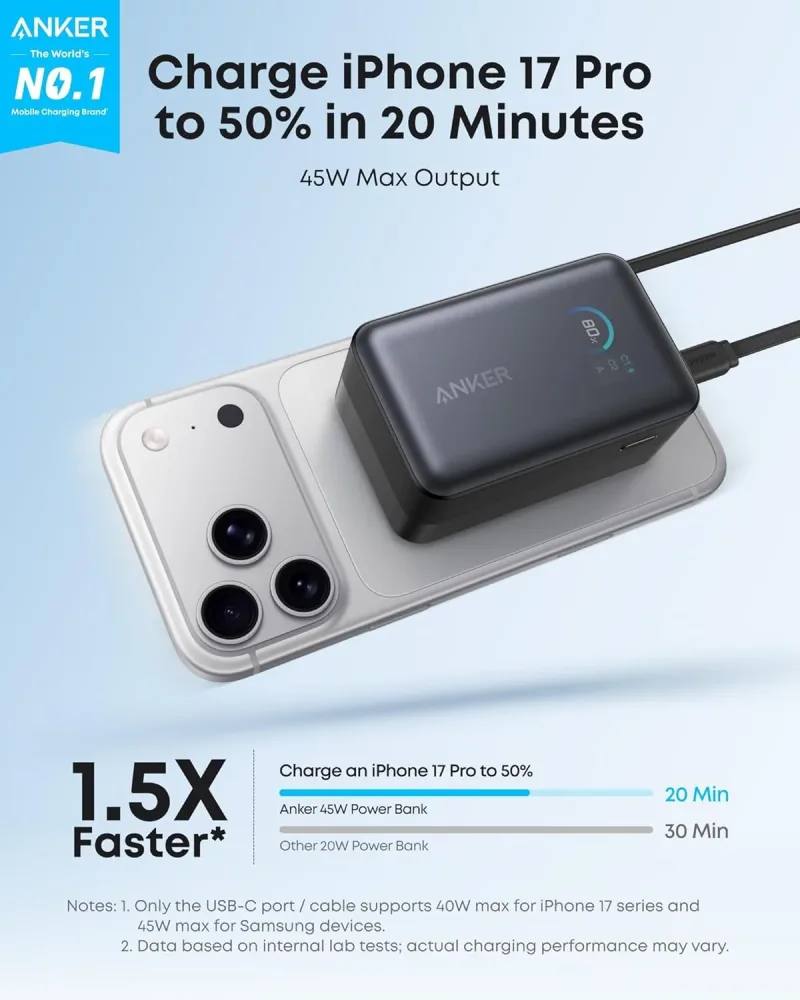
Built-in cables are a quiet quality-of-life upgrade. The Anker Nano Power Bank (10K, 45W, Built-In Retractable USB-C Cable) means one less thing to forget at home.
Desk, Travel, and Docking Setups
If you plug a laptop into a monitor, a docking station replaces a pile of dongles. A 13-in-1 dock typically covers HDMI, USB-A, Ethernet, SD cards, and pass-through charging in a single connection. Travel adapters are the other half of the equation: a compact multi-port adapter with interchangeable plugs keeps you from hunting for a converter in a foreign airport.
For a permanent desk, a USB power strip keeps everything on one switch, while a small Ethernet adapter is the simplest fix when hotel or office Wi-Fi is unreliable. Wireless charging pads and stands belong on the nightstand or beside the keyboard, where dropping a phone down beats plugging it in.
A Simple Rule for Choosing
Write down the devices you charge in a normal week, find the highest wattage among them, and buy a charger at or slightly above that number. Then buy a cable rated for the same wattage, and a power bank sized to the longest stretch you spend away from an outlet. Do that, and you will never wonder why your "fast" charger feels slow.