Build a Charging Setup That Actually Fits Your Devices
Buying a charger sounds simple until you're staring at wattages, port counts, and cable standards. The good news: once you understand a few basics, picking the right gear for your phone, laptop, tablet, and travel bag takes about five minutes. This guide walks through wall chargers, cables, power banks, docks, and desk accessories so you can match the hardware to how you actually use it.
Step 1: Match the Charger to Your Device
Wattage is the first thing to check. A phone typically charges quickly somewhere between 20W and 45W, while most modern laptops want 65W or more. If you're charging both from one outlet, a multi-port GaN charger saves space and outlets.
Wall chargers
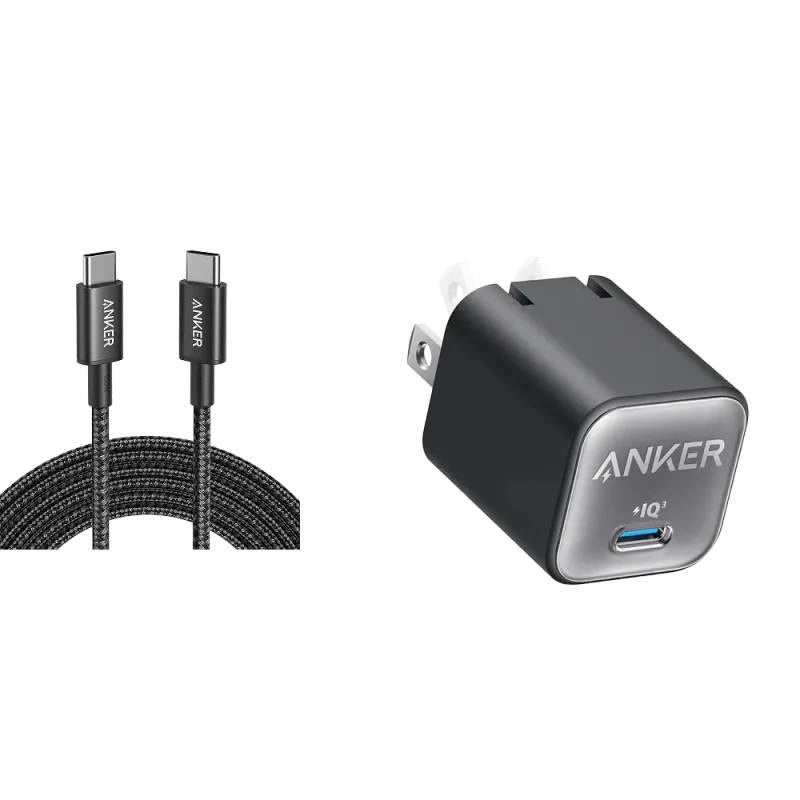
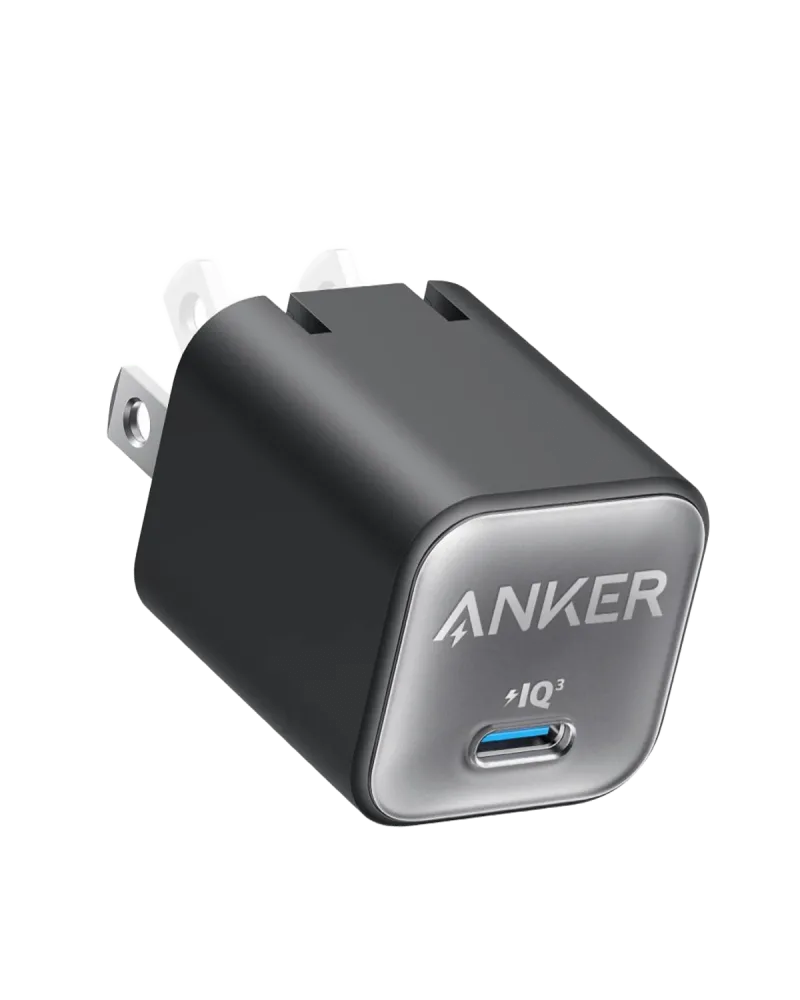
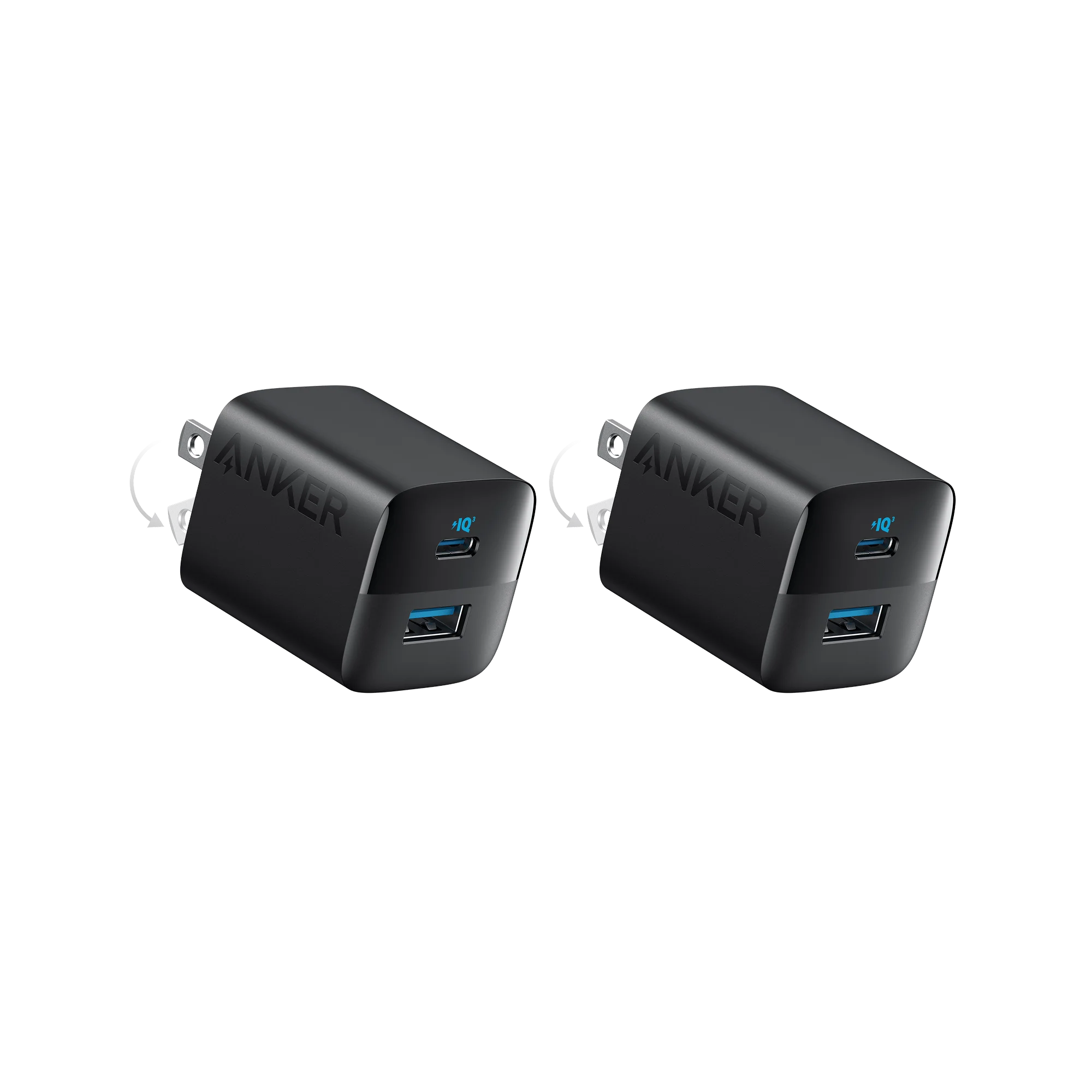
- Everyday phone charging: A compact 30W–35W brick is plenty. The Anker Nano Charger (30W) and New Nylon USB-C to USB-C 100W Cable (10 ft) pairs a small adapter with a long cable that reaches across a couch or nightstand.
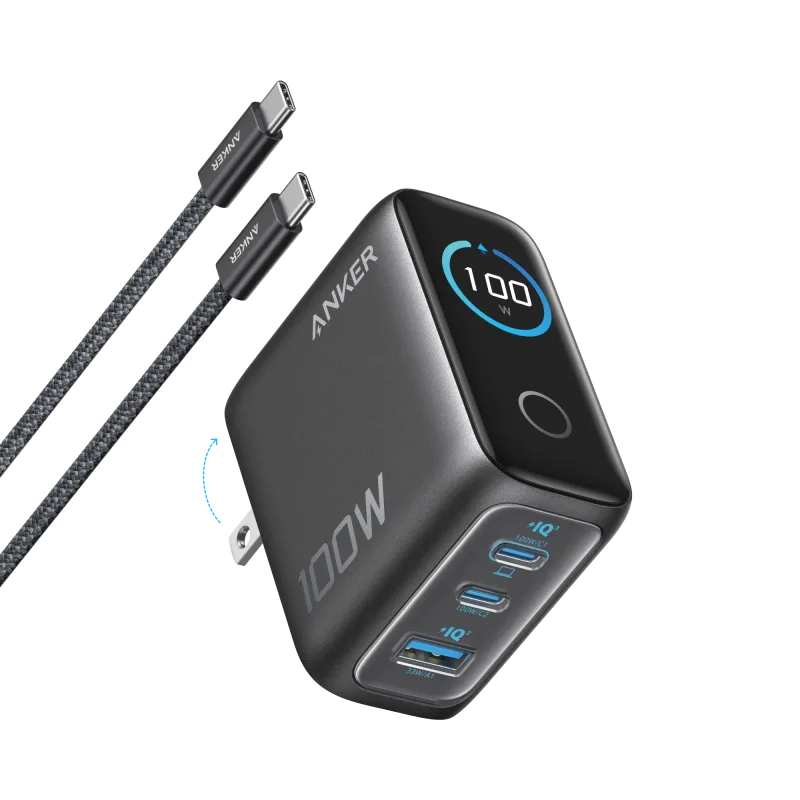
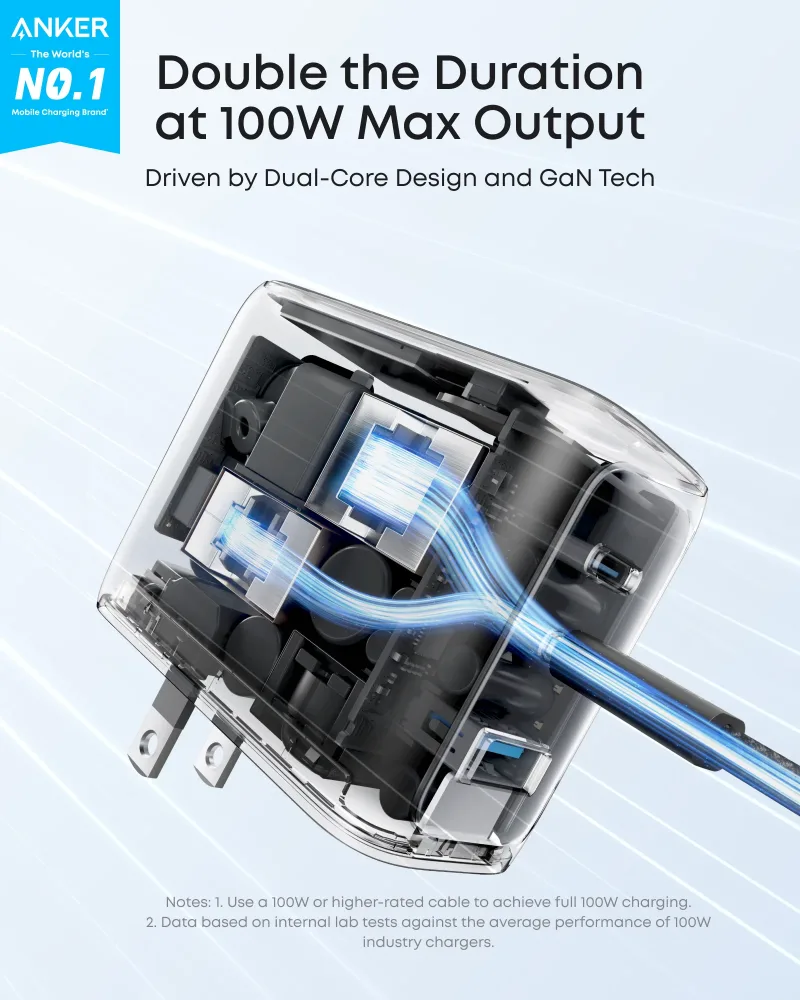
- Laptop plus phone: Step up to a 100W multi-port model. The Anker Charger (100W, 3 Ports, Smart Display) shows real-time power output, which helps you see when a device is pulling full speed.
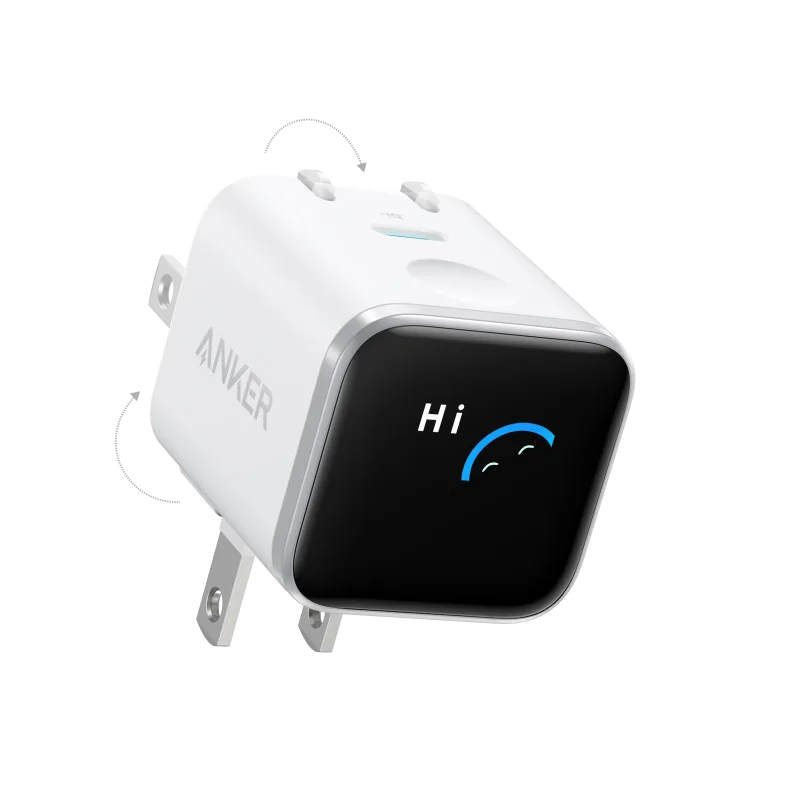
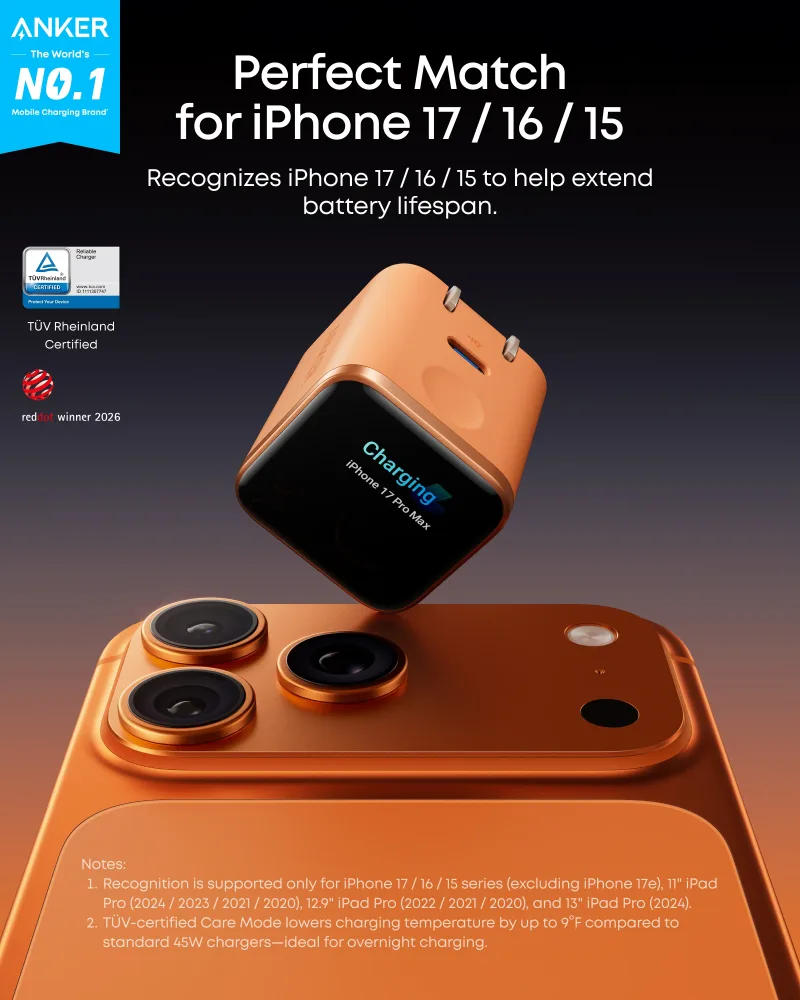
- Travel: A foldable plug and international adapters matter more than raw wattage. The Anker Nano Charger (45W, Smart Display, 180° Foldable) folds flat and still handles a tablet or a thin-and-light laptop.
Car chargers
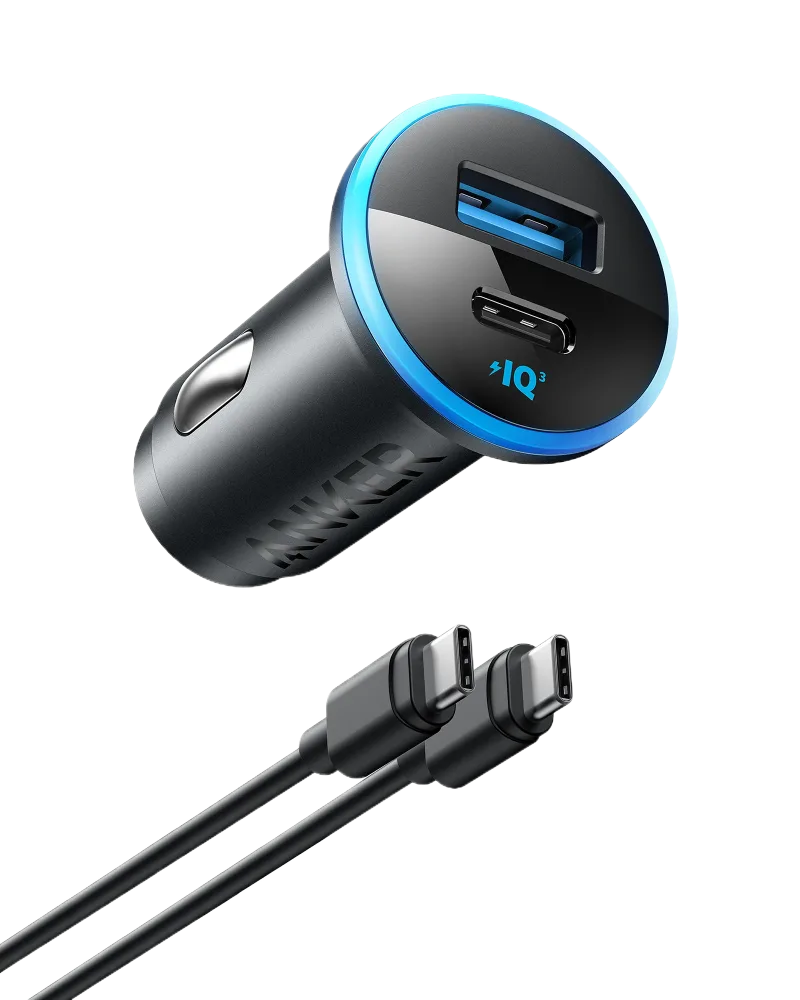
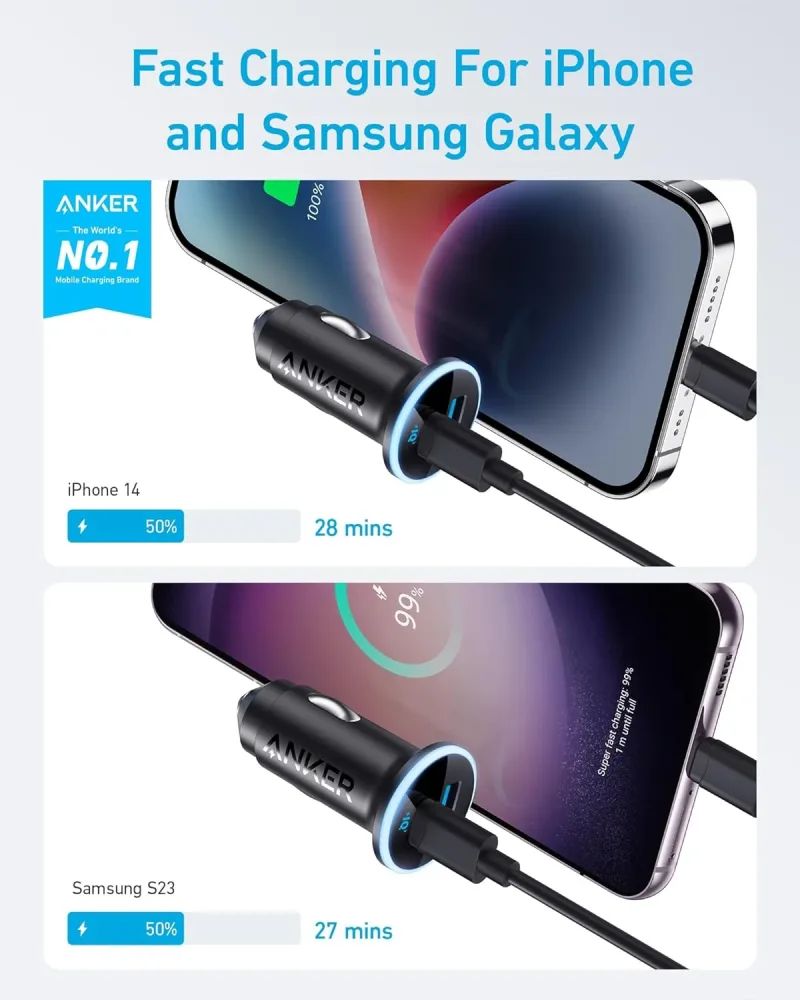
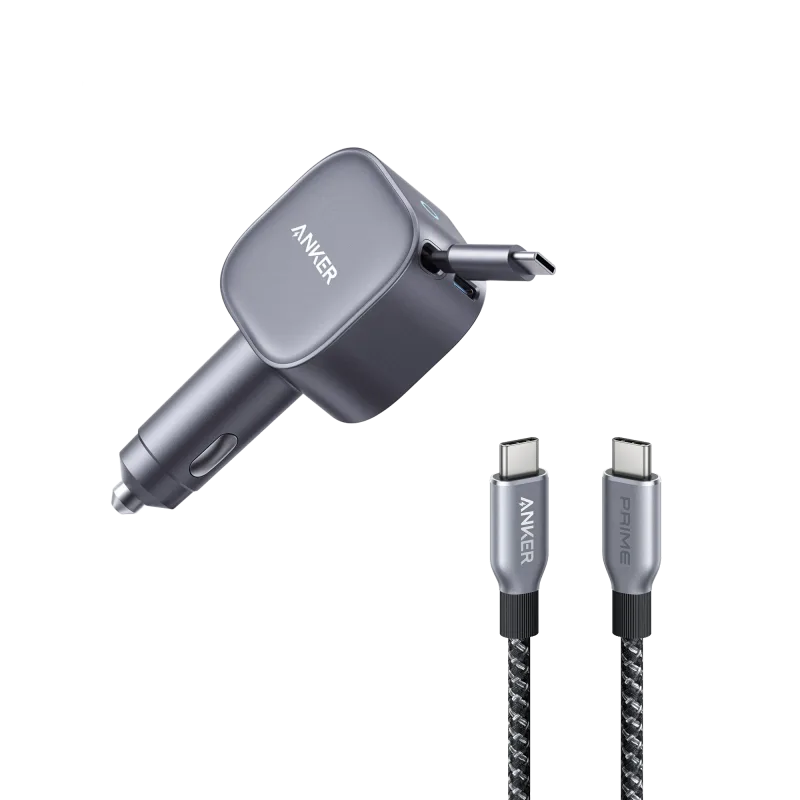
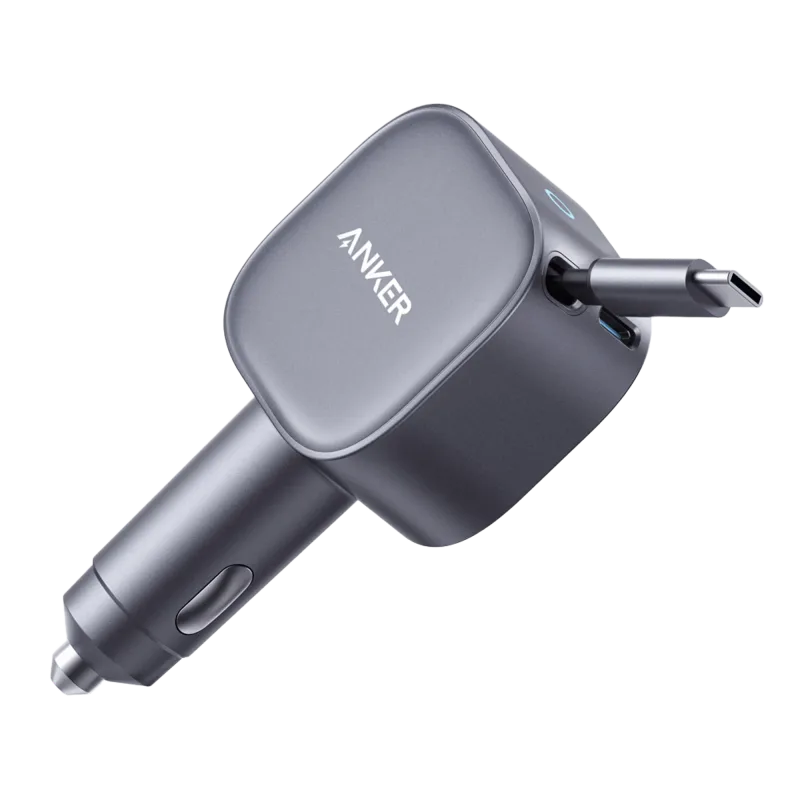
For the car, look for enough output to fast-charge a phone while a passenger tops up a second device. The Anker 323 Car Charger (52.5W) covers two devices at once, and a 75W option like the Anker Nano 75W Car Charger and Anker Prime USB-C to USB-C Cable (240W, Upcycled-Braided) can even top up a laptop on a road trip.
Step 2: Pick the Right Cable
Cables are where most setups quietly fall short. A high-wattage charger can't deliver its full output through a low-rated cable.
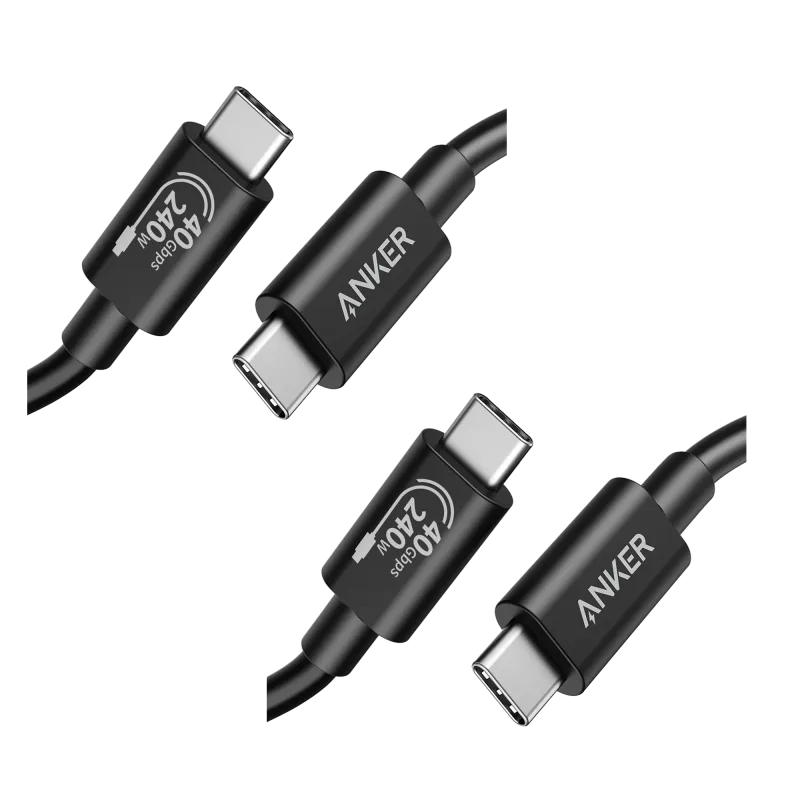
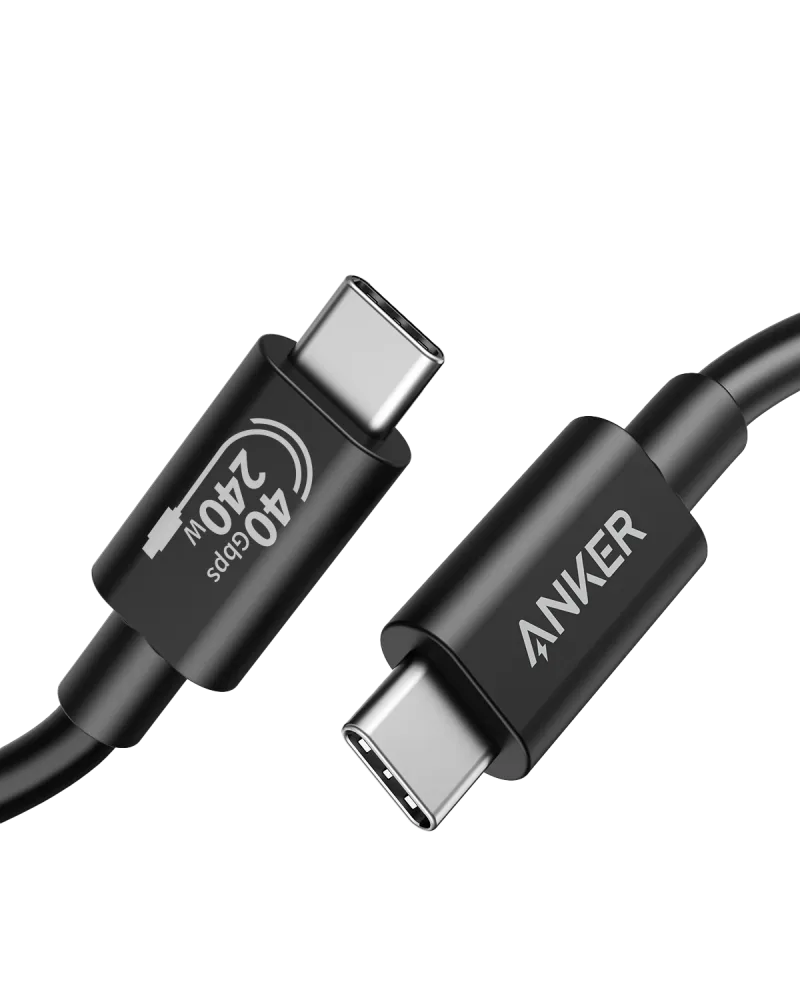
- USB-C to USB-C: The default for Android phones, iPads, laptops, and most accessories. For future-proofing, a 240W-rated cable handles everything from earbuds to gaming laptops. The Anker 515 USB-C to USB-C Cable (Thunderbolt 4 Compatible) is a solid choice for data and display duties as well as charging.
- USB-C to Lightning: Still needed for older iPhones and some accessories — check the connector before buying.
- USB-A to Lightning: Useful for older cars, hotel USB ports, and power strips that only offer USB-A.
A good rule of thumb: buy one cable rated above your highest-wattage device and keep a shorter spare in your bag.
Step 3: Power on the Go
Power banks come in three rough tiers, and the right one depends on whether you're commuting or working remotely all day.
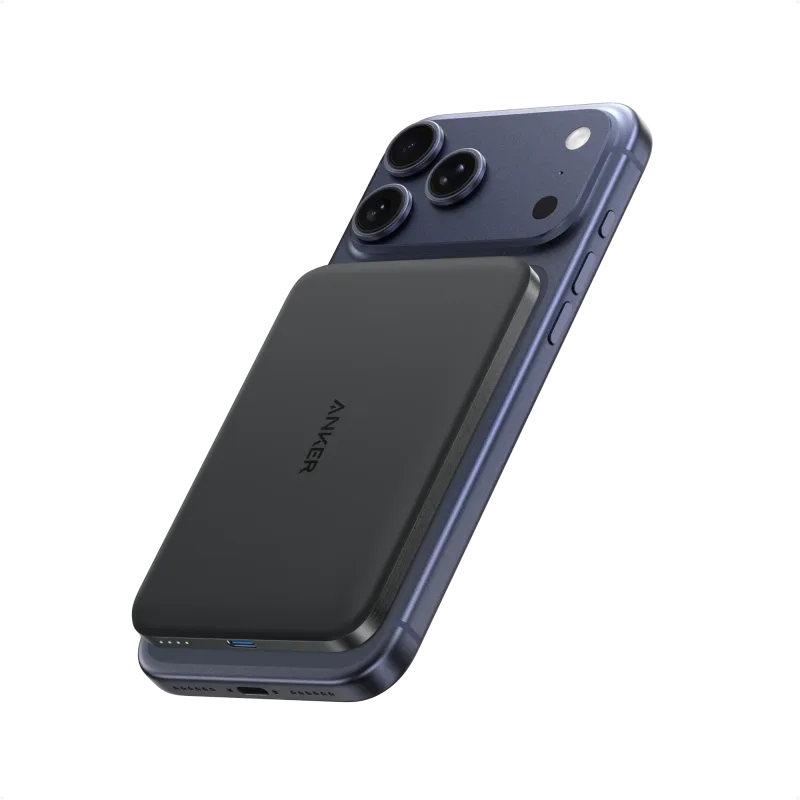
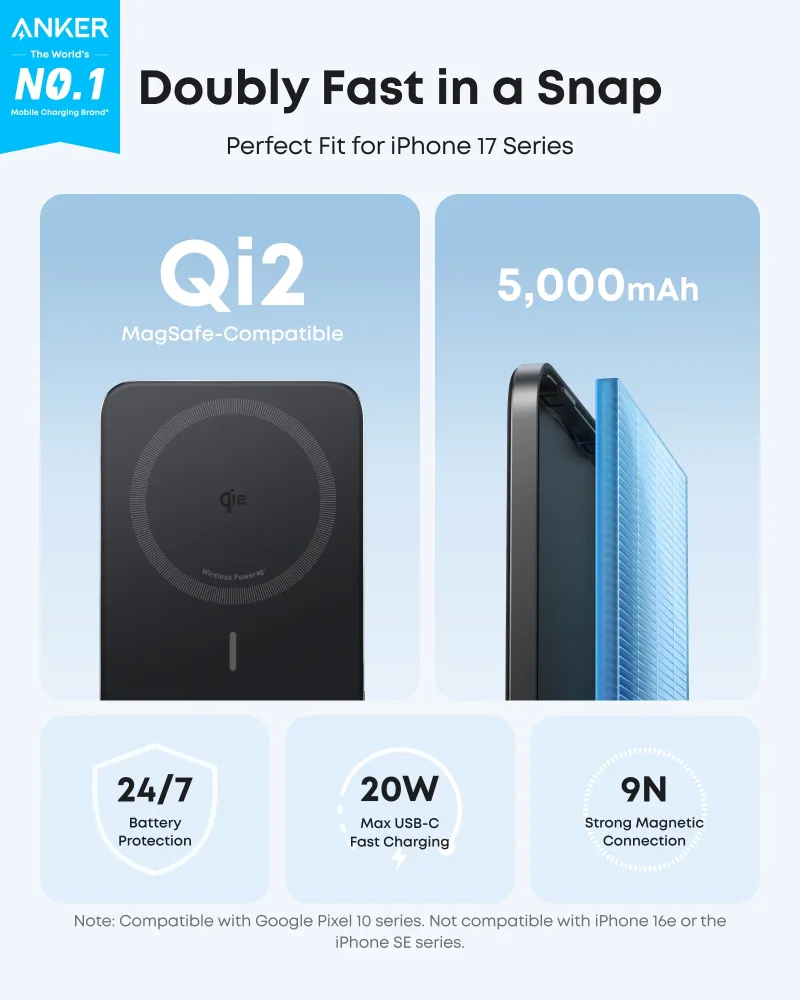
- Pocket-sized: The Anker Nano Power Bank (5K, MagGo, Slim) snaps magnetically to a phone and disappears in a jacket pocket — ideal for a partial top-up.
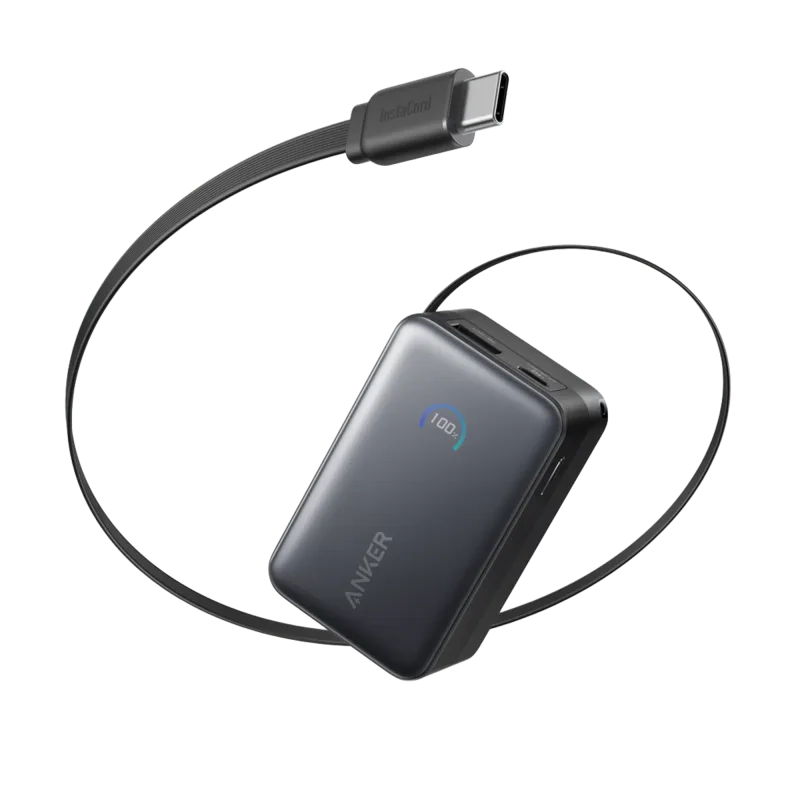
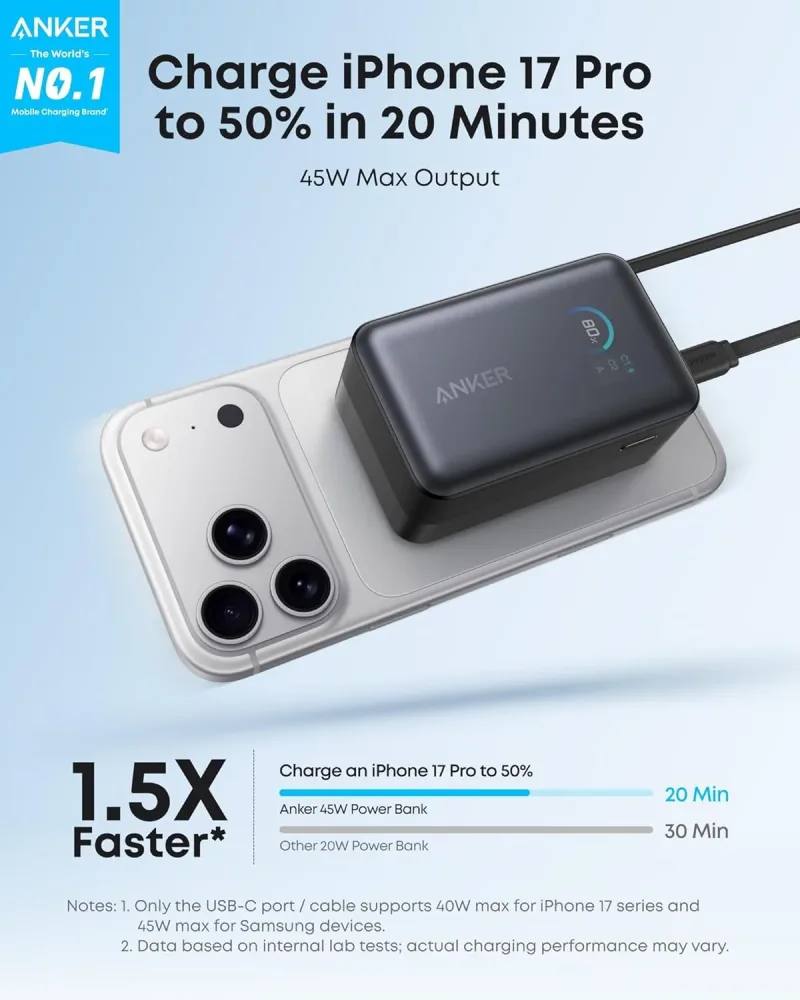
- All-day capacity: The Anker Nano Power Bank (10K, 45W, Built-In Retractable USB-C Cable) skips the cable hunt entirely and can charge a phone multiple times or give a tablet a meaningful boost.
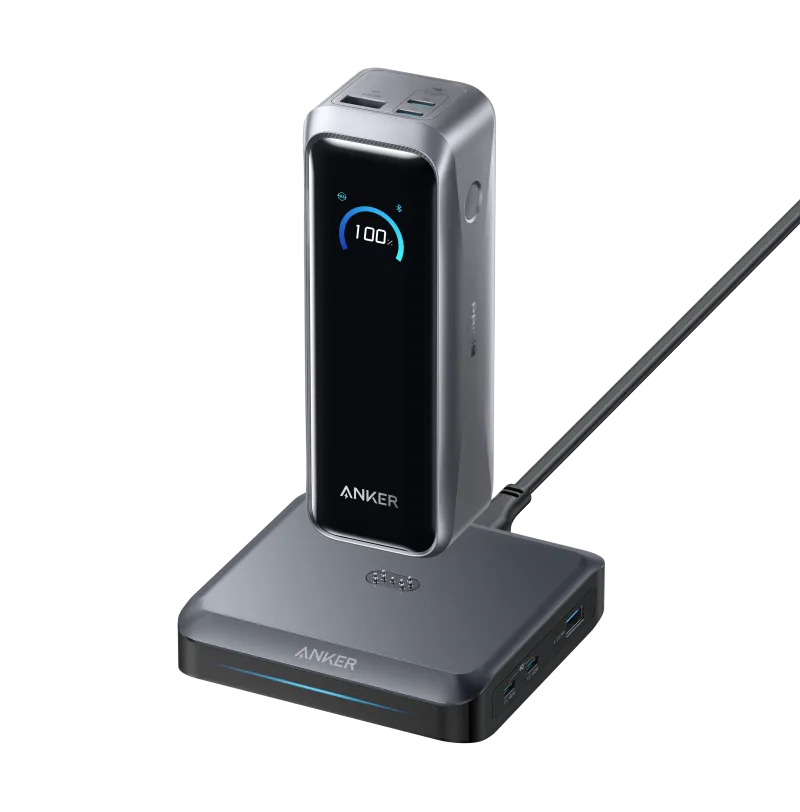
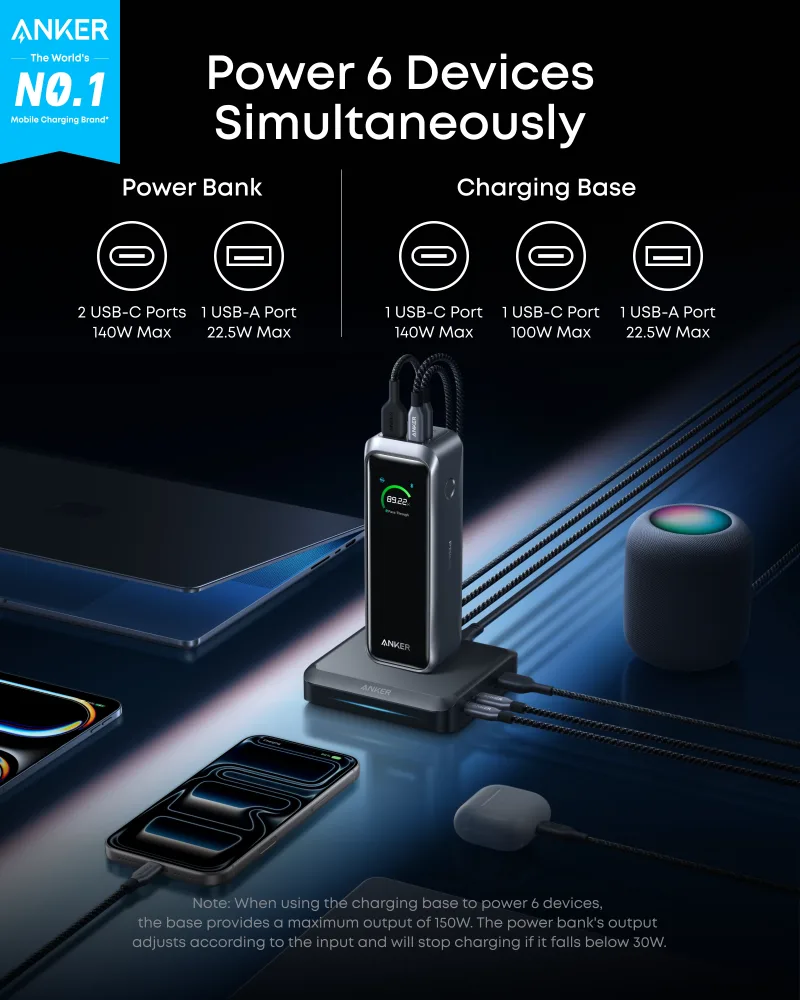
- Laptop-class: The Anker Prime Power Bank (20K, 220W) with Charging Base delivers enough output for laptops and recharges quickly on its own base.
Step 4: Docks, Hubs, and Adapters
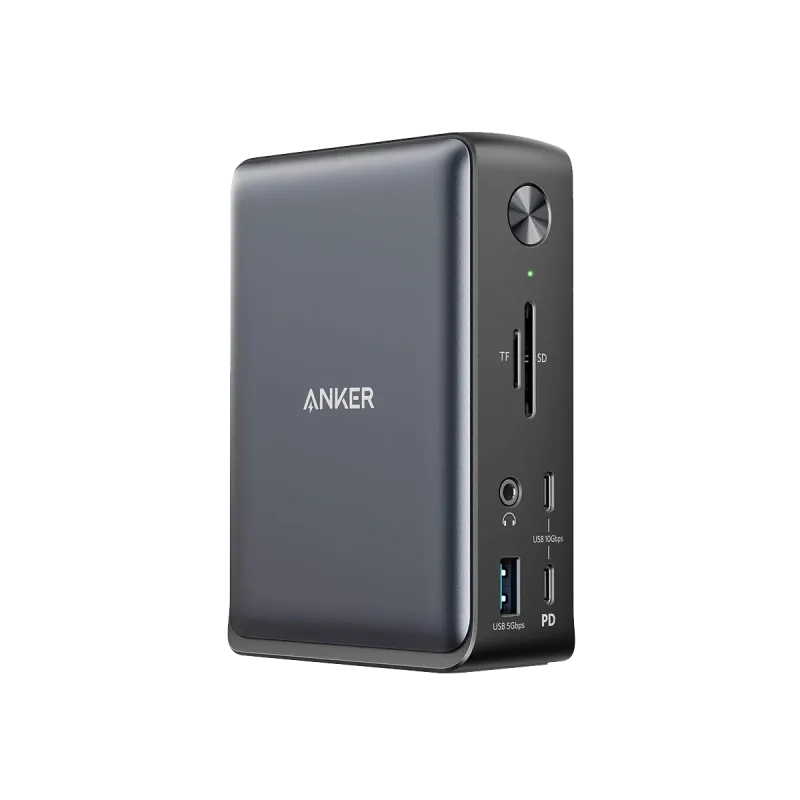
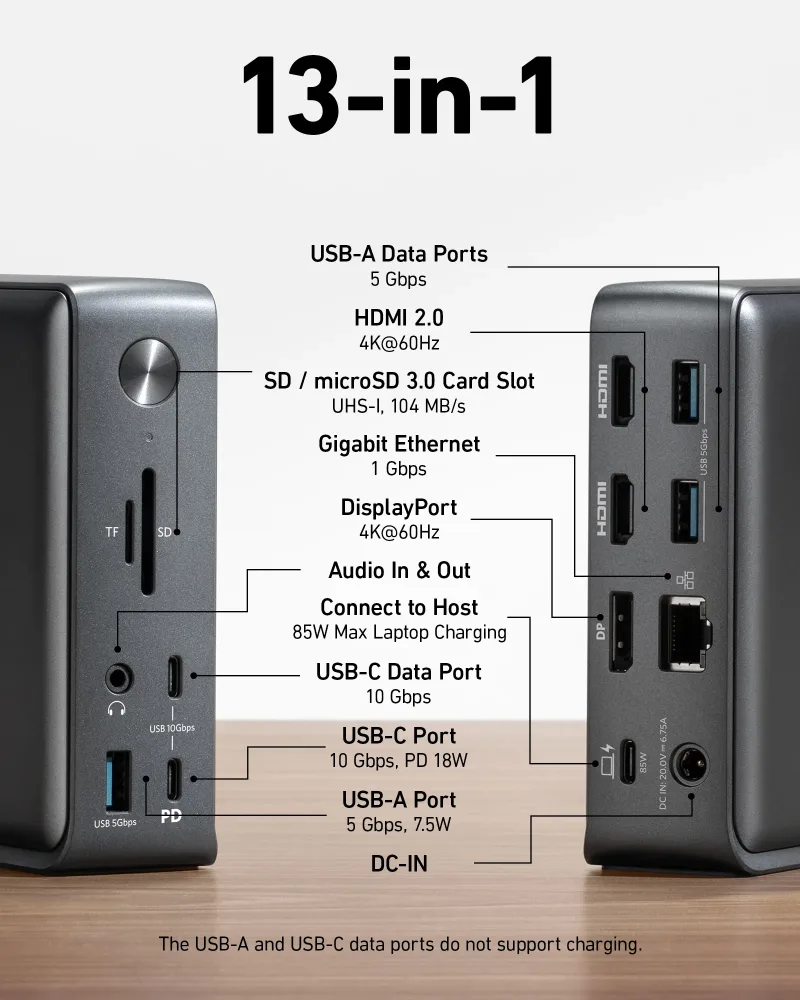
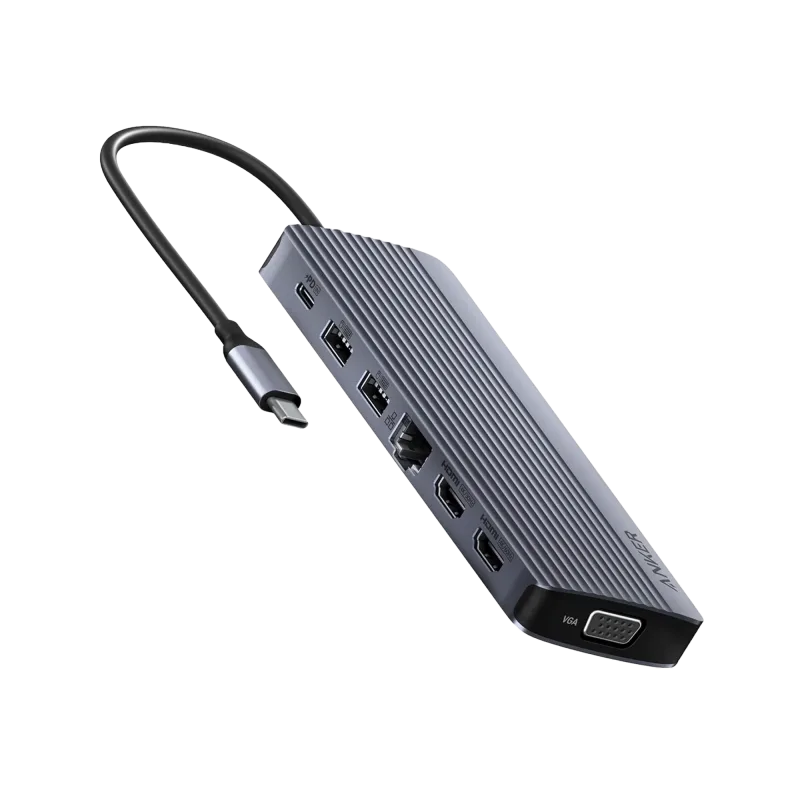
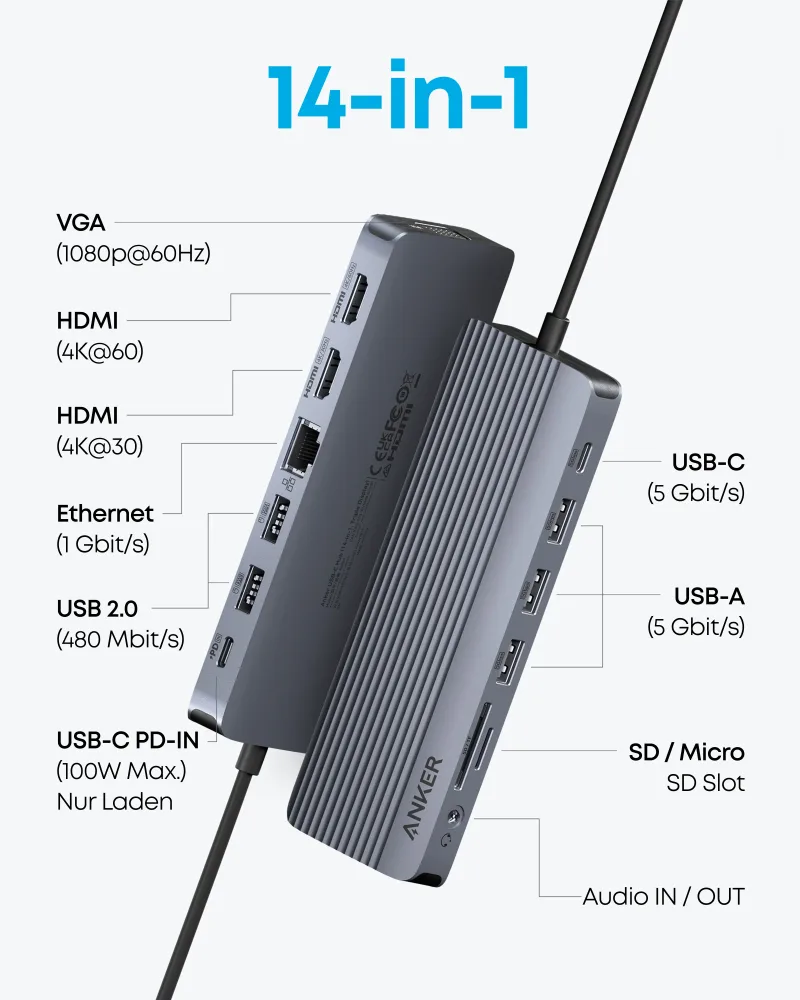
If you plug a laptop into a monitor, keyboard, and wired network every day, a dock removes the daily cable shuffle. A 13-in-1 model such as the Refurbished Anker 575 USB-C Docking Station (13-in-1) adds displays, Ethernet, and card readers through a single connection. For lighter setups, a Anker USB-C Hub (14-in-1, Triple Display) covers travel and hybrid desks, while a simple USB-C to USB-A adapter handles legacy peripherals.
Step 5: Wireless and Desk Extras
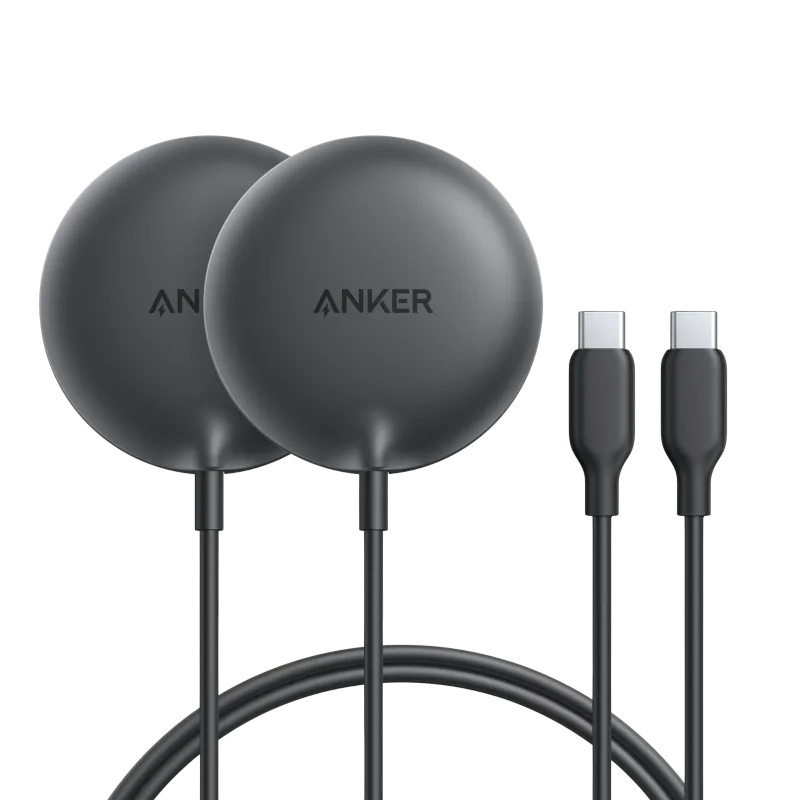
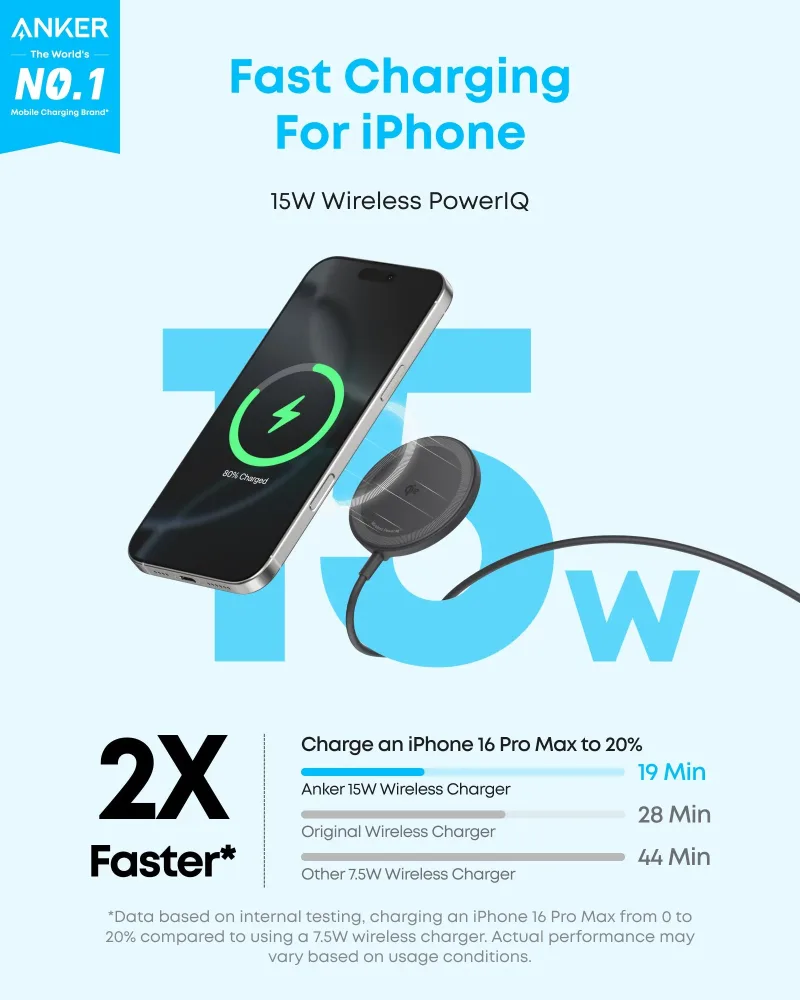
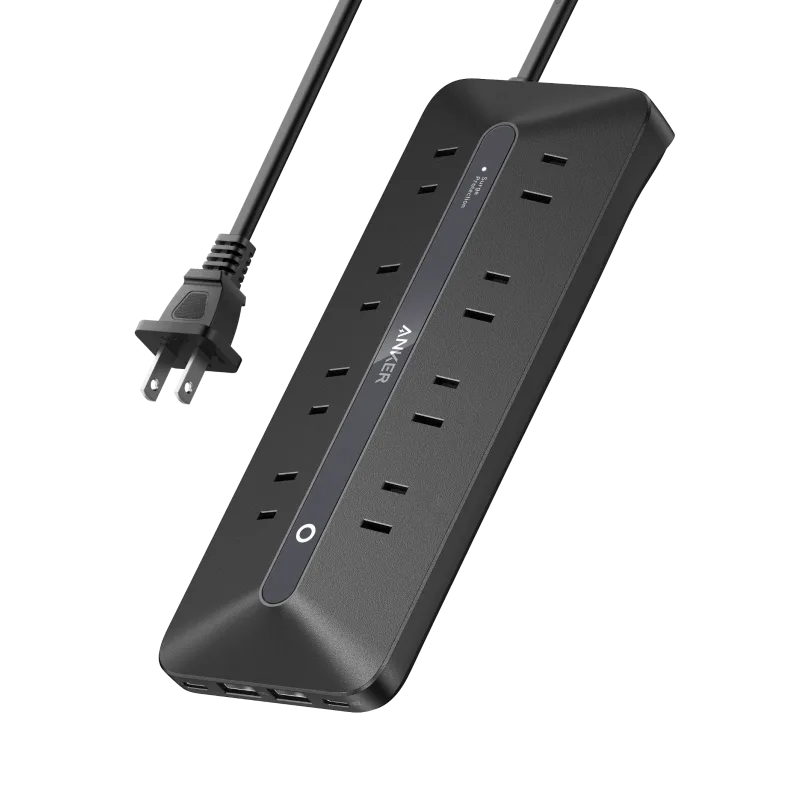
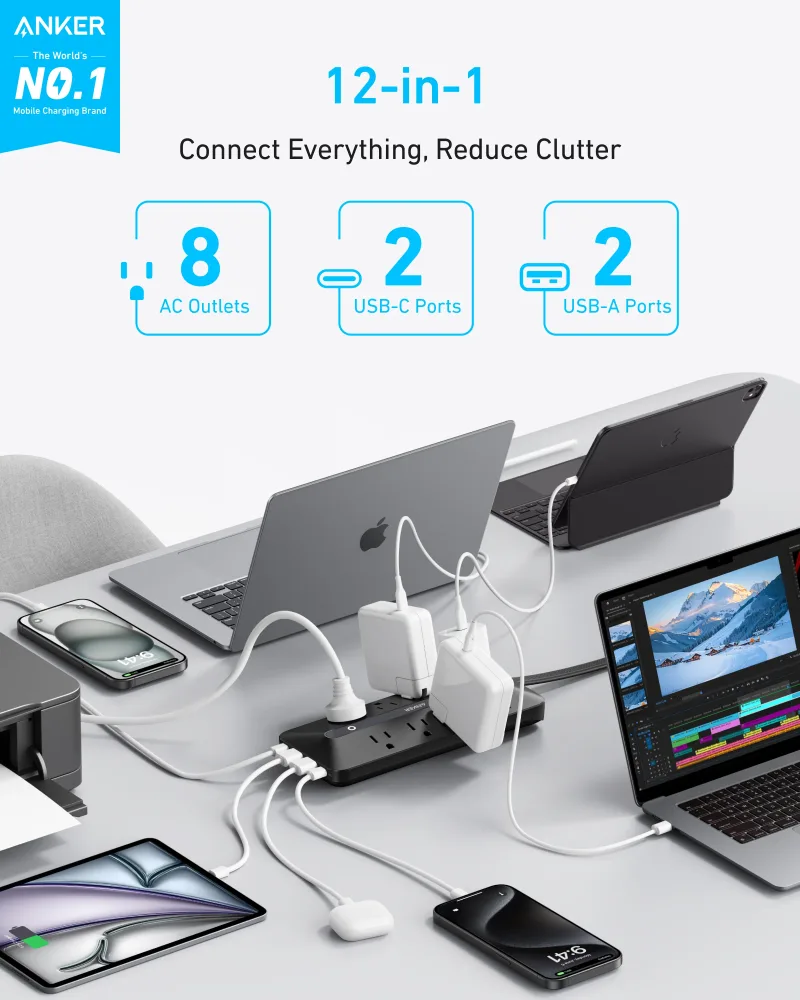
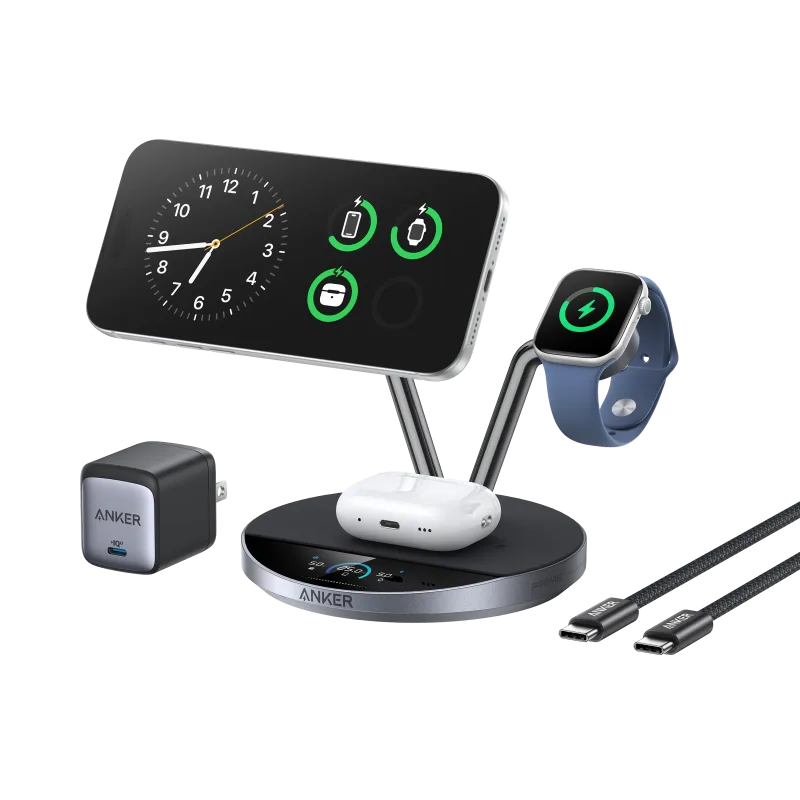
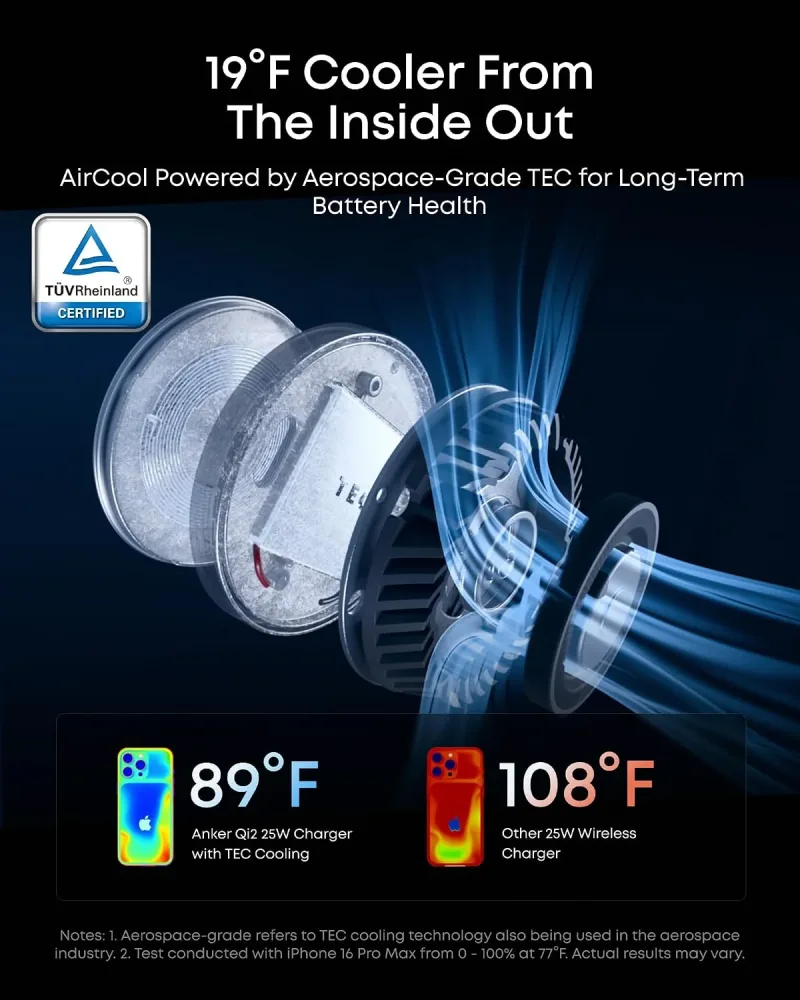
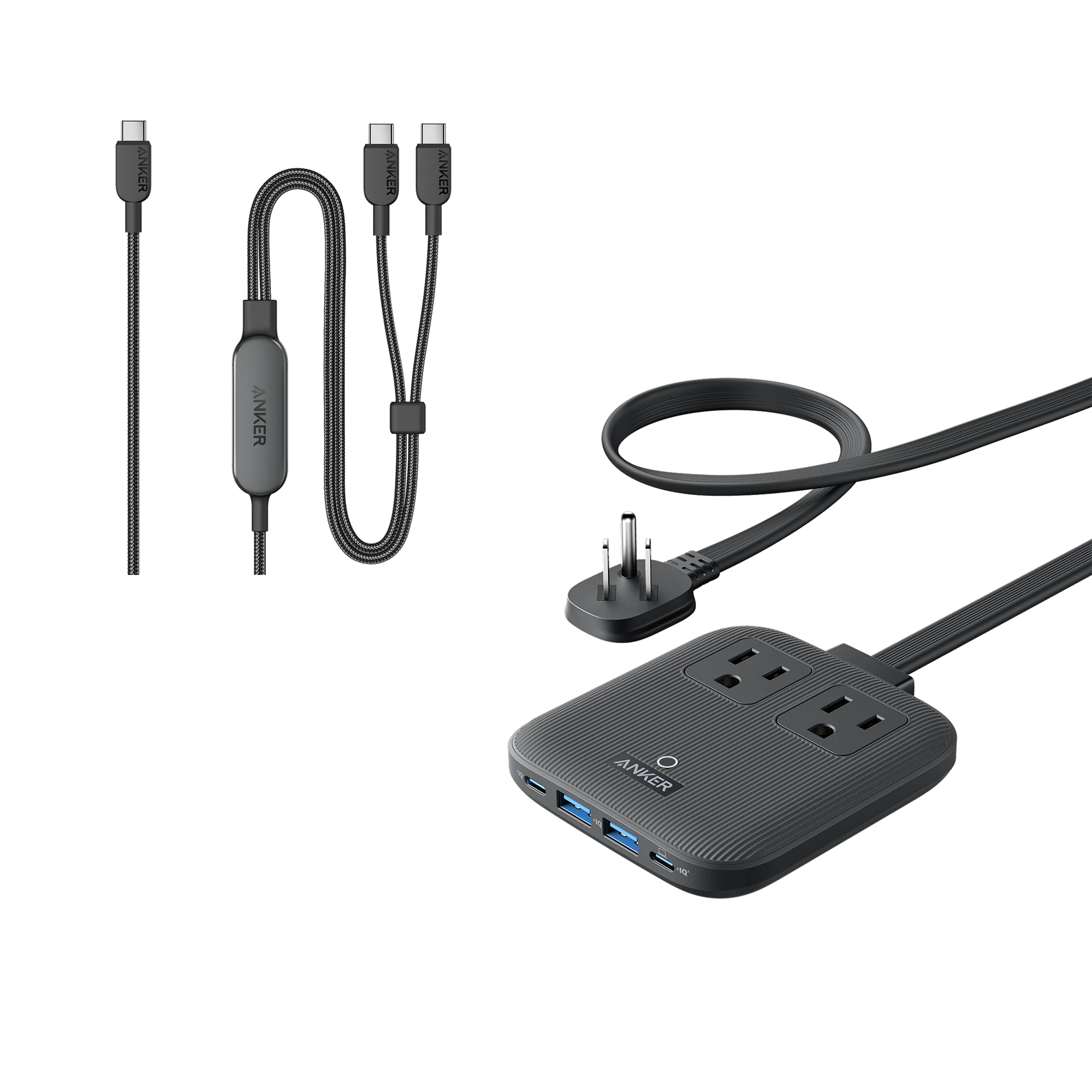
Wireless charging keeps a nightstand or desk tidy. A Anker Zolo Magnetic Wireless Charger (2-Pack) is an easy way to cover two spots, and a Anker USB Power Strip (12-in-1, 35W) consolidates outlets, USB ports, and cable management in one place. If you want one station for phone, watch, and earbuds, a 3-in-1 stand like the Anker Prime Wireless Charging Station (3-in-1, MagGo, AirCool, Dock Stand) replaces three separate cables.
Finally, don't overlook bundles and refurbished options. A kit that includes a charger and cable is often the simplest way to get started, and refurbished units let you add a second charger for travel or the office without paying full price.
Quick Buying Checklist
- List every device and its charging wattage.
- Choose one high-wattage multi-port charger for your desk and one compact charger for travel.
- Buy cables rated at or above your highest-wattage device.
- Pick a power bank by capacity: 5K for pockets, 10K for all day, 20K+ for laptops.
- Add a dock or hub only if you connect multiple peripherals regularly.
Get these five decisions right and your setup will charge faster, take up less space, and stop leaving you hunting for an open outlet.