Anker Chargers, Cables & Power Banks: Your Setup Guide
Building a reliable charging setup starts with understanding your devices and how you use them. Anker offers a wide range of chargers, cables, power banks, and docking solutions, each designed for specific needs. This guide walks you through the key categories so you can choose the right gear for home, work, and travel.
Match the Right Anker Charger to Your Devices
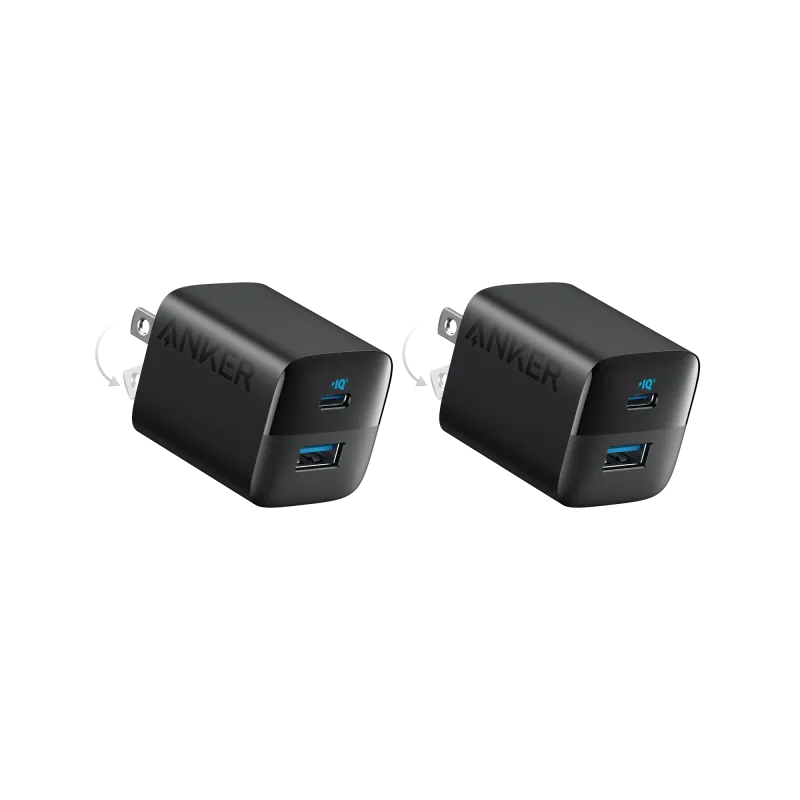
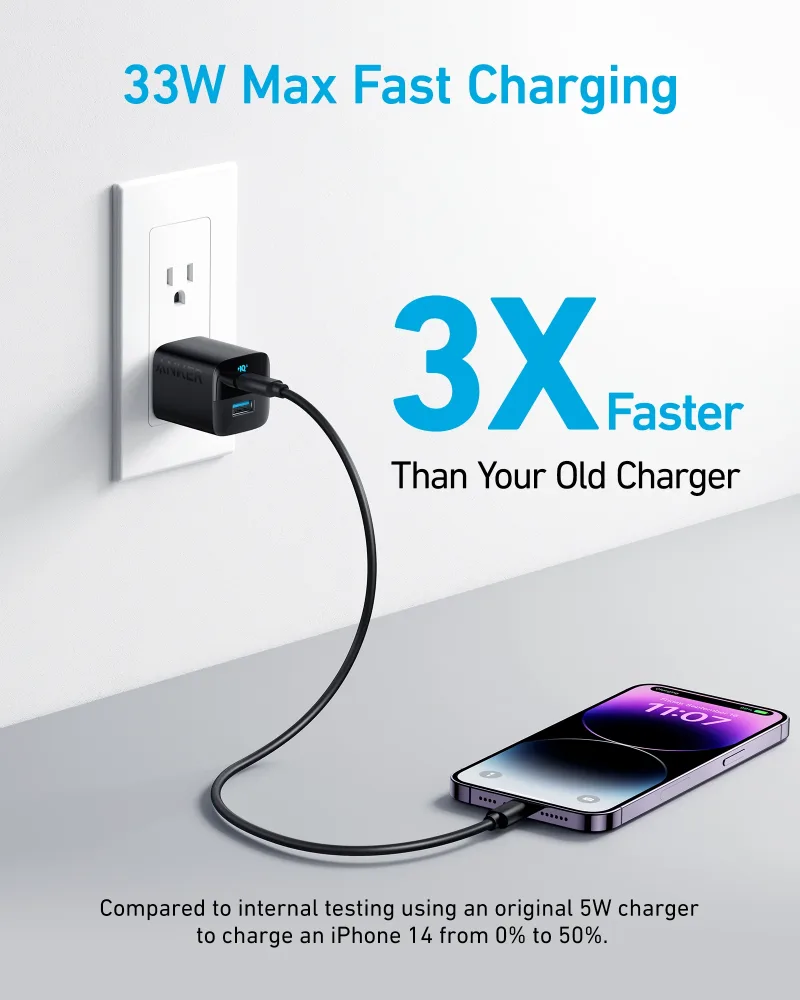
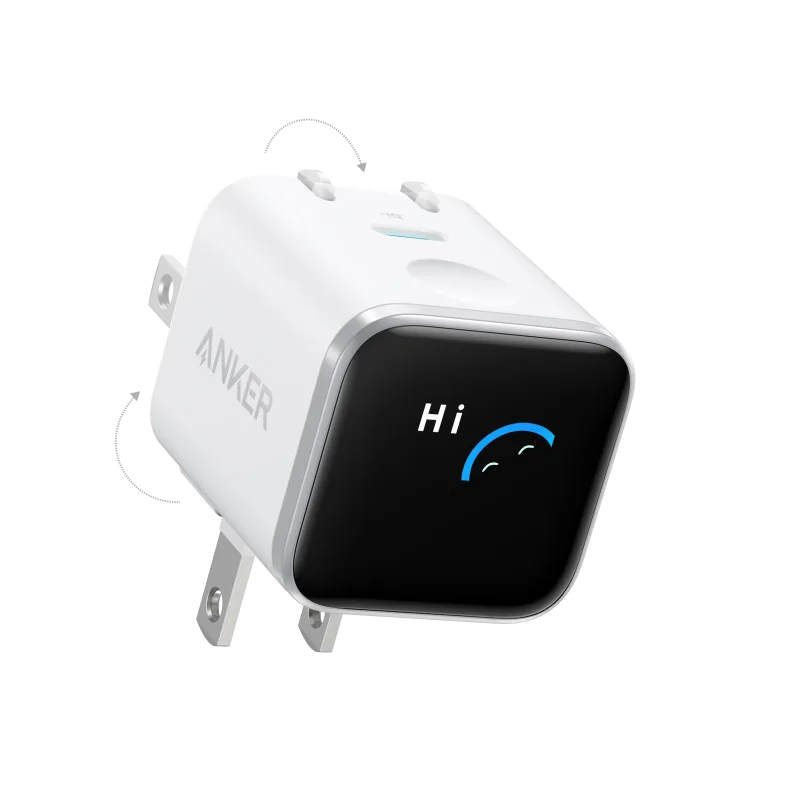
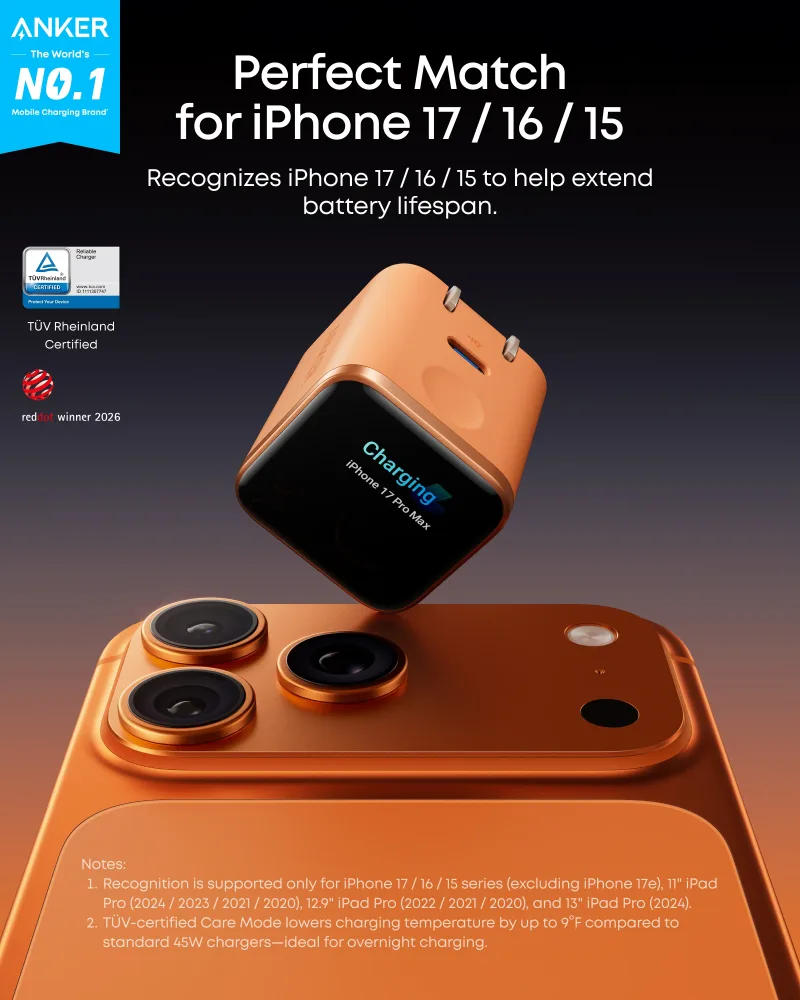
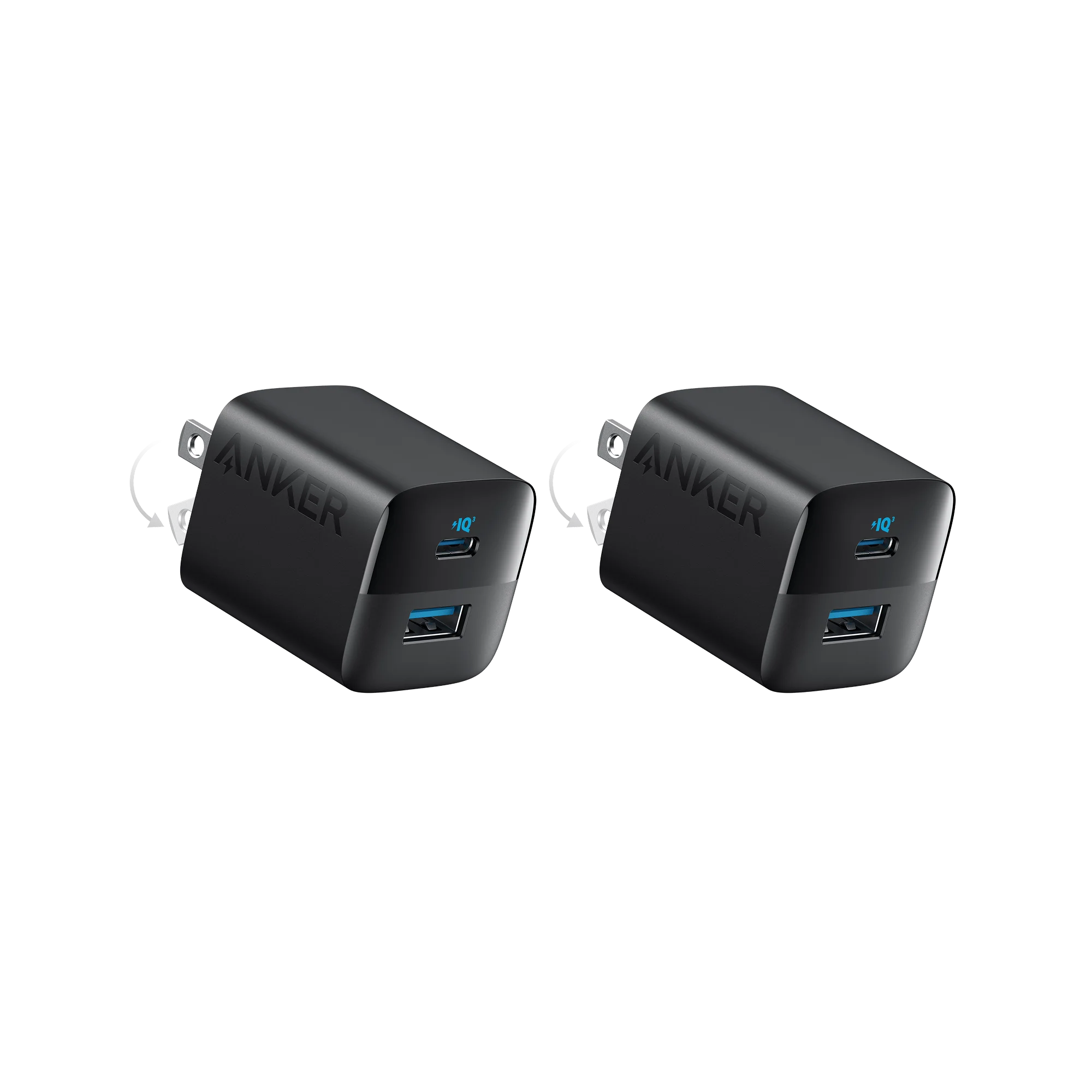
Chargers come in various wattages and port configurations. For everyday phones and tablets, a compact option like the Anker 323 Charger (33W)-2 Pack provides fast charging in a small size. If you need to power a laptop and multiple accessories, consider the Anker Nano Charger (45W, Smart Display, 180° Foldable)—its foldable plug and smart display make it travel-friendly. For high-power demands, the Anker Prime 6-in-1 Charging Station (140W) can handle a laptop, tablet, and phone simultaneously.
Cables Explained: USB-C to Lightning, USB-C to USB-C, and 240W Options
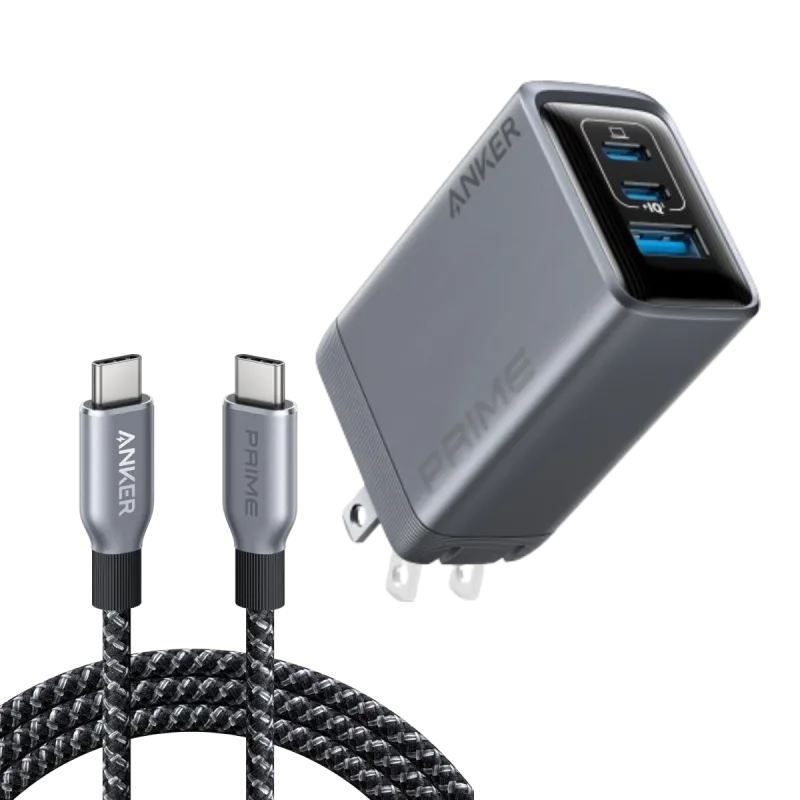
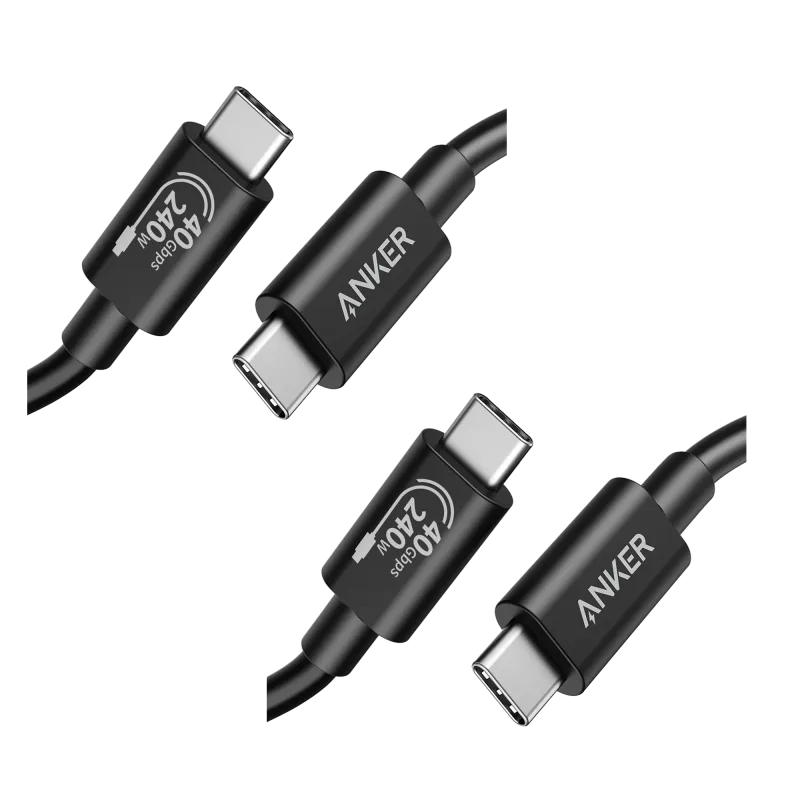
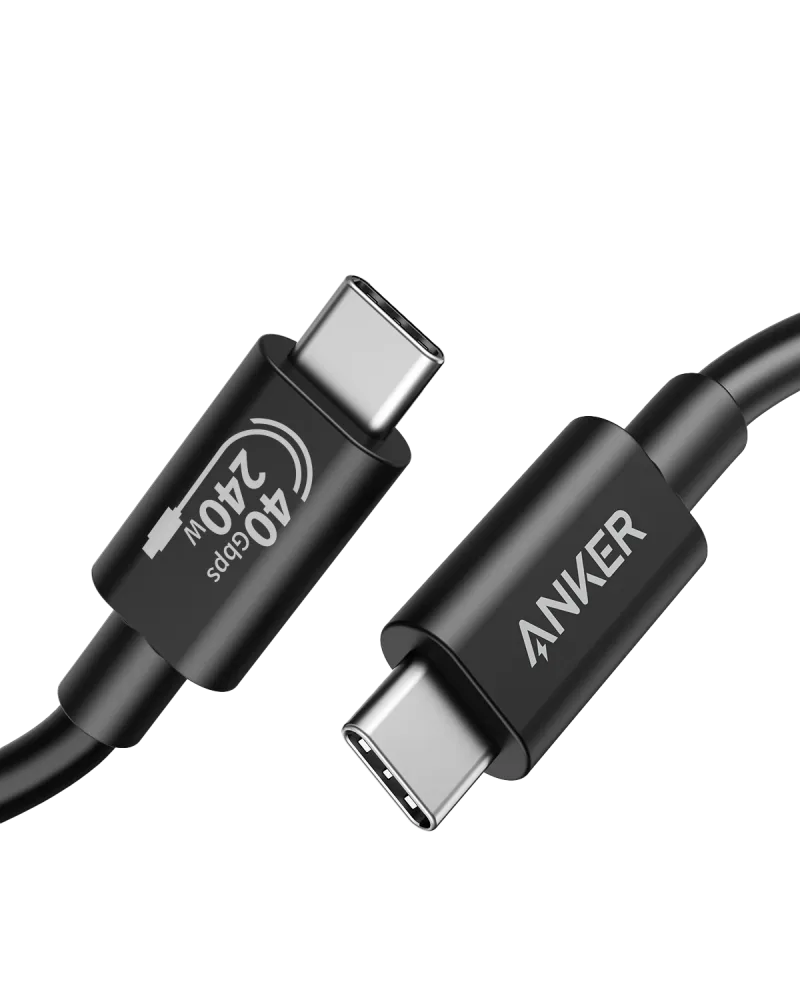
The cable you choose affects charging speed and data transfer. USB-C to Lightning cables are for older iPhones, while USB-C to USB-C cables work with modern Android devices, laptops, and accessories. For future-proofing, look for cables rated for high wattage. The Anker Prime Charger (100W, 3 Ports, GaN) and USB-C to USB-C Cable (240W, 6 ft) bundle includes a 240W cable, ideal for charging laptops and other power-hungry devices. For Thunderbolt 4 compatibility, the Anker 515 USB-C to USB-C Cable (Thunderbolt 4 Compatible)(2 packs) supports high-speed data and video.
Power Banks on the Go: Anker 633 Magnetic Battery vs Anker Prime 27K
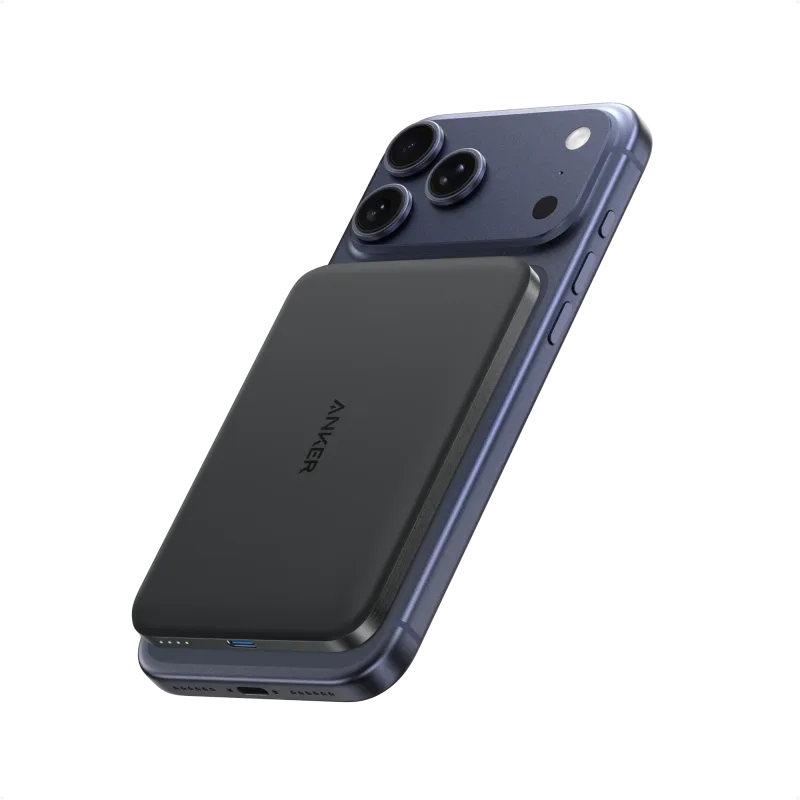
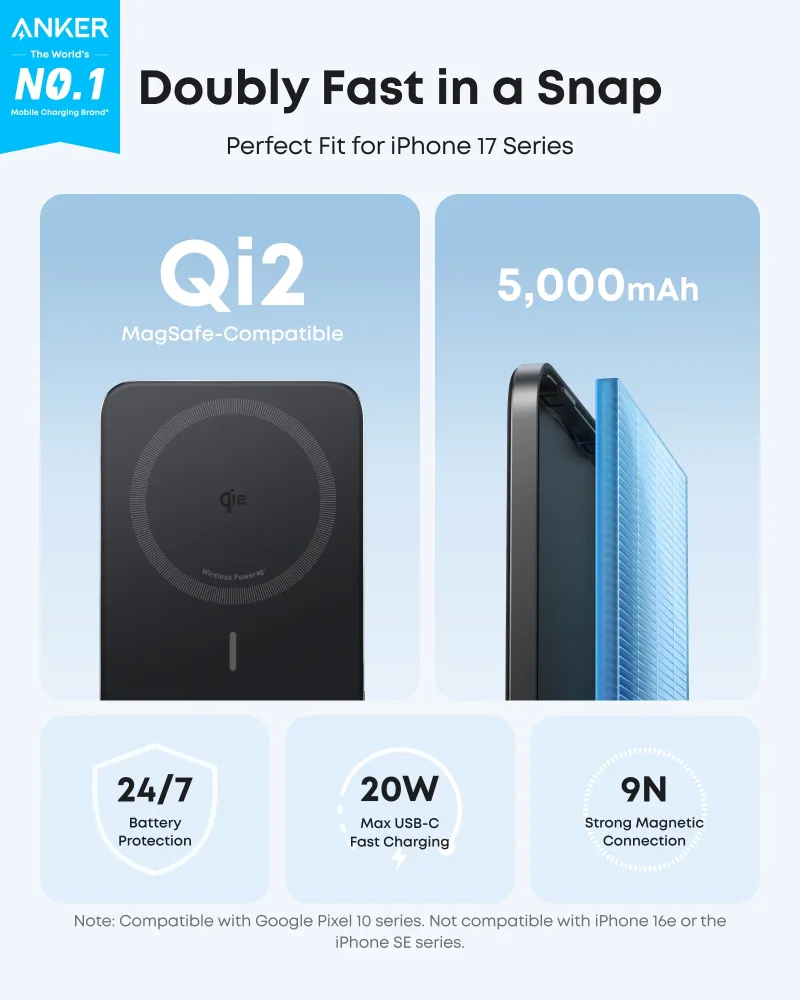
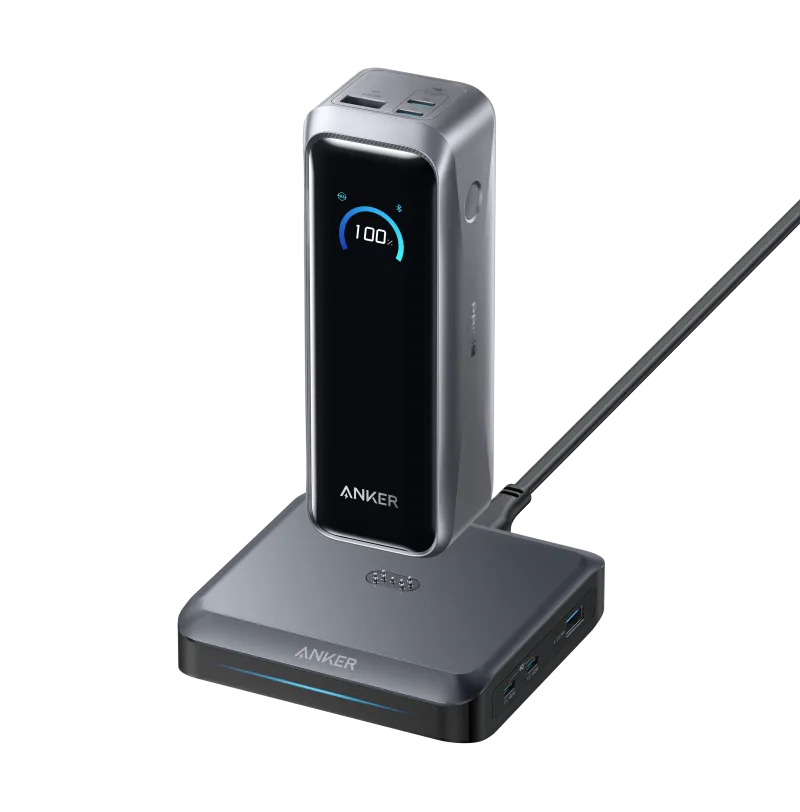
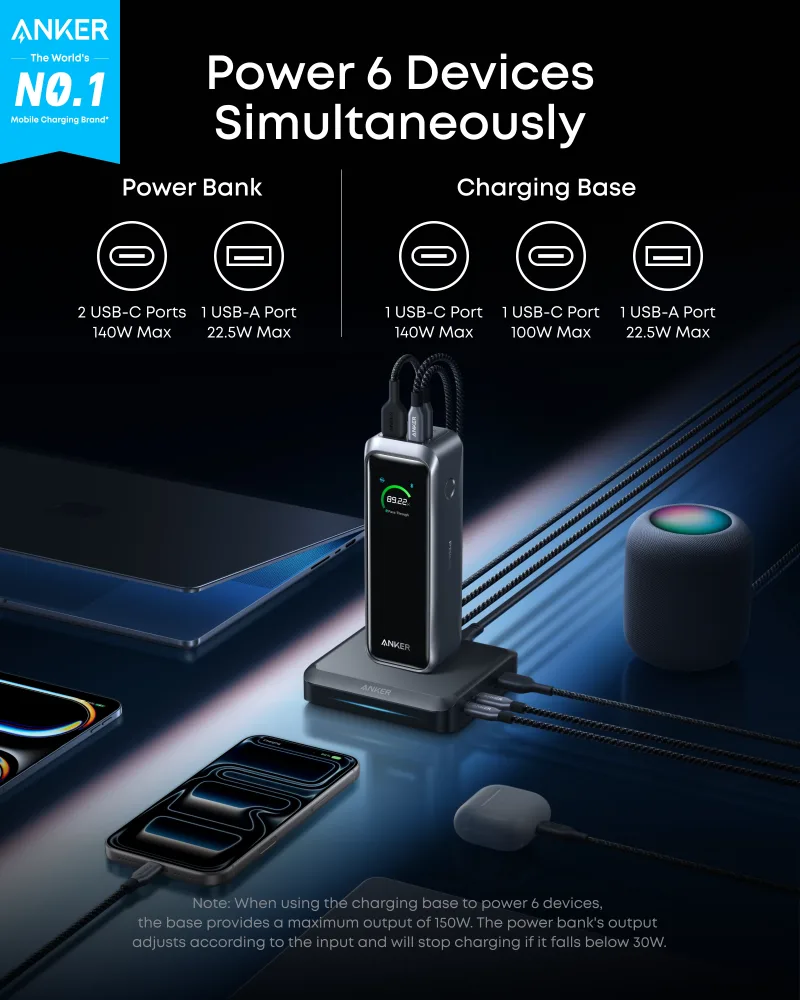
When you're away from outlets, a power bank keeps your devices charged. The Anker 633 Magnetic Battery snaps onto compatible phones for wireless charging, while the Anker Prime 27K offers a massive capacity for multiple devices. For a slim, portable option, the Anker Nano Power Bank (5K, MagGo, Slim) is easy to carry. If you need more power, the Anker Prime Power Bank (20K, 220W) with Charging Base can charge laptops and comes with a charging base for convenience.
Docking and Hubs: Anker 575 Docking Station and PowerExpand Ethernet Adapter
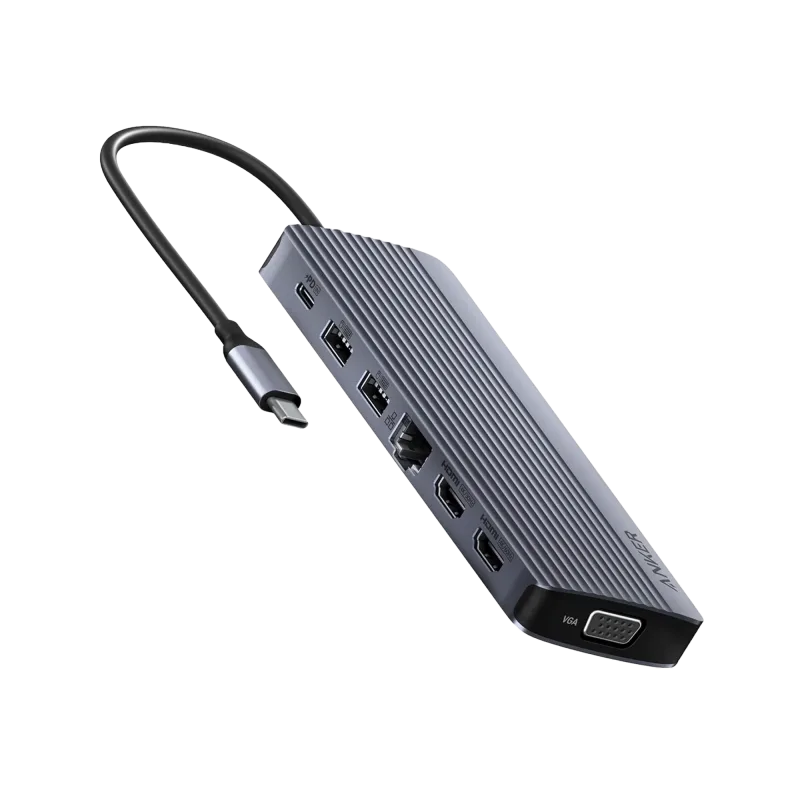
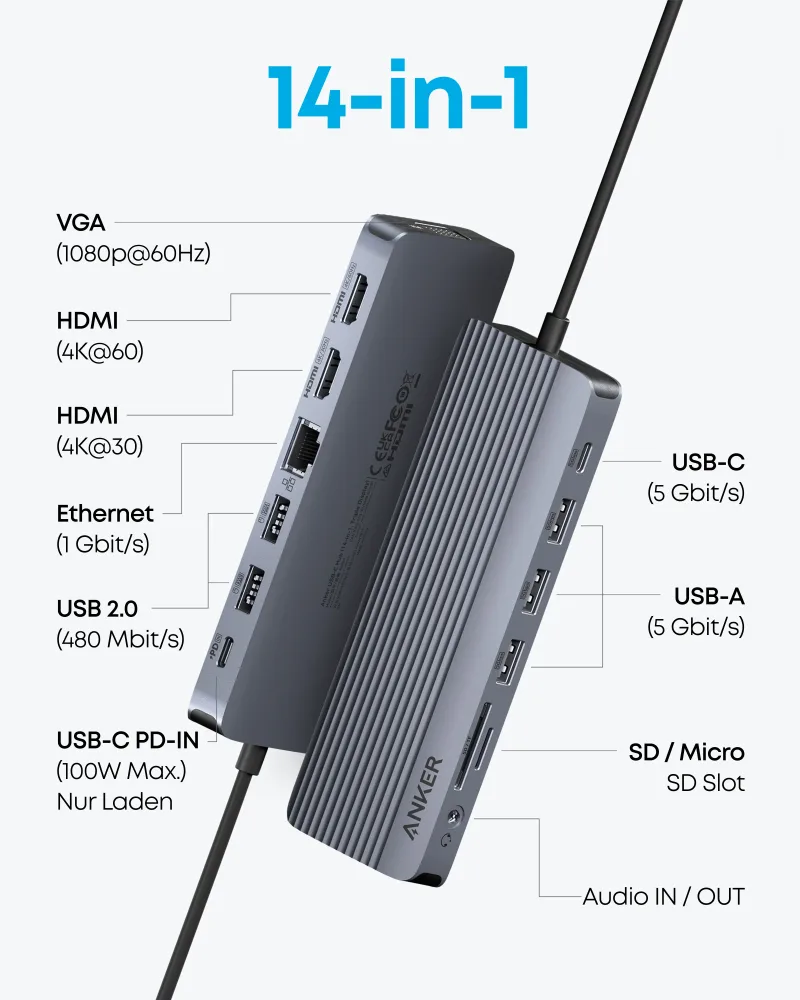
For a desktop setup, a docking station or hub expands your connectivity. The Anker 575 Docking Station (13-in-1) adds multiple ports, including HDMI, USB, and Ethernet. If you need a more portable solution, the Anker USB-C Hub (14-in-1, Triple Display) supports triple displays and a range of peripherals. For wired internet, the PowerExpand Ethernet Adapter provides a stable connection. These accessories are essential for laptops with limited ports.
Wireless Charging and Bundles: Pads, Stands, and Power Strips
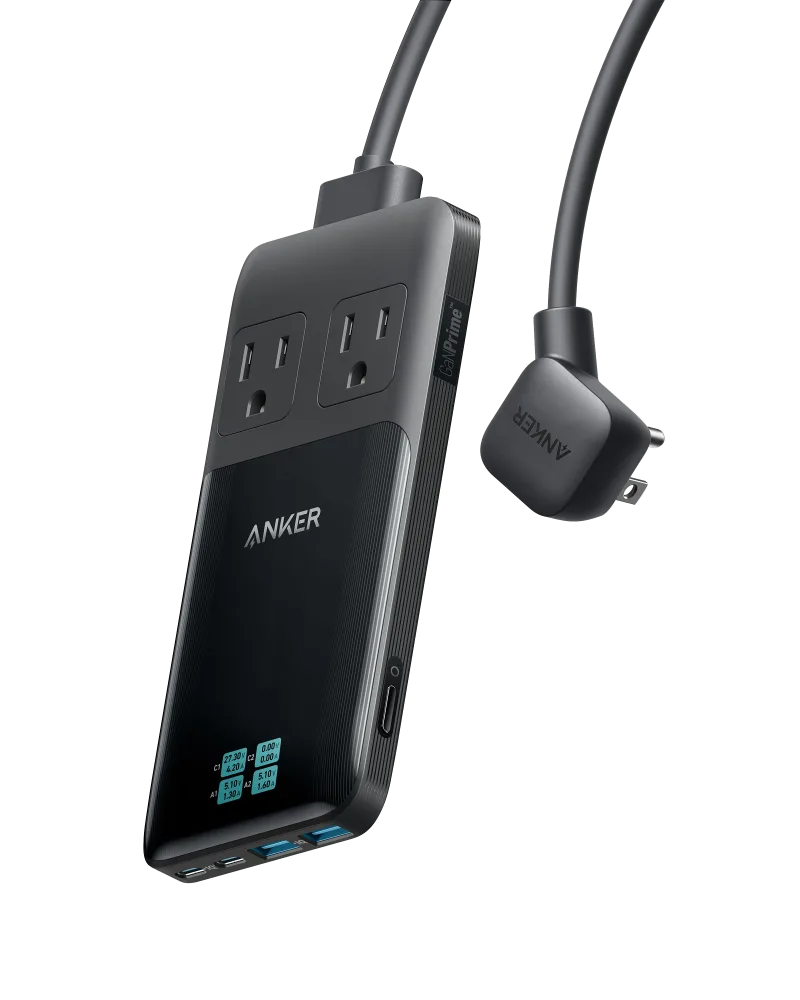
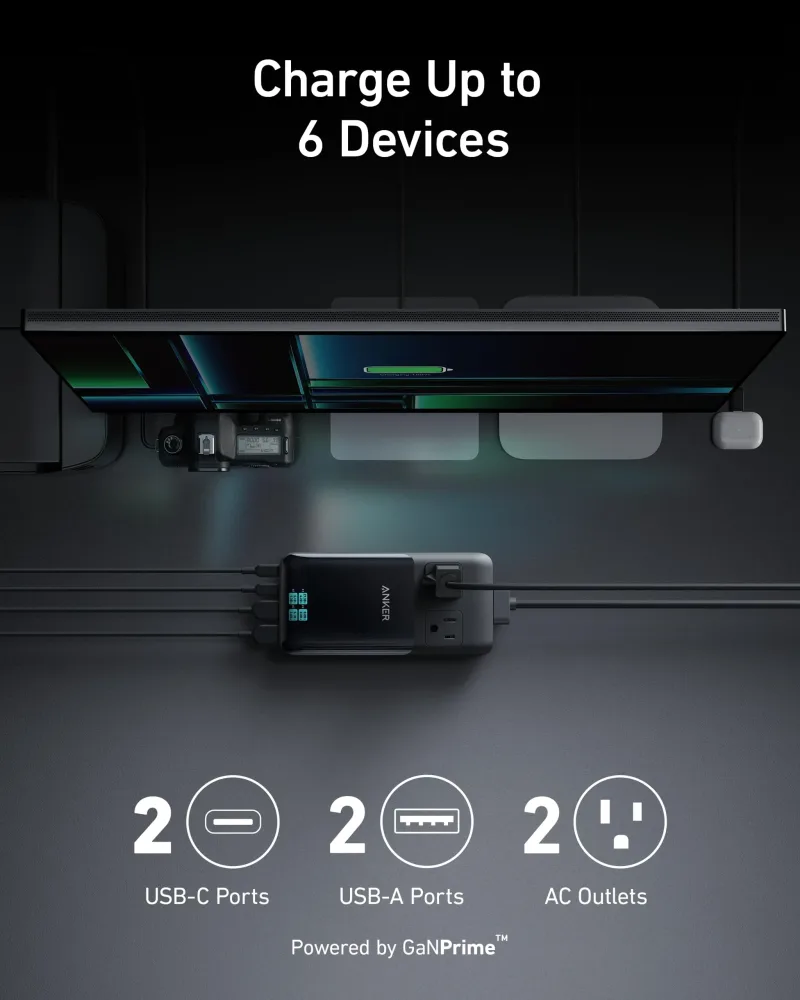
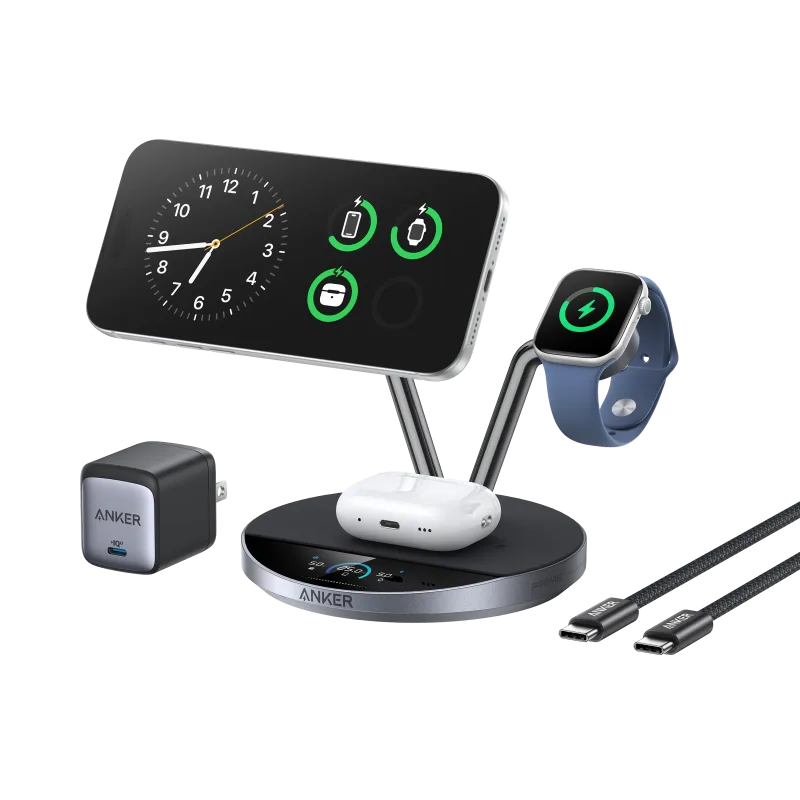
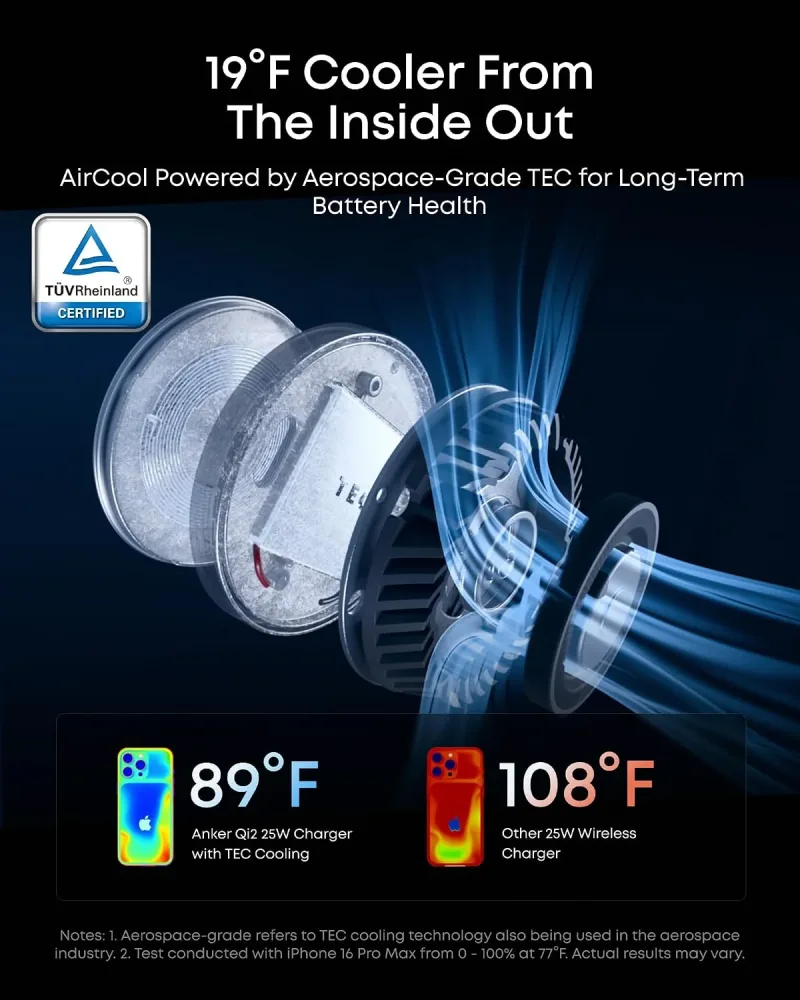
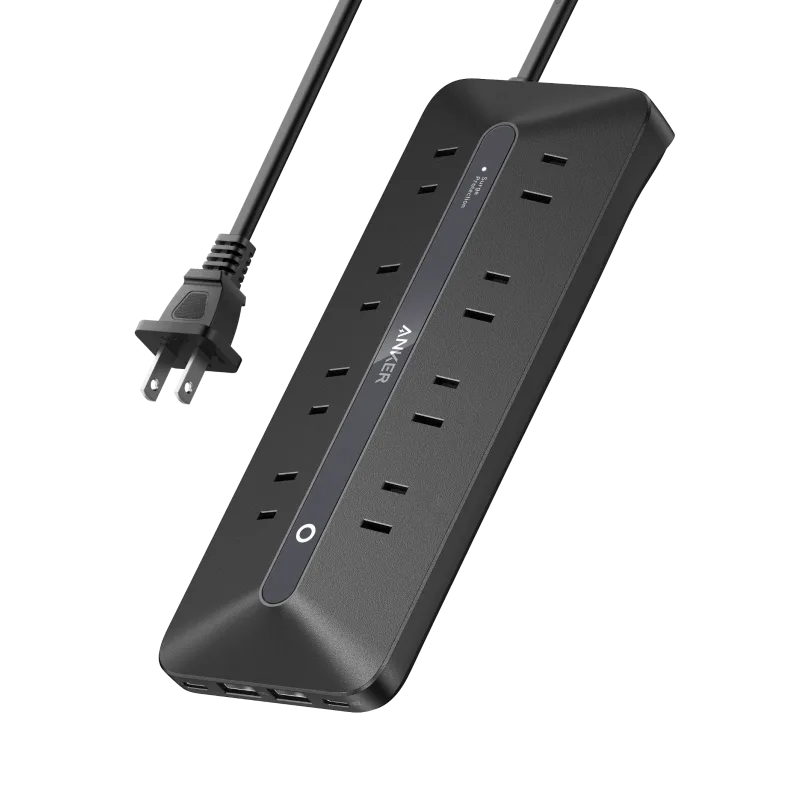
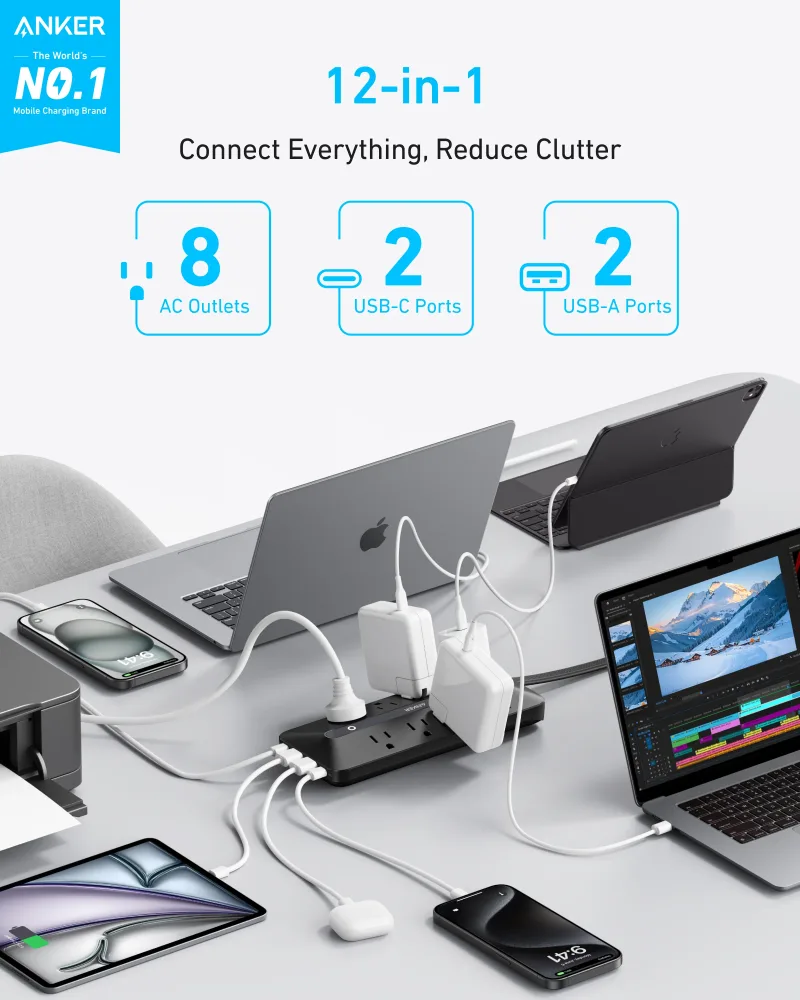
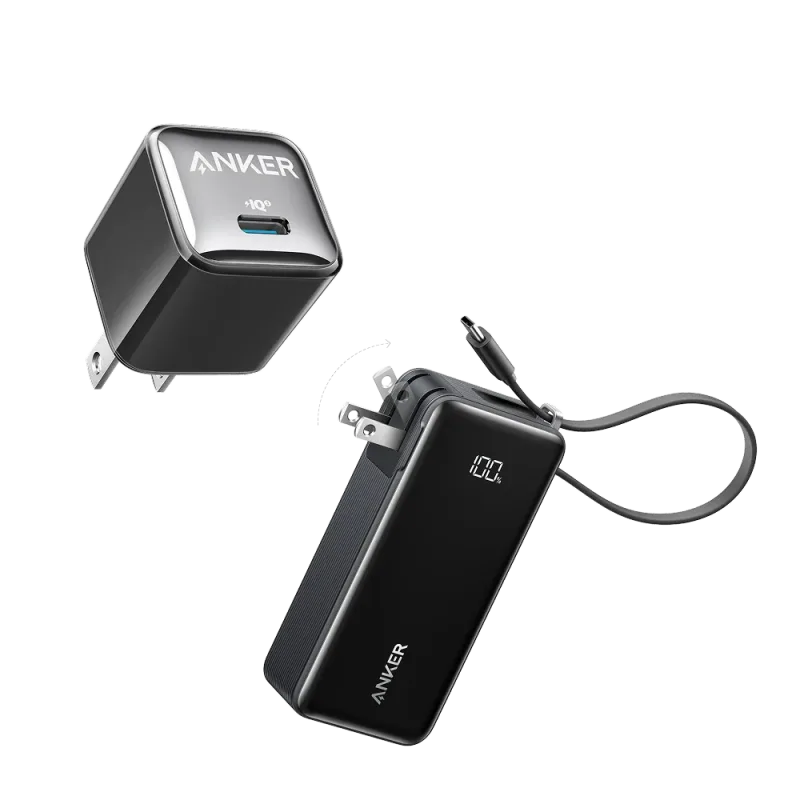
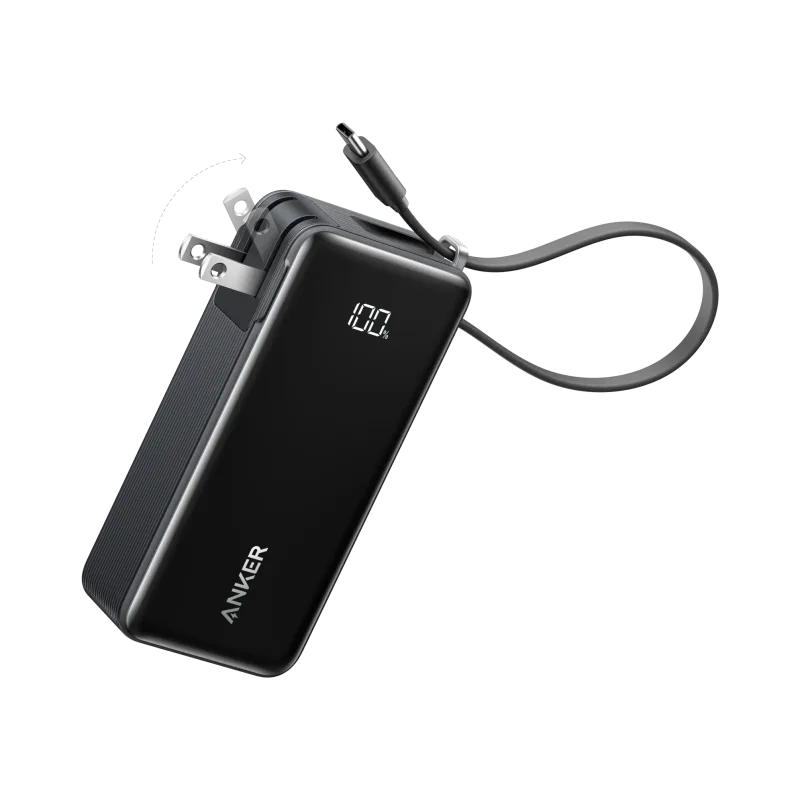
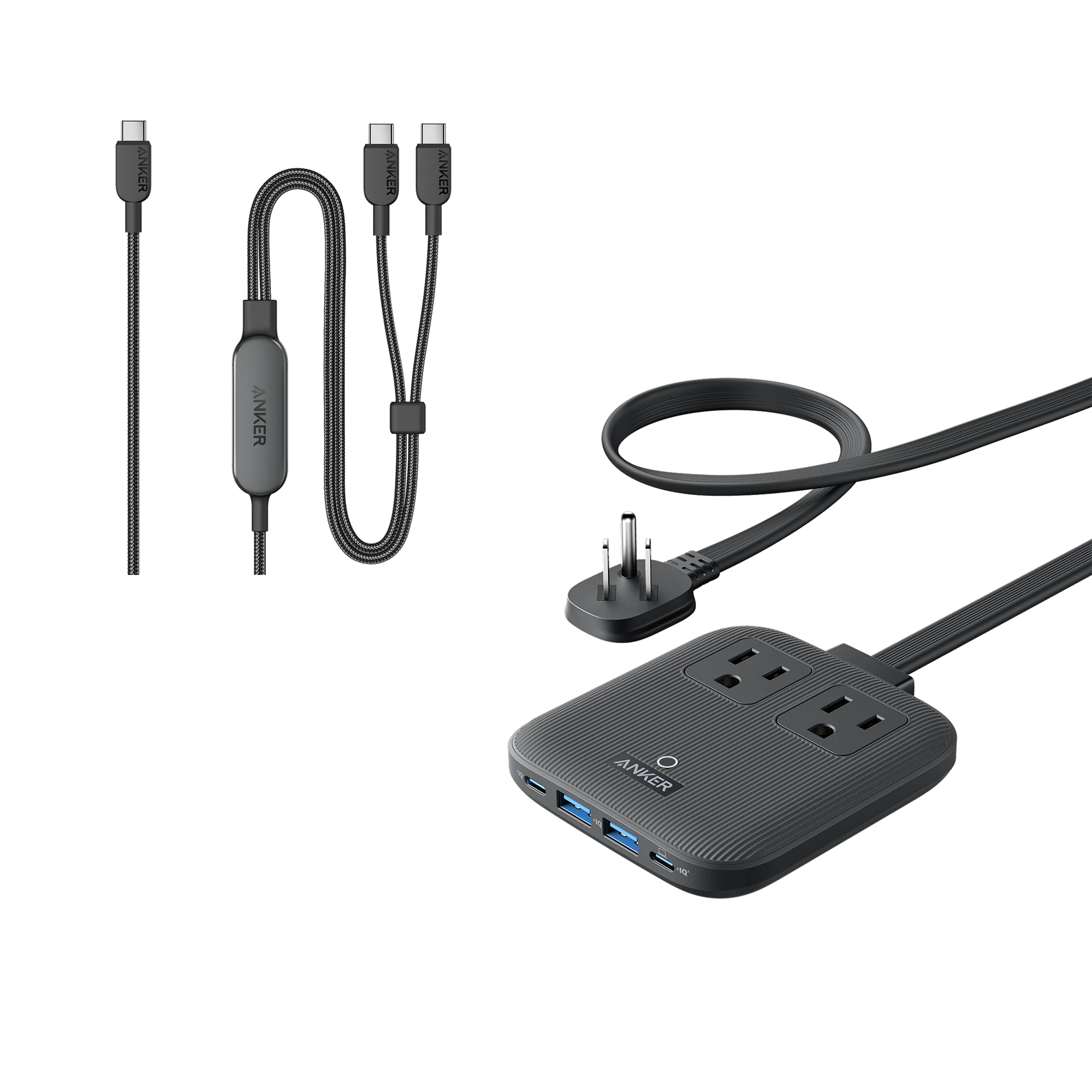
Wireless charging adds convenience—just place your phone on a pad or stand. The Anker Prime Wireless Charging Station (3-in-1, MagGo, AirCool, Dock Stand) charges your phone, earbuds, and watch simultaneously. For a car, the Anker Prime Wireless Car Charger (MagGo, AirCool, Pad) keeps your phone charged on the road. Power strips with built-in USB ports, like the Anker USB Power Strip (12-in-1, 35W), combine traditional outlets with fast USB charging. Bundles such as the Bundle kit: Anker Power Bank (10K, Fusion, Built-In USB-C Cable)and Anker Nano Charger (20W) offer a complete solution at a value.
With these options, you can tailor your charging setup to your lifestyle. Whether you need a single charger for travel or a full desk setup, Anker has you covered.