Why 250W output changes your travel bag
Most power banks top out around 20W or 30W, which is fine for a phone and useless for a laptop. The Anker Prime Power Bank 27K pushes 250W total, and that number matters because a 14-inch MacBook Pro needs roughly 96W to charge at full speed while a phone pulls 20W to 30W. Run both at once and you're still under the limit. I tested this on a three-hour train ride last month: laptop went from 18% to 74%, phone hit 100% twice, and the bank itself still had two bars left.
The trick is port allocation. The Prime 27K has two USB-C ports and one USB-A. Plug the laptop into the top USB-C port, the phone into the second USB-C, and you're splitting 250W intelligently. It's not a dumb split either; the bank negotiates with each device and adjusts. If you plug in a third gadget, the total output redistributes, so your laptop might drop to 140W. Still enough to keep it alive during a Zoom call.
Cables matter more than you think
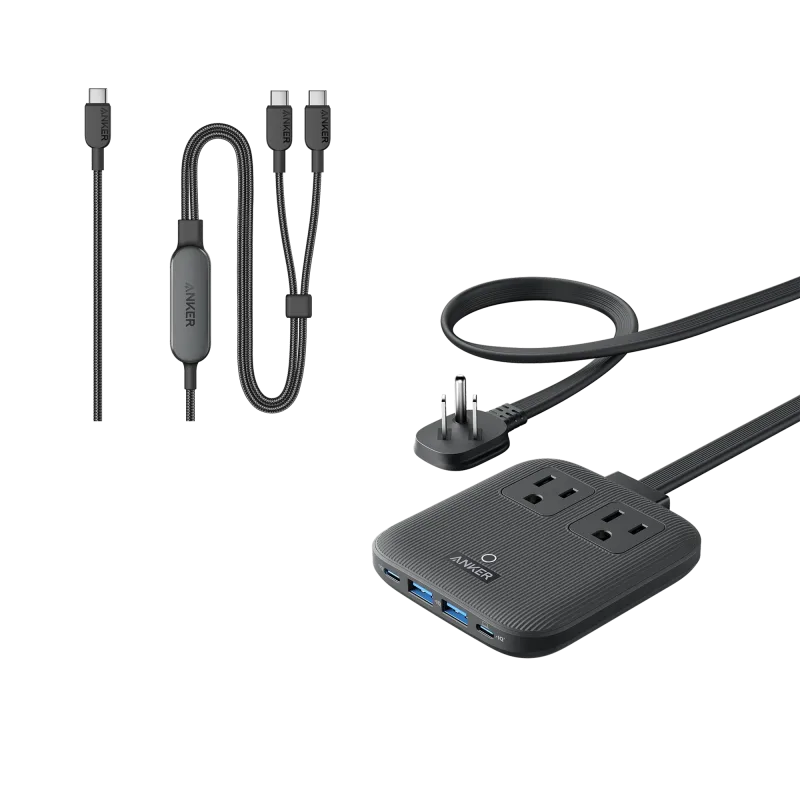
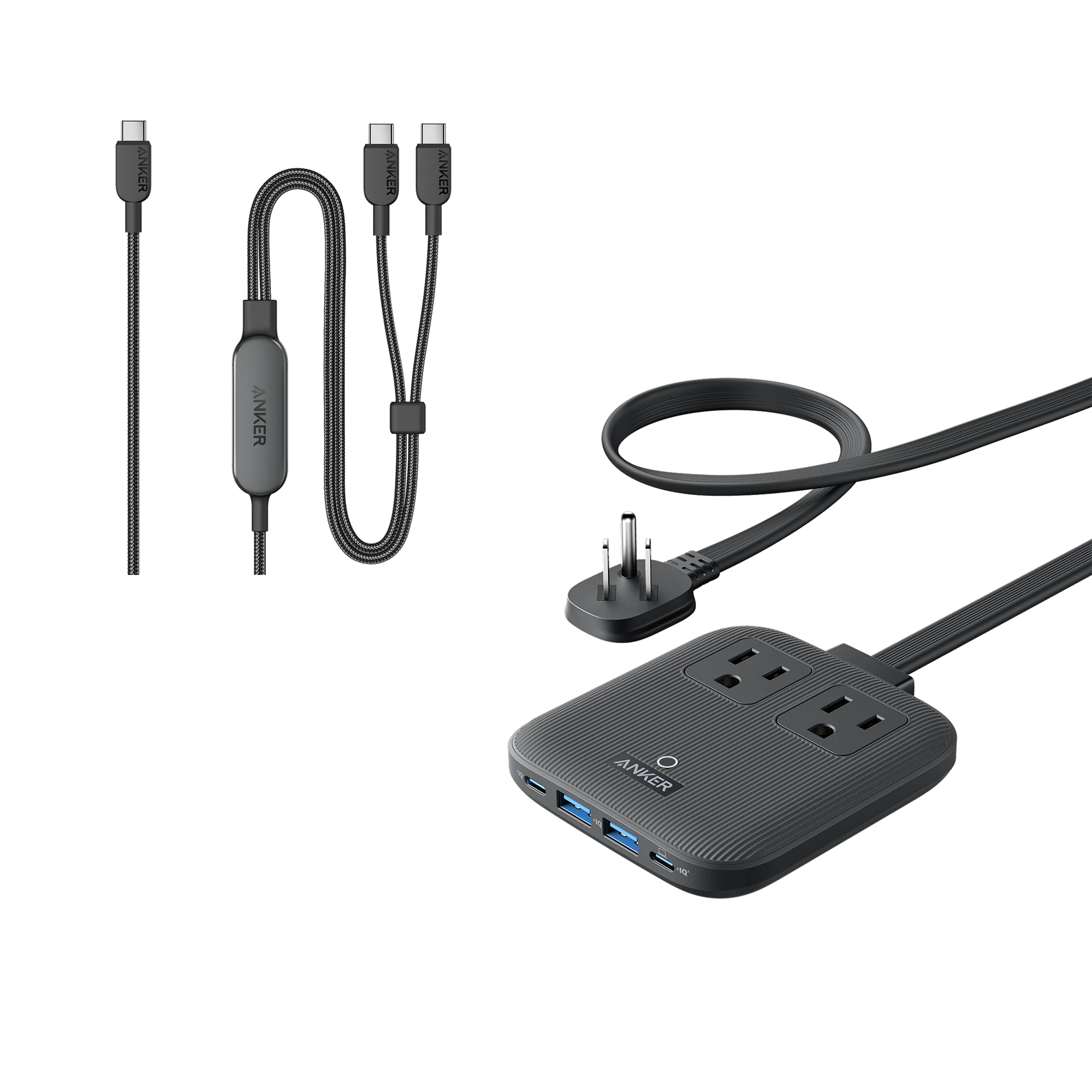
A 250W bank is only as good as the cable connecting it. The Anker 515 USB-C to USB-C Cable (Thunderbolt 4 Compatible) is the one to grab when you need data and power. It handles 40Gbps data transfer and 100W charging, so it works for a laptop that also needs to sync files. If you're just charging and want extra length, the Anker 543 USB-C to USB-C Cable (240W, 10 ft) is the better pick. Ten feet means you can leave the bank in your bag and still reach the outlet across the room. The 240W rating also future-proofs you for laptops that demand more than 100W.
Here's a common mistake: using a random cable from a drawer. Many older USB-C cables cap at 60W or even 18W. You'll wonder why your laptop trickle-charges despite the bank's 250W rating. Swap the cable and the problem disappears.
Desk setup vs. travel setup
At home, I keep the Anker Prime 27,650mAh Power Bank sitting on the Anker Prime Charging Base (150W, 3 Ports). The base charges the bank to full in about two hours, and the three ports let me top up my phone, earbuds, and the bank simultaneously. It's a small footprint on the corner of my desk, and I never hunt for a cable because everything stays plugged in.
When I leave the house, the bank goes in my backpack. For quick errands, I swap to the Anker 633 Magnetic Battery. It snaps onto the back of an iPhone and adds roughly 7,500mAh. Not enough for a laptop, obviously, but perfect for a phone that's running low while you're out to dinner. The magnet is strong enough that I've walked around a grocery store with it attached and never worried about it slipping.
For a two-day trip, I bring the Anker Nano Power Bank (10K, 45W, Built-In Retractable USB-C Cable). The built-in cable means one less thing to forget, and 45W is enough to charge a MacBook Air slowly while it's asleep. It won't keep up with heavy use, but it's a solid emergency backup.
When you need ports, not just power
Sometimes you're at a hotel desk with one USB-C port and a laptop, a monitor, and an Ethernet cable. That's where the Anker 575 USB-C Docking Station (13-in-1) earns its place. It adds HDMI, DisplayPort, USB-A, SD card slots, and Gigabit Ethernet. I've used it to set up a full workstation in a hotel room in under five minutes. The dock also passes through up to 85W of charging, so your laptop stays topped up while you work.
If you only need wired internet, the PowerExpand USB-C to Gigabit Ethernet Adapter is smaller and cheaper. Plug it into the Prime 27K's USB-C port? No, that won't work. The adapter needs a host device like a laptop or a dock. But it pairs well with the Anker Nano Docking Station (13-in-1, Triple Display, Built-In Removable Hub) when you want a semi-permanent setup. The removable hub means you can leave the cables connected and grab just the core piece for travel.
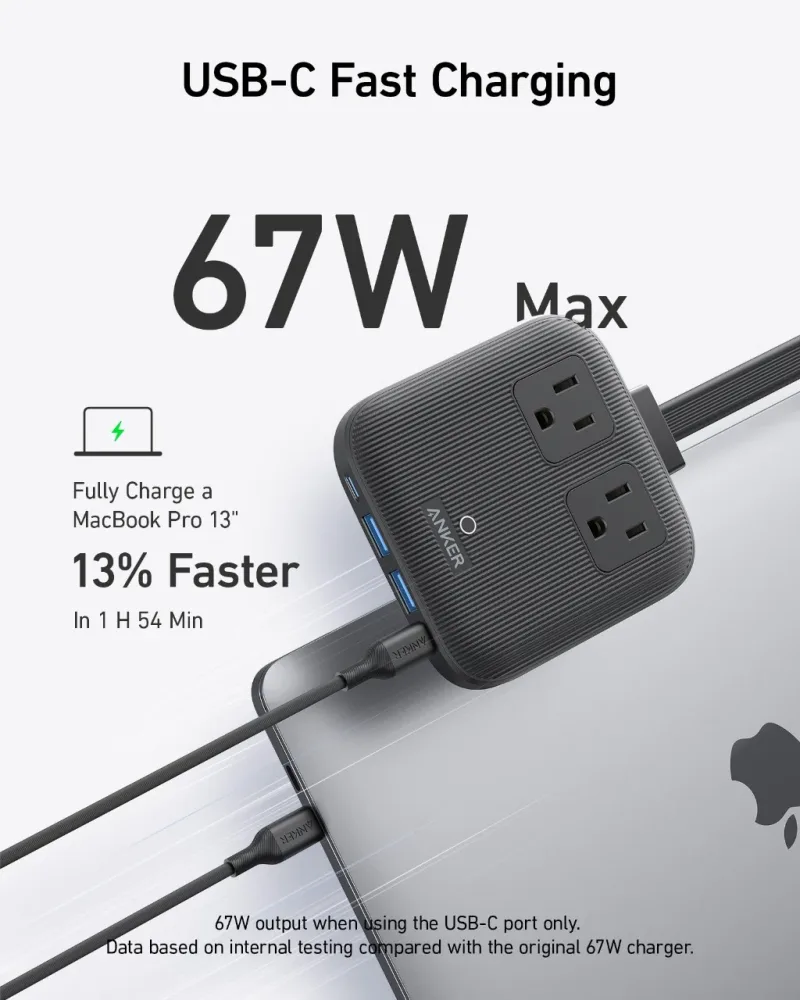
For a more permanent home office, the Anker Prime 6-in-1 Charging Station (140W) sits on a desk and charges a laptop, tablet, and phone from a single wall plug. It's not a battery, but it's the piece that keeps everything full before you leave.
Charging speed reality check
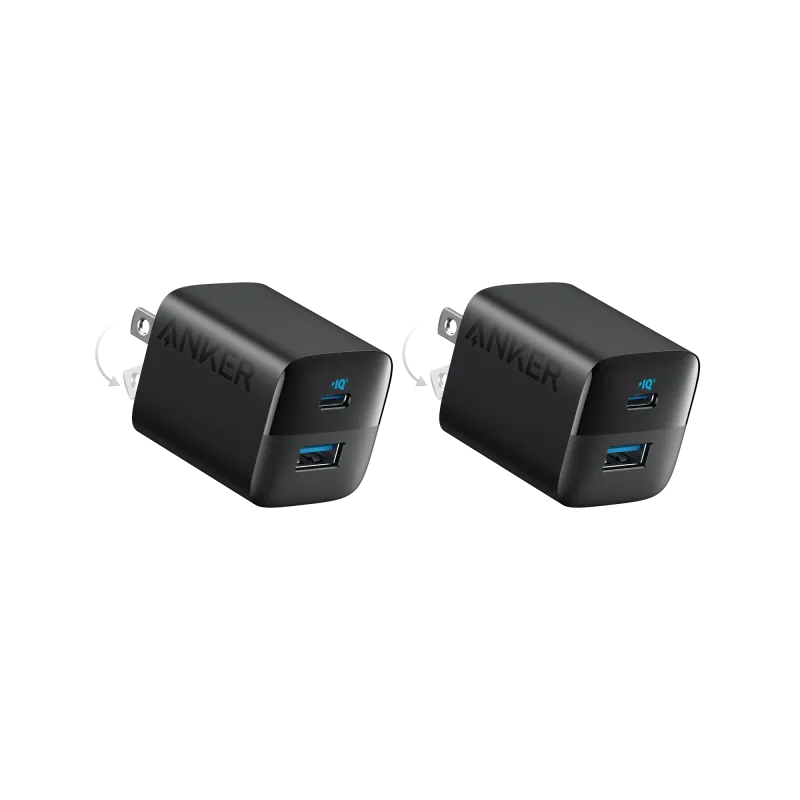
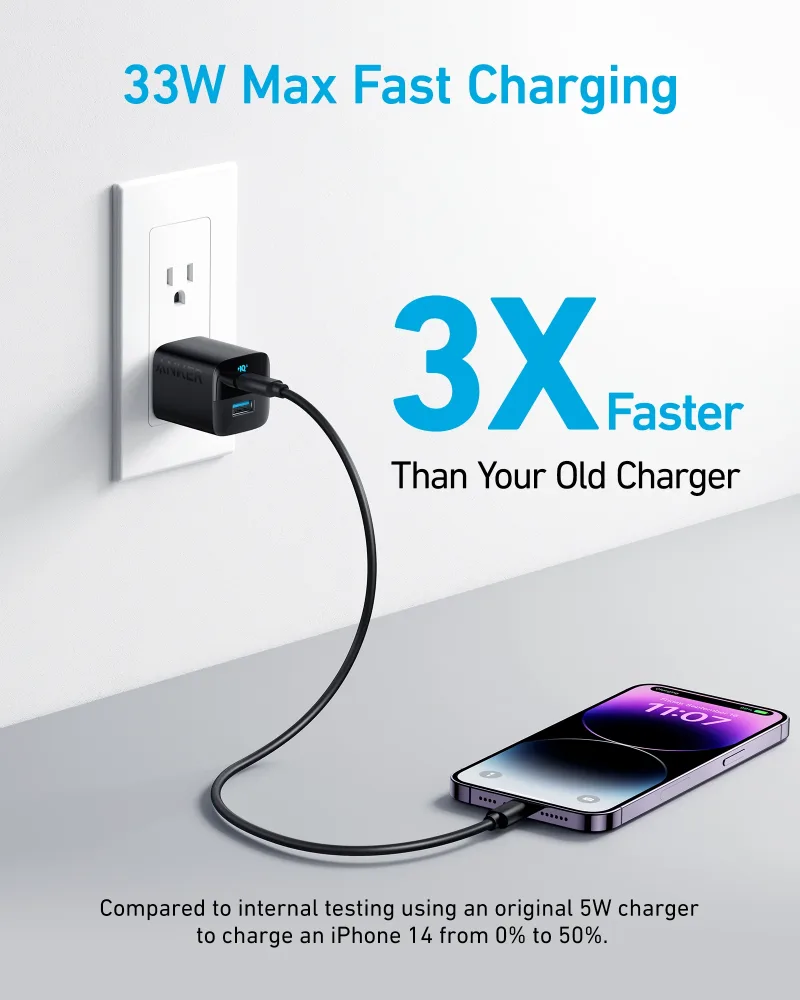
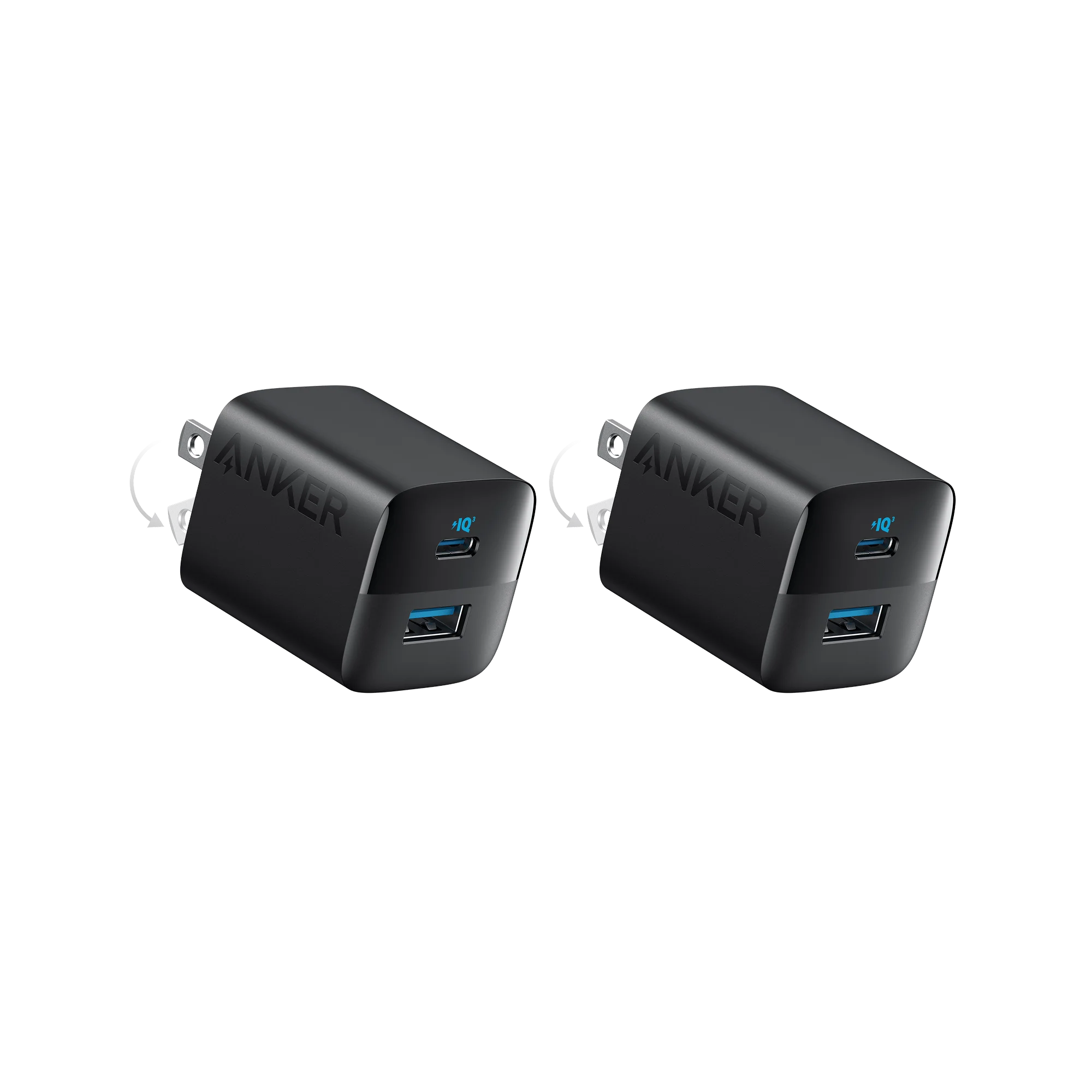
Not every charger can handle a laptop. The Anker 323 Charger (33W) is great for a phone or a tablet, but plug it into a 14-inch laptop and you'll see the battery drain slowly while you use it. It's fine for overnight charging when the laptop is closed. During actual work, it's not enough.
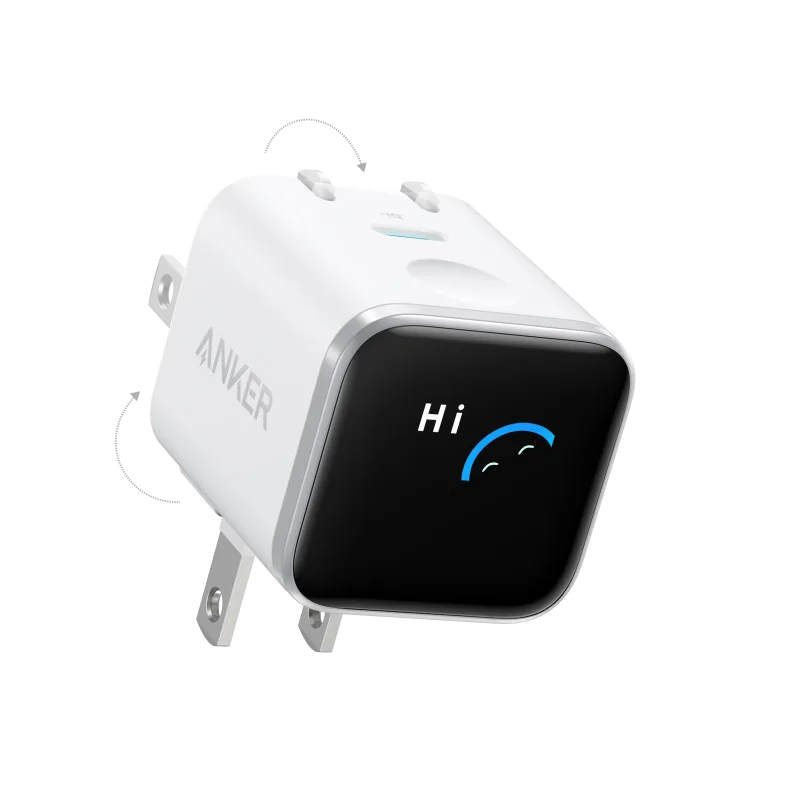
The Anker Nano Charger (30W) has the same limitation. I keep one in my travel bag for my phone, and it's perfect for that. But if you're counting on it to power a laptop through a full day, you'll be disappointed. The Anker Charger (100W, 3 Ports, Smart Display) is the smallest one I'd trust for a laptop. The display shows live wattage per port, which is oddly satisfying and also useful for spotting a bad cable.
One more thing: if you're charging a laptop and phone from the Prime 27K and the bank runs out, plug the bank into a wall charger while it's still powering your devices. The Anker Prime Charger (100W, 3 Ports, GaN) supports pass-through charging, so the bank recharges and your laptop keeps running. That's the setup I use at airport gates with a single outlet. It's not glamorous, but it works.