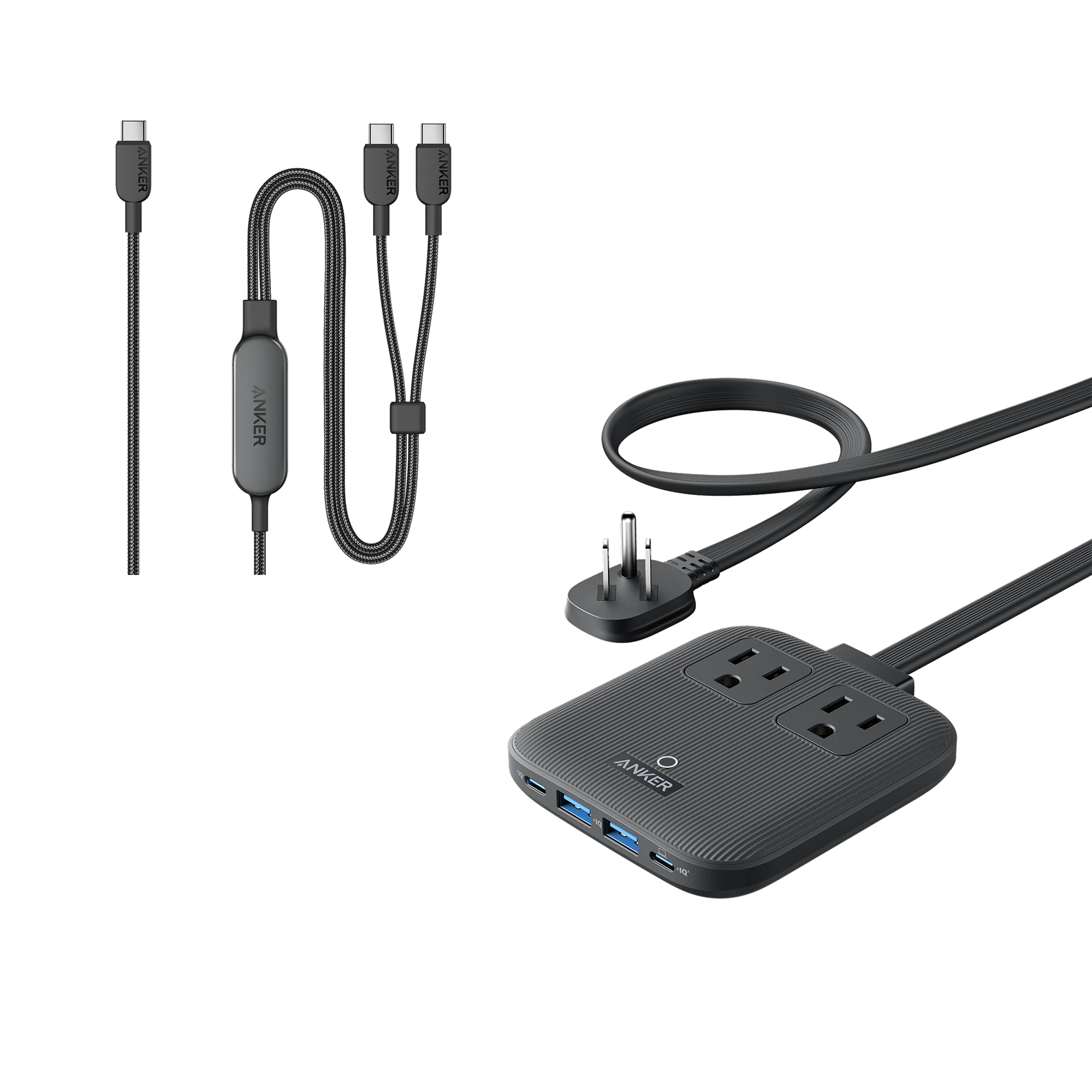
There's a specific moment when a single wall outlet stops being enough. It's 8:40 p.m., your MacBook Air is at 12%, your iPhone is at 9%, and you're flying out in the morning. One outlet, two dead devices. That's the problem worth solving.
Why one outlet rarely cuts it
A MacBook Air wants somewhere between 30W and 45W to charge at a decent rate. An iPhone wants 20W if you care about speed. Add both to a single-port charger and someone loses. Worse, if you plug a phone into a laptop's USB-C port, you're draining the laptop to top up the phone — the opposite of what you wanted.
The fix is simple: a charger with at least two USB-C ports and enough total wattage to split between them. A 35W charger can do a slow trickle on both. A 65W charger handles a laptop at full speed plus a phone. A 100W charger gives you headroom for a MacBook Pro, a phone, and a third device without anyone slowing down.
Multi-port chargers that actually do the job
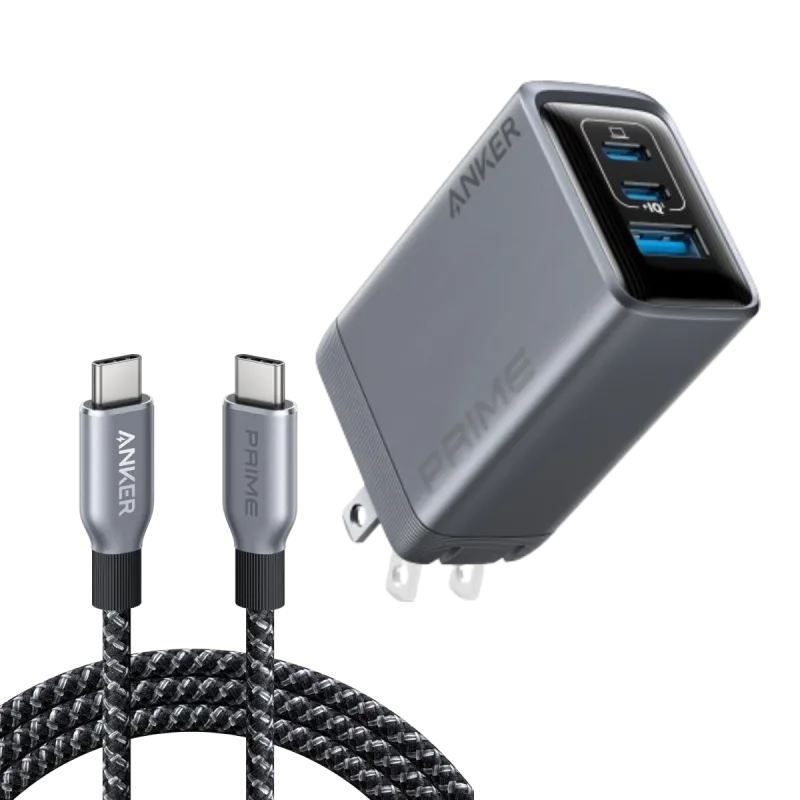
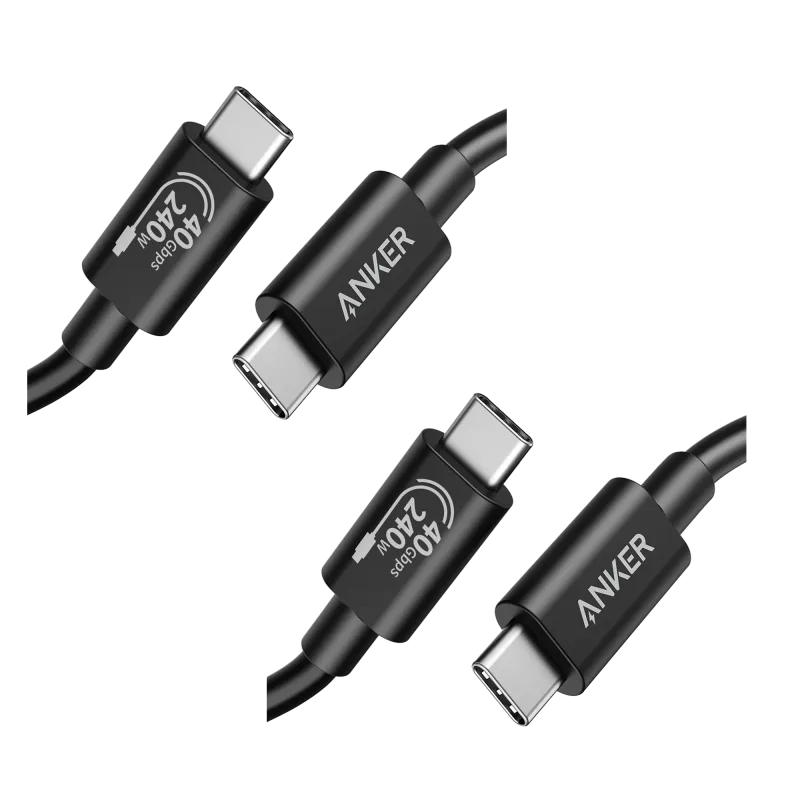
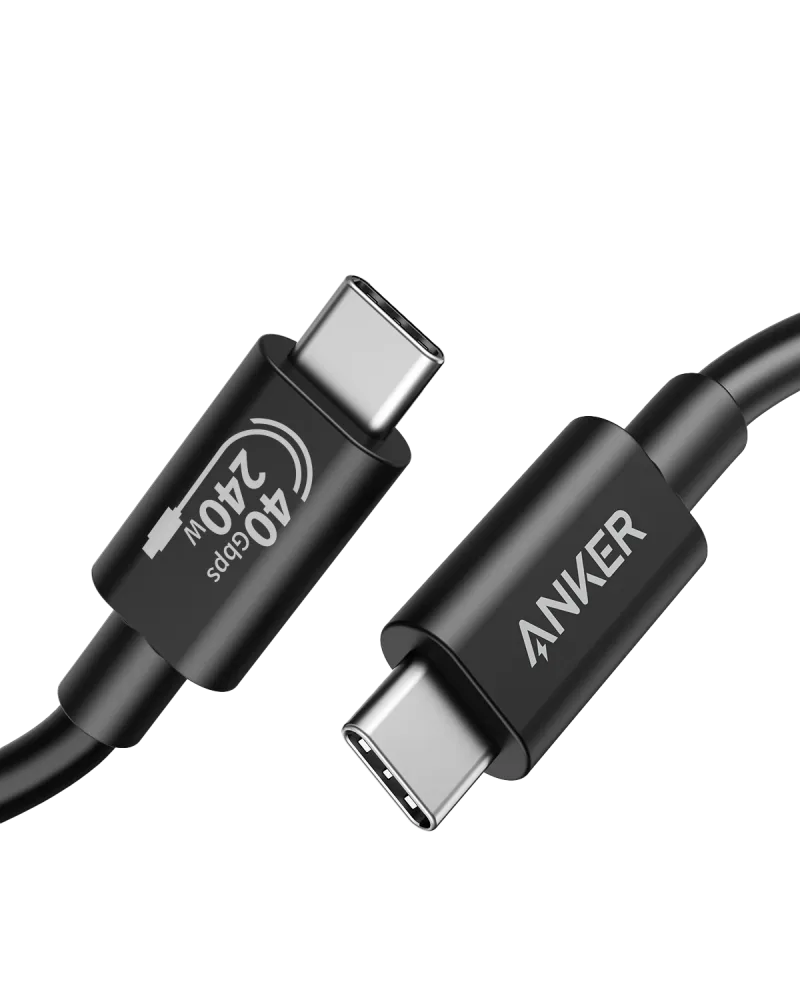
If you want one brick that travels in a bag pocket, the Anker Prime Charger (100W, 3 Ports, GaN) is the one I reach for first. GaN means the internals run cooler in a smaller shell, and 100W is enough to charge a 14-inch MacBook Pro at full speed while an iPhone pulls 20W from a second port. That bundle even ships with a 240W USB-C to USB-C cable, which matters more than people think — a cheap cable can throttle a fast charger.
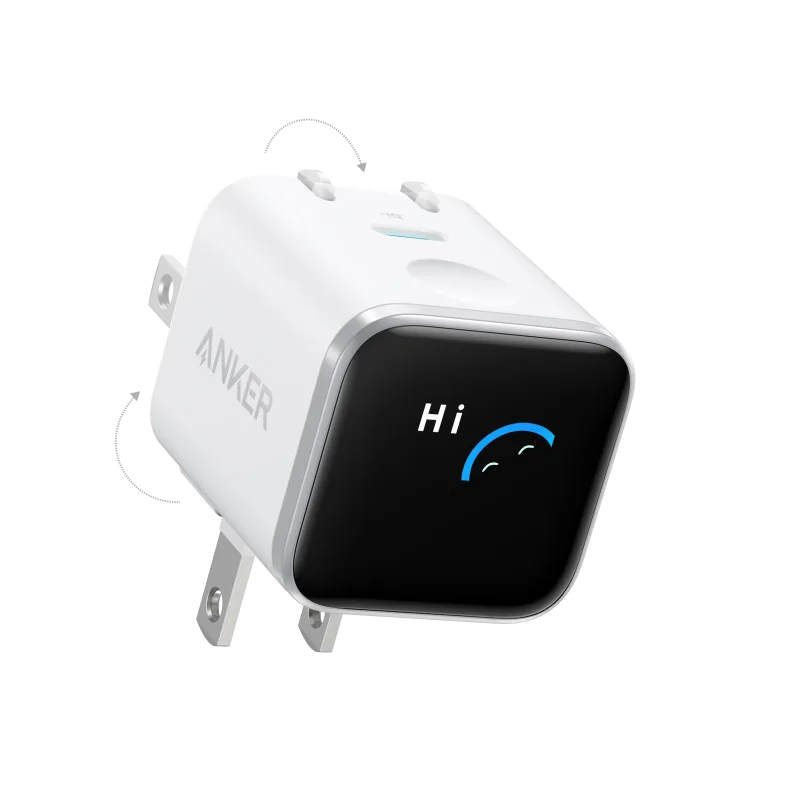
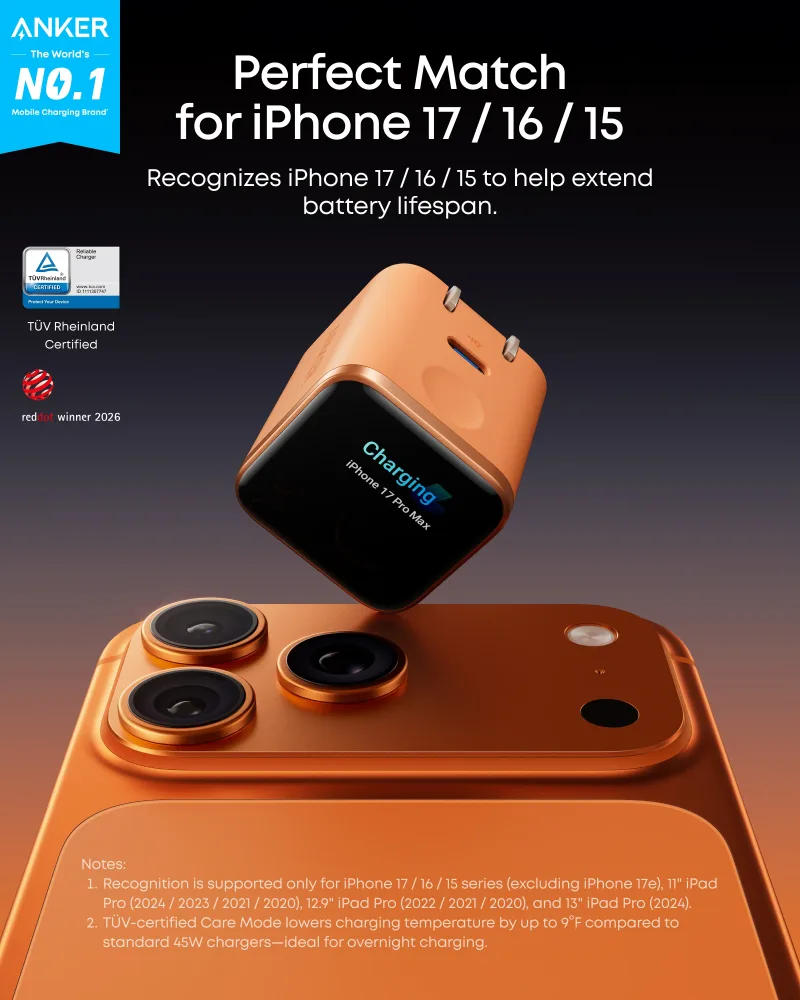
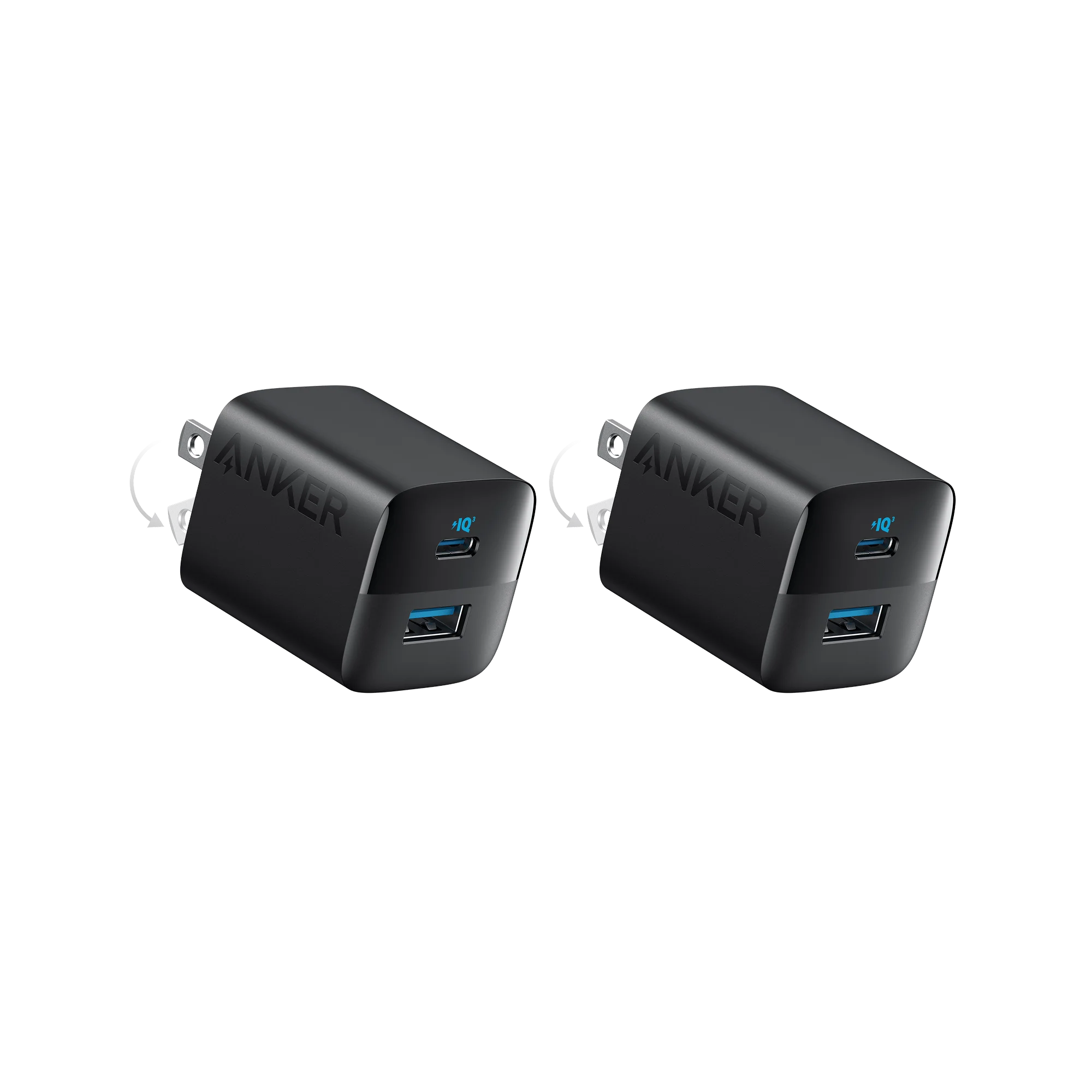
For a lighter setup, the Anker Nano Charger (45W, Smart Display, 180° Foldable) is the one I pack for weekends. The folding prongs mean it doesn't stab the inside of my bag, and the display shows real-time wattage so you can see when your phone drops from 20W to 5W near full charge. That last part is oddly satisfying.
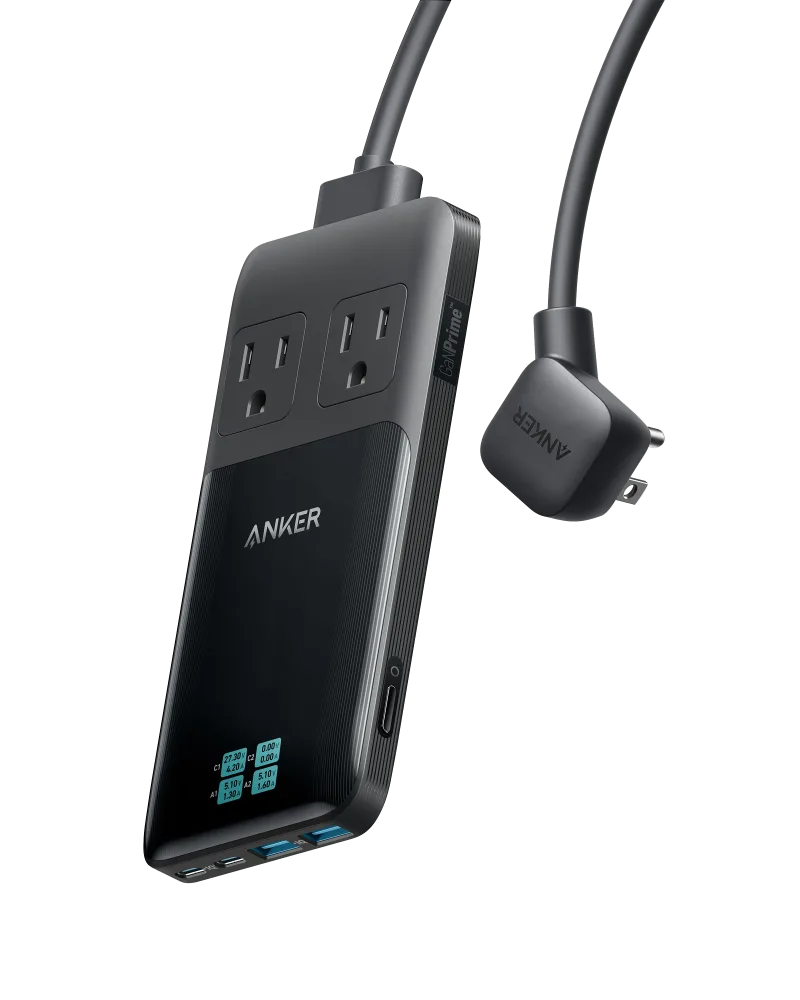
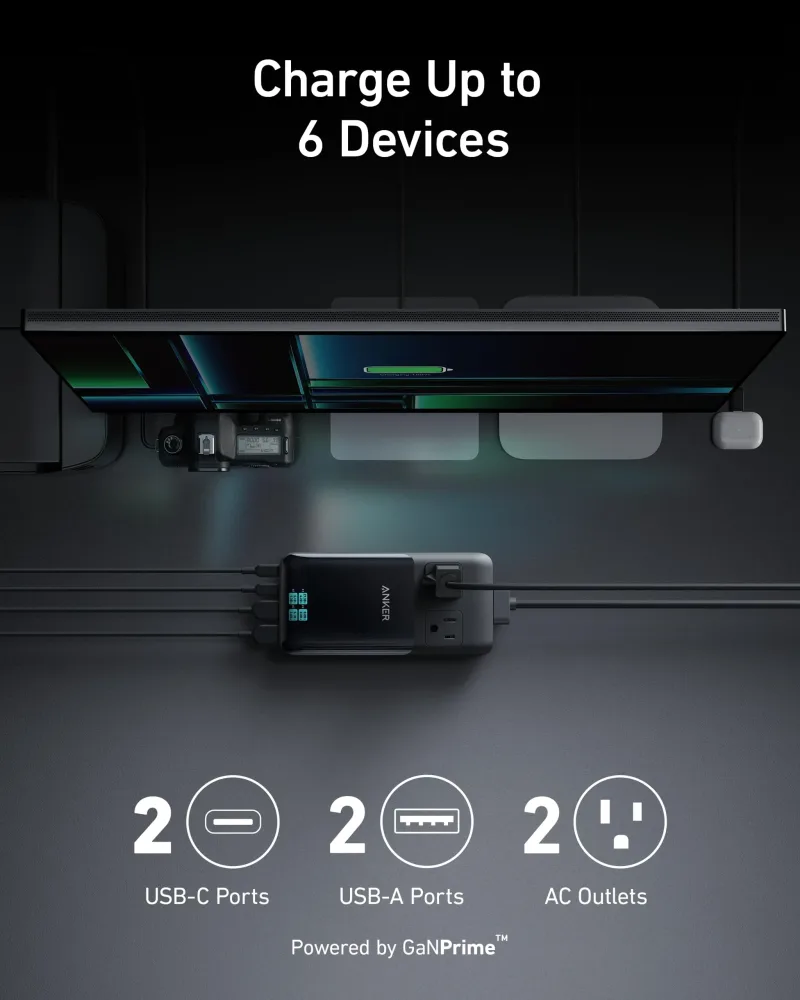
If you want a fixed desk setup instead of a loose brick, the Anker Prime 6-in-1 Charging Station (140W) gives you a single spot where a laptop, phone, AirPods, and a tablet all live. No cable hunting at 11 p.m. That alone is worth something.
The commute case: car charging
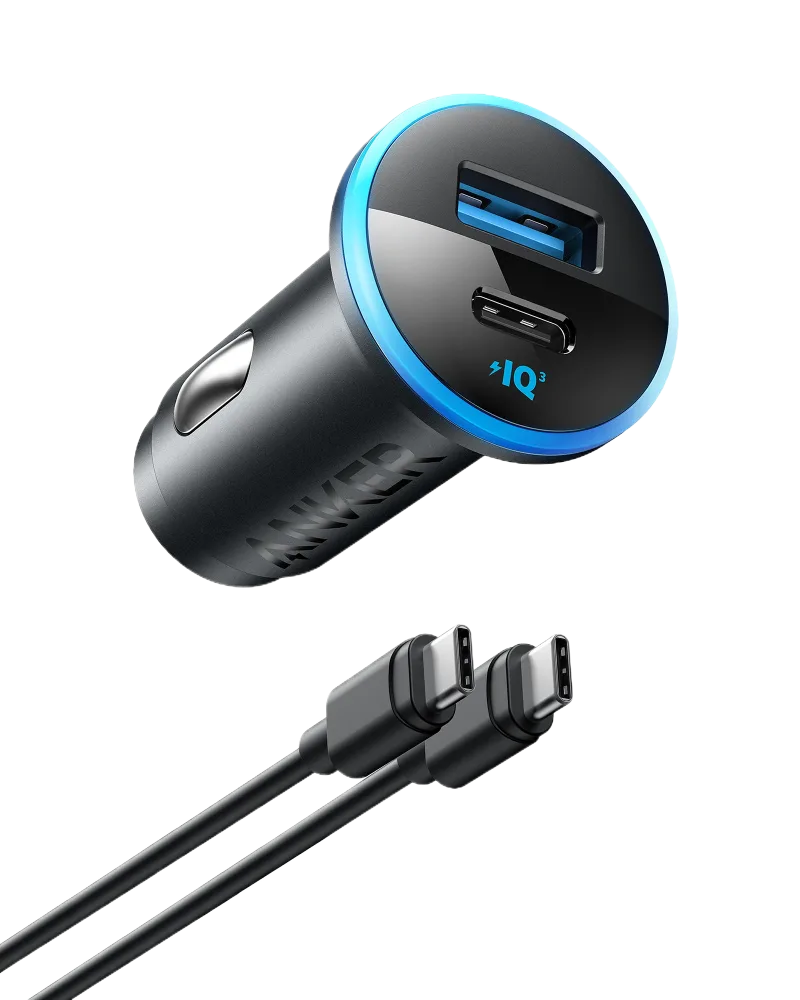
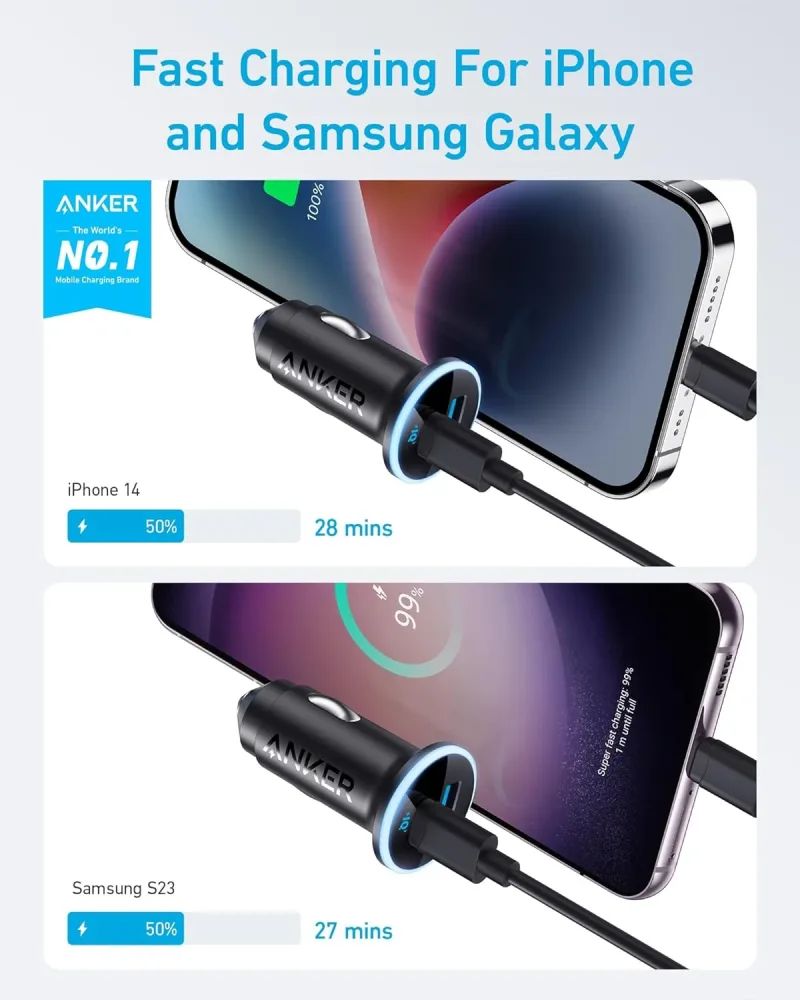
A 30-minute drive isn't dead time if you have the right car charger. A 20W charger adds roughly 15–20% to an iPhone in that window. A 52.5W unit like the Anker 323 Car Charger (52.5W) splits that output between two ports, so a passenger's phone doesn't get ignored.
If you're driving a newer car with MagSafe-style mounting, a wireless pad charger eliminates the cable entirely. You drop the phone on, and it charges. That's the whole interaction.
Cables that won't hold you back
This is where most people accidentally kneecap their setup. A 100W charger paired with a 60W cable charges at 60W. Buy the cable that matches the brick.
- Desktop, high-bandwidth work: a Thunderbolt 4 compatible cable like the Anker 515 USB-C to USB-C Cable (Thunderbolt 4 Compatible) handles data, video, and 100W power in one run — useful if you're docking a MacBook and don't want three cables on the desk.
- Everyday carrying: a silicone-jacketed cable like the Anker 643 USB-C to USB-C Cable (Flow, Silicone) doesn't kink and stays untangled in a bag. Small thing, big difference over two years.
- iPhone: you need USB-C to Lightning for anything older than an iPhone 15. Make sure the cable is rated for at least 20W or you're leaving speed on the table.
When there's no outlet at all
Airports, trains, conference halls — outlets are a lottery. A power bank with enough output to charge a laptop is the difference between working and not working.
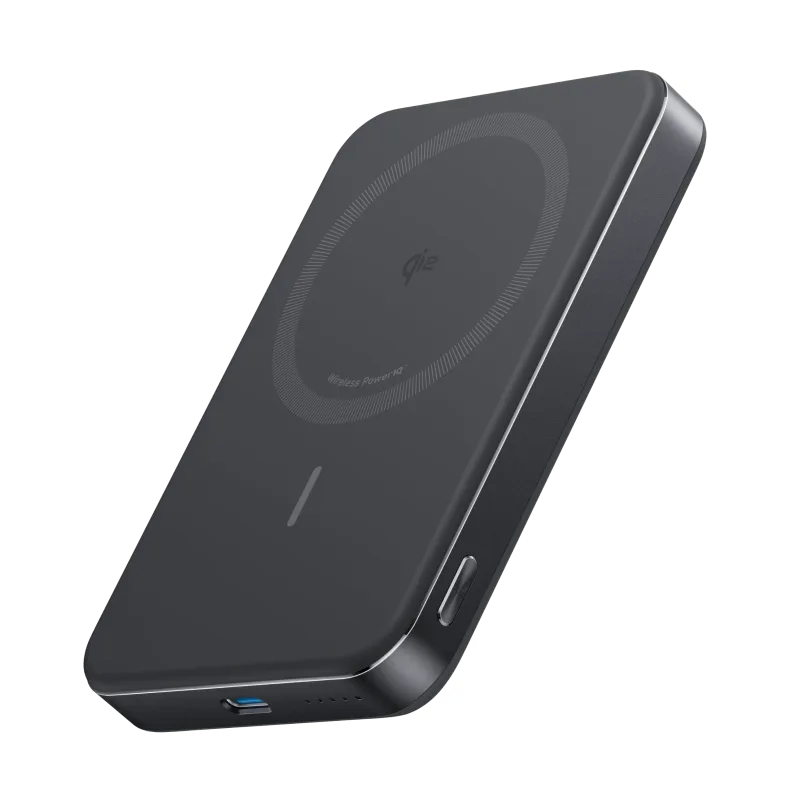
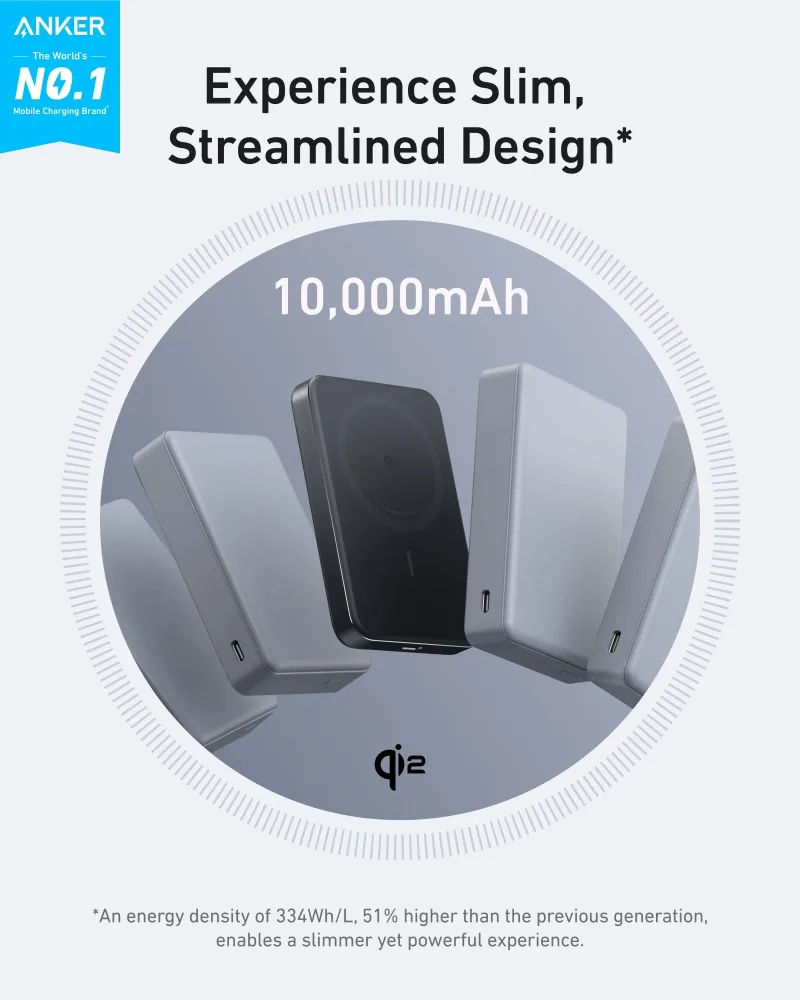
For phone-only days, the Anker MagGo Power Bank (10K, Slim) snaps onto the back of a MagSafe iPhone and tops it up without a cable. It's thin enough to leave attached while you use the phone, which is the point.
For laptop days, you want something in the 20,000mAh range with 65W+ output — enough to push a MacBook Air from 10% to roughly 60% before the bank is empty. A 250W-class power bank will do a full laptop charge and still have room for a phone. Check the output wattage on the USB-C port, not just the battery capacity. Capacity tells you how long. Wattage tells you whether it'll charge the laptop at all.
Two checks before you buy anything
Add up the wattage your devices want. MacBook Pro 14-inch: 96W. MacBook Air: 30–35W. iPhone: 20W. iPad Pro: 30W. That total is your floor, not your target — a charger running at 100% capacity runs hot and lasts less time.
Then look at the port count and how the charger splits power. A three-port 100W charger usually gives the laptop 65W and divides the rest. Read the spec sheet, because the split changes depending on how many devices are plugged in. It's the detail that decides whether your laptop actually charges fast or just holds steady while you work.